
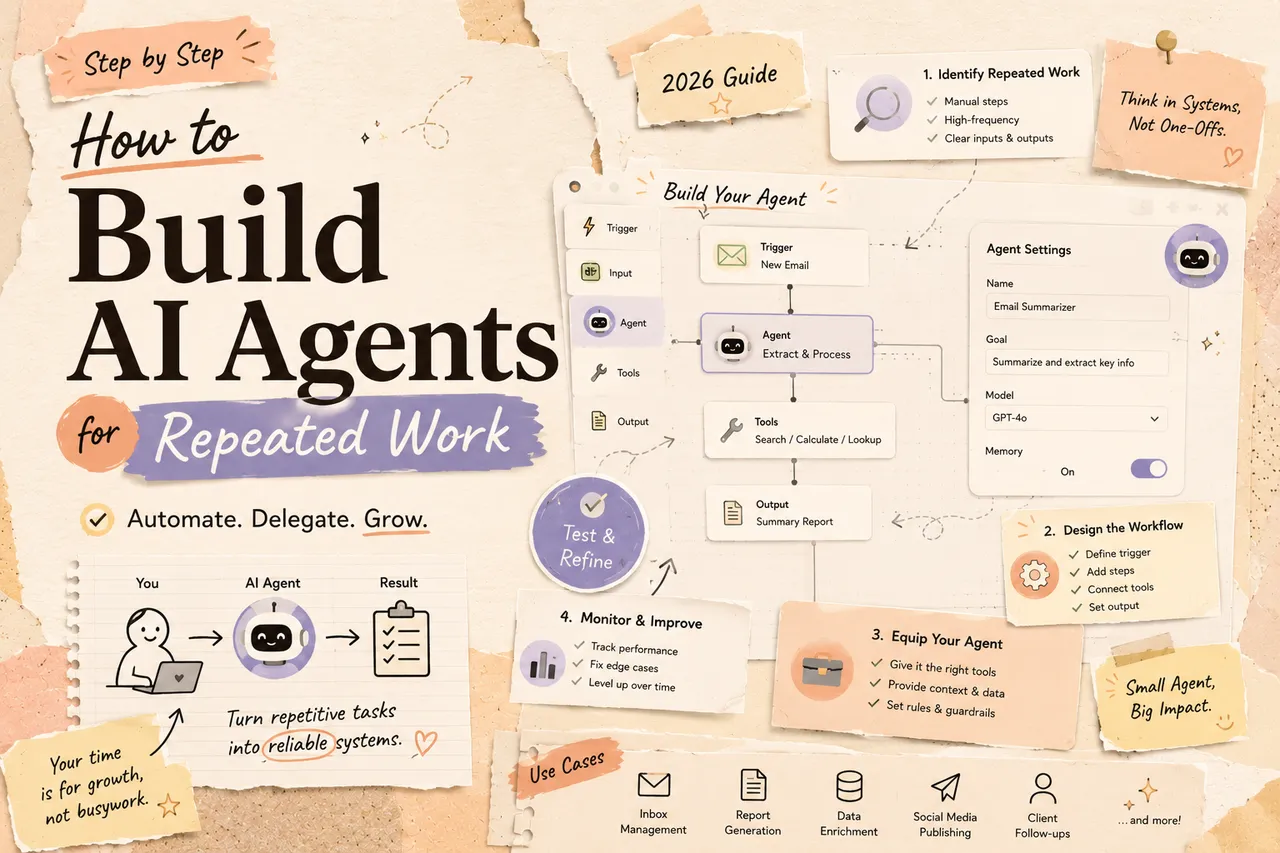
The best repeated-work agent is not the one with the most autonomy. It is the smallest system that can complete a defined job, show its evidence, stay inside its authority, and stop safely when the job no longer matches its instructions.
This guide takes one example all the way through: turning a support ticket into a categorized, evidence-backed reply draft. The same method applies to document intake, lead enrichment, meeting follow-up, weekly reporting, and other recurring work.
Before building: decide whether you need an agent
Anthropic distinguishes workflows, where code determines the path, from agents, where a model chooses its steps and tools. Its building effective agents guide recommends starting with the simplest workable approach because agentic systems exchange latency and cost for flexibility.
Use this ladder:
- Template or rule: the input and transformation are fully predictable.
- Single model call: the task requires interpretation but no external action.
- Deterministic workflow with an AI step: the path is fixed; the model classifies, extracts, or drafts.
- Agent: the number or order of steps cannot be known in advance, and the model must choose among tools.
- Agent Workspace: the work is exploratory and a person needs to review sources, intermediate files, and changing outputs.
A support reply often needs level three, not four. The trigger, customer lookup, policy lookup, schema validation, and approval can remain deterministic; the model can classify the request and draft a response. Add agentic tool choice only when a fixed retrieval path is genuinely insufficient.
Step 1: choose a task with a verifiable finish line
A useful candidate has recurring inputs, a stable business goal, a verifiable result, narrowly scoped tools, reversible early outputs, and enough volume to justify maintenance.
“Handle support” is too broad. “For billing tickets, retrieve the customer and invoice, select the relevant policy, and draft a reply for an agent to approve” is buildable.
Do not start with work whose success depends on unstated taste, conflicting owners, irreversible actions, or facts that cannot be retrieved reliably.
Step 2: write a task contract
Before choosing a framework, write the operating contract:
| Contract field | Support-draft example |
|---|---|
| Trigger | New ticket tagged billing |
| Required input | Ticket text, customer ID, invoice ID |
| Allowed sources | CRM, billing ledger, approved policy library |
| Allowed tools | Read customer, read invoice, retrieve policy, create draft |
| Output | JSON classification plus reply draft with evidence links |
| Approval | Support agent must approve before send |
| Stop conditions | Missing ID, conflicting records, no applicable policy, suspected fraud |
| Forbidden actions | Sending, refunding, deleting, changing account access |
This document is the agent’s boundary and the basis for tests. Keep it in version control or another durable system, rather than only inside a builder UI.
Step 3: design tools as narrow contracts
A tool connects a non-deterministic model to a deterministic system. It needs a clear name, purpose, input schema, output schema, error behavior, permission scope, timeout, and audit record.
Prefer a “get invoice by ID” tool over unrestricted database queries; a “create reply draft” tool over a general email tool; and a “request refund review” tool over a direct refund action.
Anthropic’s tool-design guidance warns that overlapping or vague tools make selection harder. Return only the context needed for the next decision, but include stable identifiers and source timestamps so the run can be audited.
For every write tool, decide whether it is idempotent. If the same call arrives twice after a retry, it should not create two refunds, two tasks, or two emails.
Step 4: separate instructions, context, and state
These are different things:
- Instructions define the job, rules, and output format.
- Context is the high-signal information needed for the current decision.
- State records what has already happened in this run and across runs.
Do not load an entire knowledge base into every request. Retrieve the relevant policy, record its identifier and version, and pass the smallest useful excerpt. Anthropic’s context-engineering guidance recommends curating high-signal context and avoiding bloated, ambiguous tool sets.
State should include a run ID, input version, completed steps, tool results, pending approval, final outcome, and side-effect identifiers. This is what lets an operator inspect and resume a failed run.
Step 5: put approvals before consequences
| Action class | Examples | Default treatment |
|---|---|---|
| Read | Retrieve a ticket or policy | Allow within scoped access |
| Draft | Create a reply or proposed task | Allow, log, and review |
| Reversible write | Add a label or draft record | Allow only after pilot controls |
| Consequential write | Send, publish, pay, delete, change permissions | Require explicit approval |
An approval must occur before the tool call, show the proposed action and supporting evidence, expire after a defined period, and record who approved it. Define what happens on rejection or timeout.
Treat content from tickets, email, documents, and web pages as untrusted data. It can contain instructions intended to redirect the agent. Source content should not be allowed to redefine system rules or tool permissions.
Step 6: build the smallest execution loop
A minimal loop is enough:
- Validate the input.
- Load the task contract and current state.
- Retrieve only relevant context.
- Ask the model for the next action in a structured format.
- Validate the proposed tool and arguments against policy.
- Execute or pause for approval.
- Record the event and result.
- Continue until success, safe stop, or budget limit.
- Run a final deterministic validator.
Set maximum turns, tool-call limits, timeouts, and cost limits. A stop with a clear reason is a valid outcome; endless retries are not resilience. If the path is known, implement it as a workflow rather than letting the model rediscover it on every run.
Step 7: build an evaluation set before deployment
Use historical cases representing normal work and failure edges. Include missing identifiers, duplicate events, conflicting records, outdated policies, unavailable tools, prompt injection inside source text, requests outside policy, interrupted runs, and data changed between read and write.
Each case needs expected facts, allowed actions, forbidden actions, and an acceptance rubric. Anthropic’s agent eval guidance emphasizes evaluating the full trajectory—tool calls and state changes—not only the final answer.
Measure task correctness, evidence completeness, tool and argument selection, forbidden-action rate, human correction time, recovery without duplicate effects, latency, and cost per accepted outcome. There is no universal safe accuracy threshold; the required bar depends on consequence and human review.
Step 8: deploy in stages
Start with offline evaluation. Then run shadow mode, where the agent sees real inputs and produces results without external writes. Next, allow drafts or another reversible action. Only then consider higher-impact tools, still with explicit approval.
Review every failure by category: bad input, missing context, ambiguous instruction, wrong tool choice, tool failure, permission denial, model error, or weak validator. Changing the model helps only some categories.
Step 9: make every run observable
A production run should answer which input and instruction versions were used; what context was retrieved and when; which tools and arguments were proposed and executed; what each tool returned; where approval occurred; why the run stopped; and what it cost.
Alert on repeated retries, tool-error spikes, approval backlog, unusual cost, stalled sessions, and attempted forbidden actions. Sample successful runs as well as failures; a system can drift while still returning HTTP 200.
Step 10: design failure recovery
Define retry rules for transient errors, a dead-letter queue, checkpoint and resume behavior, idempotency keys for writes, rollback procedures, an operator handoff containing state and evidence, and a kill switch.
Test recovery deliberately. Interrupt the run after a read, after approval, and immediately before and after a write. Rotate a credential during execution. Replay the same trigger. The system should fail closed and avoid duplicate consequences.
When not to build the agent
Stop or choose a simpler approach when the task contract cannot be written without “use judgment” at every step; authoritative data is unavailable; no one owns approvals and incidents; the only tool has excessive authority; output cannot be evaluated; the task changes faster than it can be maintained; or expected benefit does not cover review and operations.
For a fixed app-to-app process, use a workflow builder; see the no-code agent builder selection guide. For changing, artifact-heavy work that needs active human direction, compare workflow builders with an AI workspace. For the execution layer, read what an agent harness does.
Production-readiness checklist
- One named task owner and one operational owner
- Versioned task contract and tool schemas
- Least-privilege credentials
- Approvals before consequential actions
- Evaluation cases covering normal and adversarial inputs
- Full run logs with source and side-effect IDs
- Tested retry, resume, rollback, and kill switch
- Dashboards for quality, intervention, cost, and latency
- Scheduled review for policy, connector, model, and prompt changes
The build sequence is straightforward: narrow the job, formalize the contract, expose small tools, control state, insert approvals, evaluate trajectories, deploy gradually, observe every run, and rehearse recovery. That is how a repeated task becomes an operable agent rather than a prompt attached to production credentials.
Related posts
DeepSeek DSH Superagent: From GitHub Requests to Agent Workflows
Understand how DeepSeek's DSH Superagent prototype turns authorized GitHub and Feishu requests into coding tasks, and which workflow…
What Is Gemini Agent? Google's Universal Work Agent Explained
Gemini Agent is Google's universal work agent for persistent tasks, multi-agent coordination, model routing, and work across business…
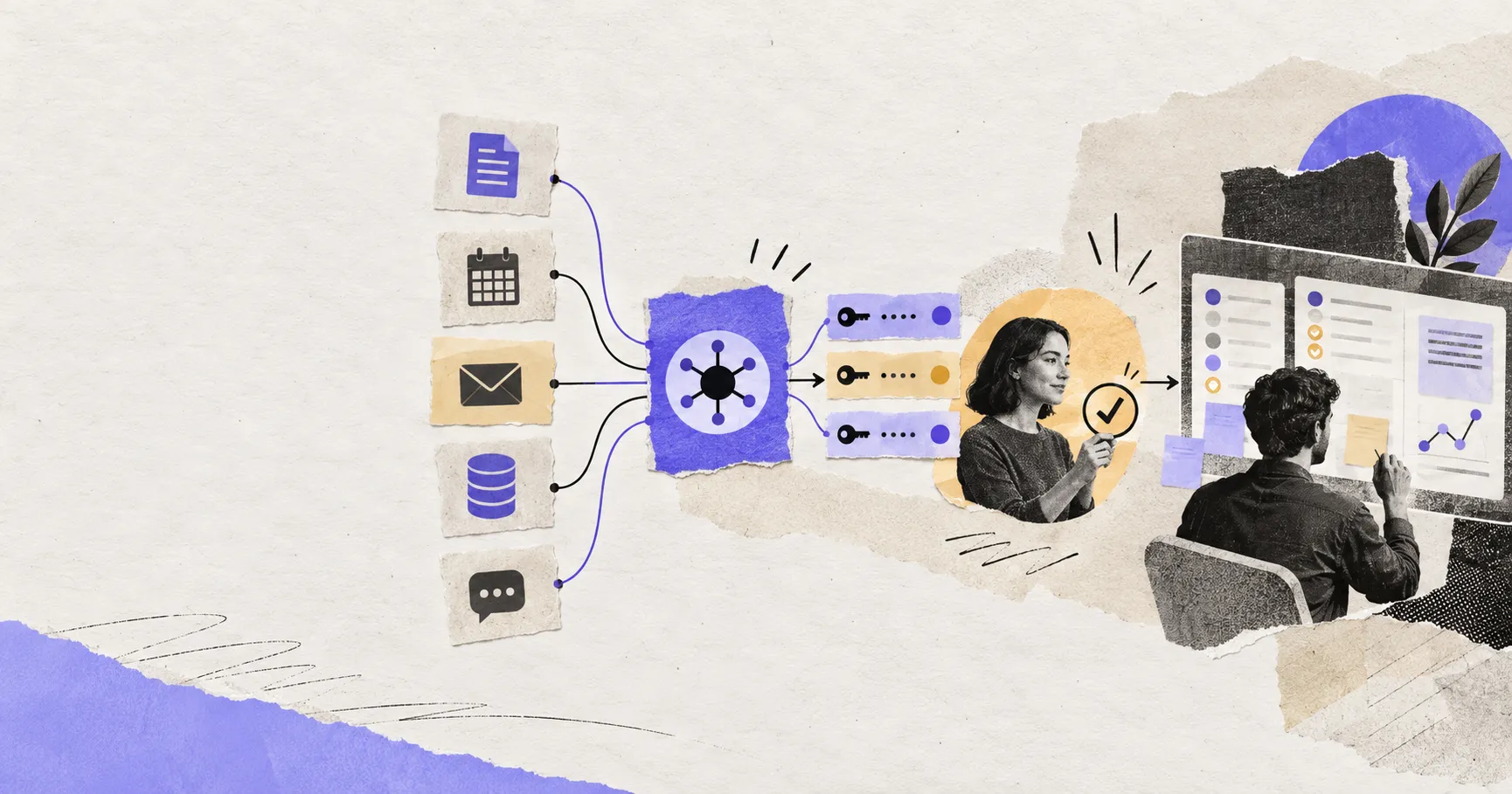
AI Agent Connectors Explained: MCP, OAuth, and Permissions
Learn how AI agent connectors use MCP, OAuth, scopes, resource permissions, and approval gates—and how to evaluate a connector before it…
https://floatboat.ai/blog/how-to-build-ai-agents-for-repeated-work