
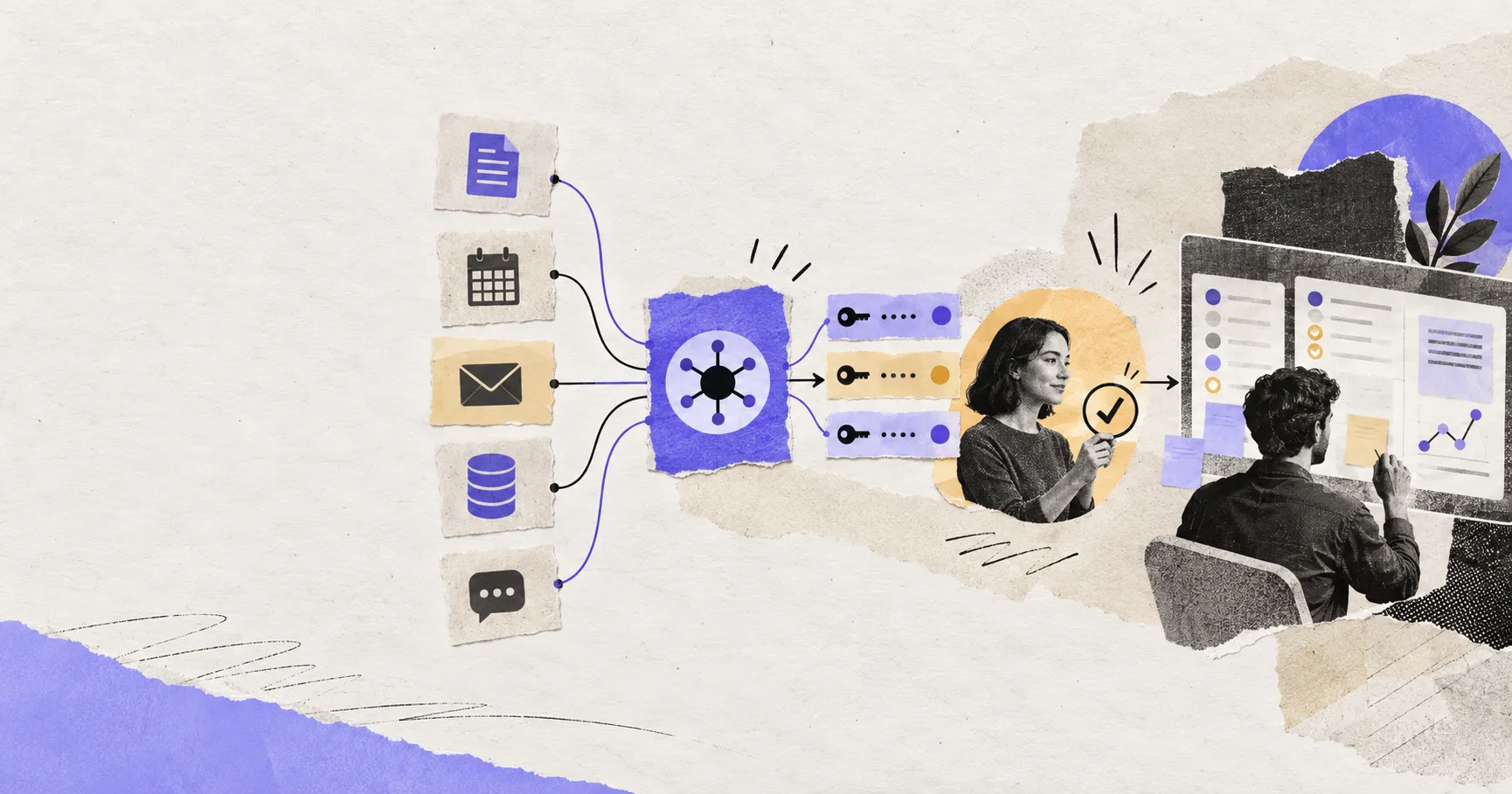
An AI agent connector lets an agent reach an external system such as Gmail, Google Drive, Notion, Slack, GitHub, or a local database. But “connected” can mean anything from searching public records to deleting production data. The useful question is not whether a connector exists. It is what identity, data, tools, permissions, and approval rules travel through it.
The connector stack in plain language
A production connector usually has five layers:
- The service holds data and exposes actions.
- The connector or MCP server turns those actions into tools the agent can call.
- OAuth lets a user authorize access without giving the agent a password.
- Scopes and service permissions limit which data and actions the token permits.
- The agent host decides which tools are visible, when approval is required, and what gets logged.
MCP, OAuth, and permissions solve different problems. MCP describes how an AI application discovers and calls tools. OAuth establishes delegated access for a user. Permissions and scopes determine what the resulting credential can actually do.
MCP is the tool contract
The Model Context Protocol gives hosts a common way to discover resources and invoke tools exposed by a server. That reduces one-off integration work and allows the same server to support multiple compatible agent clients.
MCP does not automatically make a tool trustworthy. A server can expose read-only search, destructive actions, or misleading tool descriptions. The host still needs server trust, input validation, logging, and a policy for consequential actions.
OAuth is delegated identity
OAuth lets a user grant limited access to an application without sharing the account password. In an authenticated MCP connection, the client discovers authorization metadata, sends the user through a consent flow, receives an access token, and attaches that token to later tool requests.
The MCP authorization guidance aligns with OAuth 2.1 patterns such as authorization code with PKCE, issuer and audience validation, and protected-resource metadata. These details are not decorative. They help prevent a token issued for one server from being replayed against another.
Scopes are necessary but not sufficient
A scope might allow reading files, modifying mail, or managing calendar events. Use the narrowest scope that supports the task. However, a narrow scope can still expose sensitive information, and a broad account role can make a modest-looking scope powerful.
Evaluate access at three levels:
| Level | Question |
|---|---|
| Identity | Which user or service account is the agent acting as? |
| Capability | Which tools and scopes are available? |
| Resource | Which folders, projects, channels, or records can that identity reach? |
Read access and action access are different products
A search connector can retrieve context. An action connector can send email, update records, publish content, or delete files. Those should not share the same default approval policy.
Useful controls include read-only tool annotations, destructive-action flags, per-tool authorization, explicit confirmation, dry runs, idempotency keys, audit logs, and reversible operations. Authorization must be enforced by the server on every request; the model should never be trusted to decide whether the user has access.
Remote and local connectors
Remote connectors serve cloud applications and can usually work across web, mobile, and desktop. Local connectors reach folders, local databases, the clipboard, or desktop applications and therefore need a local process or desktop bridge.
This distinction connects directly to the choice between a local-first and cloud agent workspace. A cloud agent can remain online, but a local connector disappears when the device or bridge goes offline.
A connector review checklist
Before enabling a connector, ask:
- Who publishes and operates the server?
- What exact tools does it expose?
- Which OAuth scopes and account roles are required?
- Can permissions be narrowed by folder, project, or channel?
- Which actions require human approval?
- Where are tokens stored and how are they revoked?
- Are tool calls logged with actor, input, result, and time?
- What happens when the connector is unavailable or returns partial data?
How connectors fit into an agent workspace
Connectors give an agent reach; they do not supply the whole work environment. The agent harness owns the loop, context, approvals, recovery, and run state. The workspace holds files and artifacts. The model reasons over the task. Treating all four as separate layers makes failures easier to diagnose and access easier to govern.
Floatboat treats Connectors as one layer of an Agent Workspace rather than the product's entire identity. The useful outcome is not “hundreds of integrations.” It is giving the right workflow the minimum access it needs, producing a reviewable artifact, and keeping the user able to interrupt or redirect the work.
The bottom line
An agent connector is a permissioned execution boundary. MCP standardizes the tool interface; OAuth delegates identity; scopes constrain capabilities; resource permissions constrain reach; and the host decides when humans must approve. If a product only shows a long logo directory, you still do not know whether its connectors are safe or useful.
Sources: MCP authorization, OpenAI connector and MCP tools, OpenAI plugin authentication, and OpenAI's MCP server security guidance.
https://floatboat.ai/blog/ai-agent-connectors-explained