Markdown Viewer, Editor and Converter in One Place

Drop in a .md file or paste Markdown and read it as formatted text straight away. Edit it with a live preview, then export to HTML, PDF, Word or plain text. Everything runs in your browser.

Floatboat converts whole folders of .md files locally, with AIGet Floatboat
Rendered

Project Brief

A Markdown file is plain text with a few punctuation rules. This viewer turns it into readable formatting, and nothing leaves your machine.

What This Page Does

  • Opens .md files and renders them
  • Edits Markdown next to a live preview
  • Converts to HTML, PDF, Word and plain text

Paste your own Markdown over this sample to get started.

Checklist

  • Open the file
  • Export it somewhere useful
Task Owner Status
Draft the brief Sam Done
Review copy Ada In review
# Same document, one command, on your own machine
floatboat convert notes.md --to pdf

Read more about the syntax in the cheat sheet.

115 words713 characters30 lines~1 min read
01 / 03

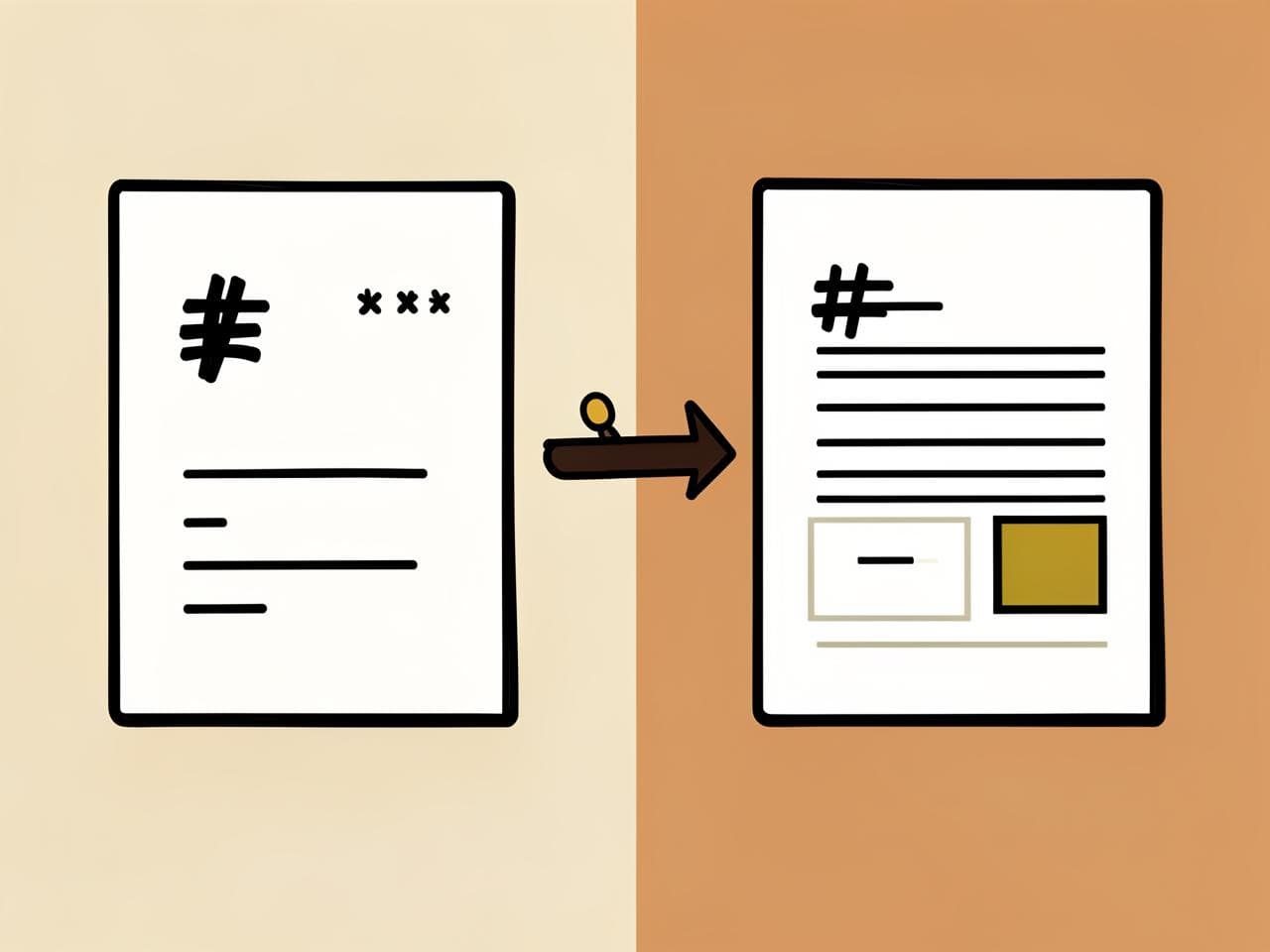
Markdown Viewer: Open Any .md File Instantly

Drop a .md file into the panel and read the rendered document immediately. Tables, task lists, fenced code blocks and links stay faithful to the original.

  • Drag and dropOpen a README, spec or export straight from your desktop.
  • Full GFM supportTables, checklists, code fences and links render faithfully.
  • Stays on your machineThe file is parsed in the browser and never uploaded.
Markdown file viewer illustration
02 / 03

Markdown Editor With Live Side-by-Side Preview

Write on the left and watch the formatted page build itself on the right. Local drafts, word counts and a clean reading view keep the work moving.

  • Live previewEvery keystroke re-renders — no refresh required.
  • Local autosaveYour draft stays in this browser, ready when you return.
  • Word countKnow the length before you paste it somewhere else.
Markdown editor with live preview illustration
03 / 03

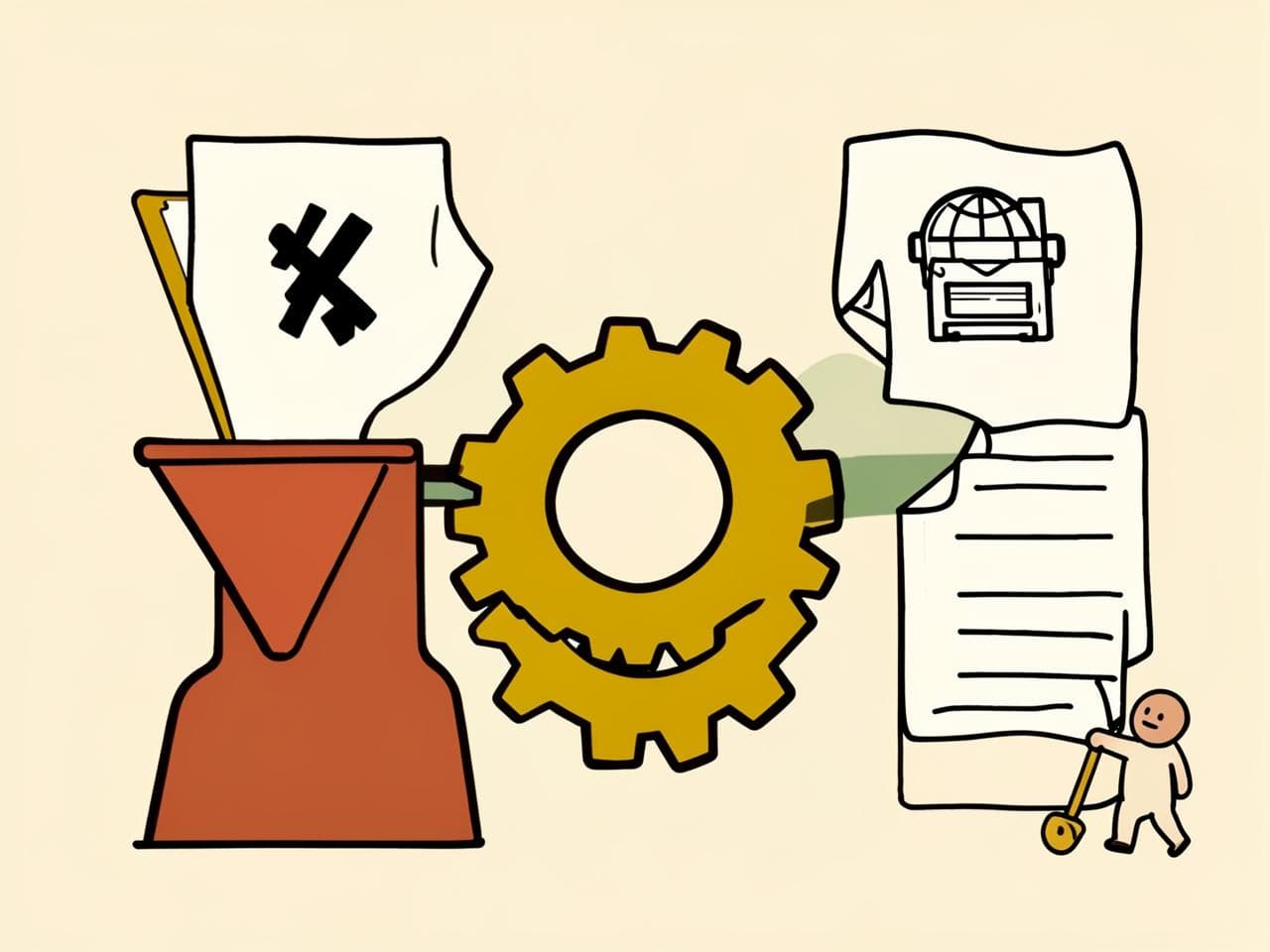
Markdown Converter: Export to HTML, Word, PDF or Text

Send the same document anywhere. Export clean standalone HTML, a Word-compatible document, a print-ready PDF or plain text — then paste HTML back to get tidy Markdown.

  • Markdown outExport HTML, Word, PDF and plain text in one click.
  • HTML inPaste a web page or rich text and get clean Markdown back.
  • No round tripConversion runs locally — nothing is queued on a server.
Markdown converter export illustration
04 / 04

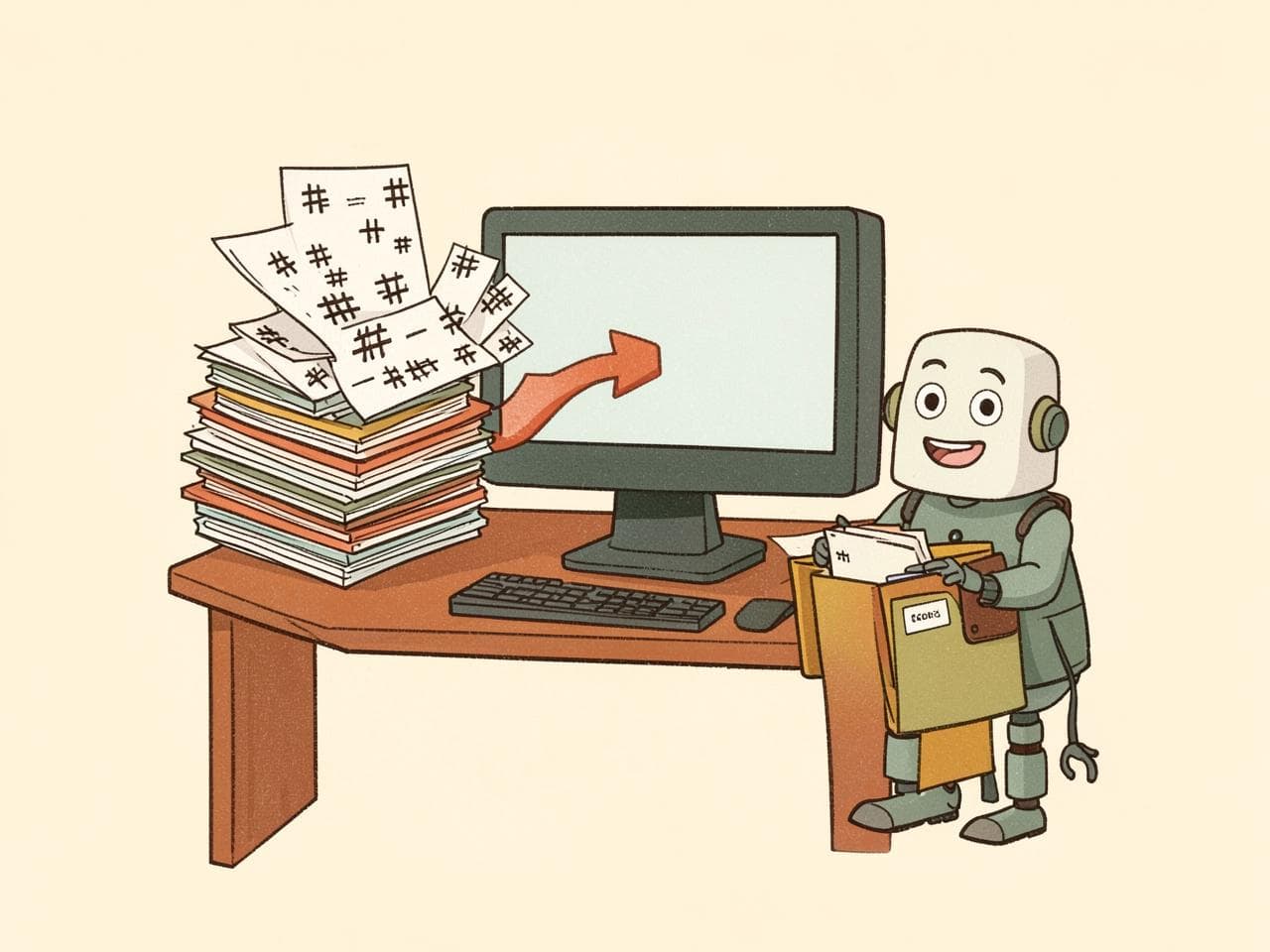
One File Is Free Here. A Hundred Need Floatboat

This page handles the document in front of you. When a whole folder of Markdown files needs converting, renaming or cleaning up, Floatboat can work across the lot on your own machine.

  • Local and privateFiles stay on your disk — the agent works where they live.
  • Understands contentSummarize, reformat or convert based on what each file actually says.
  • Runs in batchesSet it once and process new exports automatically.

Download Floatboat for folder-sized Markdown work →

Floatboat organizing a batch of Markdown files illustration

Markdown Use Cases This Page Was Built For

Convert

The Chat Answer That Has to Become a Deliverable

ChatGPT or Claude replied in raw Markdown — ## headings, **bold**, a pipe table — and the client expects a document. Paste the whole reply into Convert and take out .doc, PDF or HTML with the heading levels, lists and table borders intact instead of retyping it in Word.

View

A .md File Landed in Your Downloads Folder

README.md, CHANGELOG.md, an exported Obsidian or Notion note — double-clicking opens a wall of hash marks and pipe characters. Drop the file here and read it rendered: task lists tick, fenced code keeps its indentation, tables line up. Syntax you don’t recognise is in the cheat sheet below.

Edit

Writing in Markdown Because Word Fights You

Headings, links and lists are three keystrokes instead of three toolbar clicks. Type on the left, watch the rendered page on the right, and the draft is kept in this browser so a reload doesn’t cost you the paragraph — then export once the wording is settled.

Reverse

Rich Text You Need as Clean Markdown

Copy a doc page, a wiki entry or an email and you normally paste in <span style> soup. Convert runs the HTML back through a Markdown converter, so what lands in your notes app, repo or static site is plain #, - and []() — no leftover font tags.

Markdown Cheat Sheet

The essentials for headings, emphasis, links, lists and code — ready to copy into the editor.

FormatYou writeYou get
Bold**bold text**bold text
Italic*italic text*italic text
Inline code`code`code
Line breakEnd a line with two spaces, or leave a blank lineA new line inside the same paragraph
Heading 1–6# H1 · ## H2 · ### H3Section headings
Blockquote> quoted lineIndented quote block
Bullet list- item - itemUnordered list
Numbered list1. item 2. itemOrdered list
Task list- [x] done - [ ] todoCheckboxes
Link[label](https://example.com)Clickable label
Image![alt text](image.png)Embedded image
Code block```js const x = 1; ```Fenced block with syntax label
Table| A | B | | --- | --- | | 1 | 2 |Two-column table

Markdown Questions, Answered

What is a .md file and how do I open one?+

A .md file is a Markdown file: plain text with lightweight symbols for headings, emphasis, lists and links. Drop it into the viewer to read the formatted version without installing an editor.

Which Markdown syntax does the preview support?+

The viewer supports GitHub Flavored Markdown, including headings, tables, task lists, strikethrough, links and fenced code blocks. Raw HTML is sanitized before display.

Can I convert Markdown to PDF, Word or HTML?+

Yes. Use the converter to export Markdown as standalone HTML, a Word-compatible document, a print-ready PDF or plain text.

Is my Markdown document uploaded?+

No. The page is designed to process documents in your browser. Your document stays on your device while you view, edit and convert it.

Can I go the other way, from HTML or a web page back to Markdown?+

Yes. Paste HTML into the Convert tab and it becomes clean Markdown in the editor — headings, lists, links and code blocks intact.

What about a whole folder of Markdown files?+

This page handles one document at a time. For a folder, use the Floatboat desktop app to process files in batches on your machine.

One Markdown file. Ready for the next step.

View, edit and export without breaking your flow.

Download Floatboat for folder-sized Markdown work →