
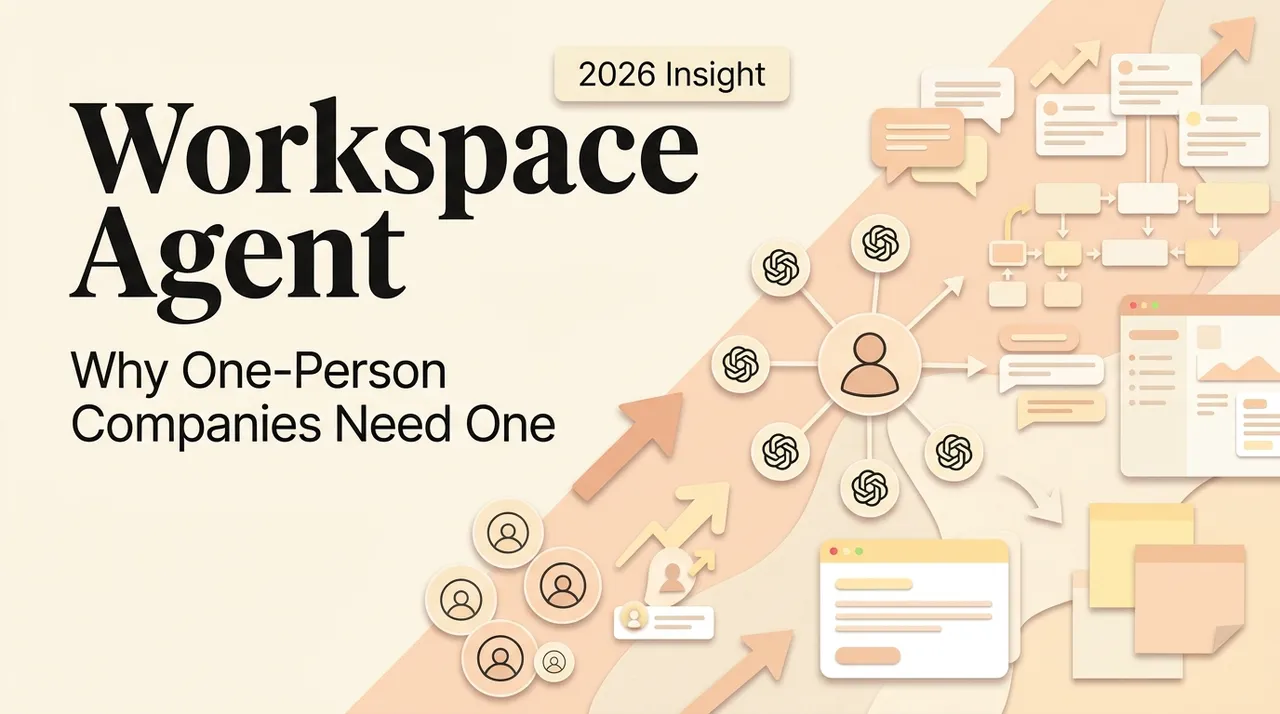
A workspace agent for a solo operator is useful when the work changes from hour to hour but still depends on the same files, decisions, and tools. It is not a digital employee and it should not receive blanket access. Its value is preserving working context and helping with bounded tasks while one person remains accountable.
Information checked October 13, 2026.
What makes a workspace agent different
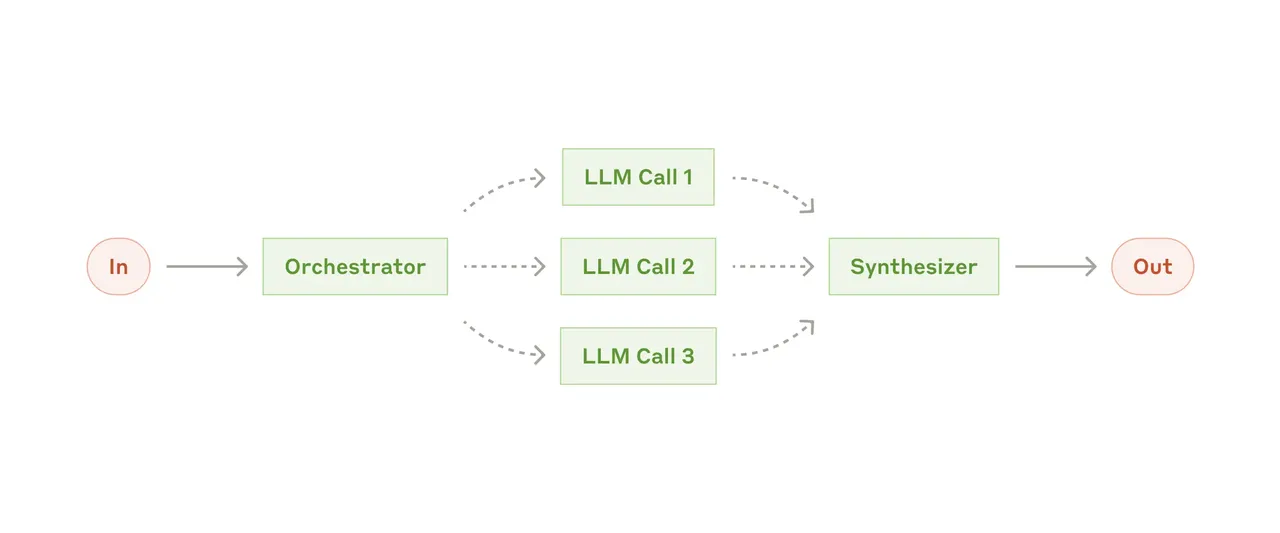
A chat assistant primarily responds inside a conversation. A workflow builder follows a path defined in advance. A workspace agent operates within a working environment and can use available files or connected tools to help determine and execute steps. Anthropic’s distinction between workflows and agents is useful: workflows follow predefined code paths, while agents dynamically direct parts of their process and tool use.
Products use “workspace agent” differently, so evaluate capabilities rather than the label. Check which sources it can read, which actions it can take, how approvals work, what persists between sessions, and how data can be deleted or exported.
Why solo operators consider one
In a one-person business, research, sales, delivery, administration, and publishing share one owner. The problem is often not lack of another app but loss of state between roles. A workspace agent may help retrieve the accepted brief, summarize what changed, prepare a draft from approved sources, or package an interruption handoff.
That connects to the narrower problem of stopping context switching, but this page addresses the broader buying question: is the category a fit for your operating model?
Good first workflows
Start with work that is frequent, reviewable, and reversible:
- compile a research brief with citations;
- compare a new document with an approved template;
- prepare a meeting packet from selected sources;
- turn notes into a draft while preserving unresolved questions;
- summarize project state and propose the next action.
Avoid starting with payments, tax filings, account recovery, unsupervised customer messages, or deletion. These combine high consequence with weak reversibility.
A buyer’s evaluation checklist
Context: Can it point to the exact file or message supporting a claim? Can you correct stale context?
Permissions: Are read, write, send, and delete separate? Can access be limited by folder, app, or account?
Review: Can consequential actions pause for approval? Does the reviewer see the proposed change and evidence?
Recovery: What happens after timeout, partial completion, duplicate triggers, or a disconnected app?
Governance: Where is data processed and retained? Can you export activity and delete stored context?
Economics: Count setup, review, retries, and exception handling—not only the subscription.
Workspace agent or workflow builder?
Use a workflow builder when the trigger, sequence, and expected output are stable. Use a workspace agent when inputs vary and judgment is needed inside a supervised task. The detailed workspace-agent versus workflow-builder comparison covers hybrid designs and decision criteria.
Original visual references
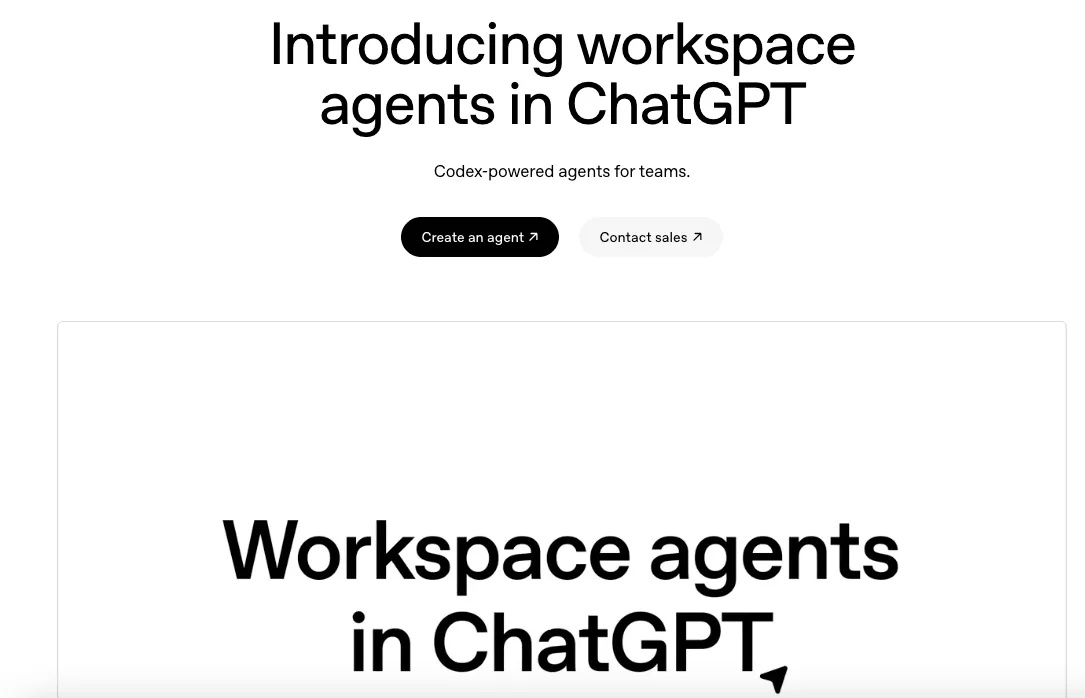
These images are restored from the article's original publication to preserve interface, workflow, and comparison context. Any product UI, pricing, benchmark result, or model availability shown is a historical capture; verify current official information before making a decision.
A 14-day pilot
Choose one workflow and define acceptance before enabling connections. Run it manually once, then with the agent on representative cases. Track accepted outputs, corrections, evidence quality, recovery time, and permission surprises. Keep a control group: the same job with a template or checklist.
Adopt only if the agent reduces total effort without weakening review. A solo operator has no separate operations team to absorb exceptions, so understandable failure matters more than a polished demo.
Related posts
What Is Gemini Agent? Google's Universal Work Agent Explained
Gemini Agent is Google's universal work agent for persistent tasks, multi-agent coordination, model routing, and work across business…
AI Agent Connectors Explained: MCP, OAuth, and Permissions
Learn how AI agent connectors use MCP, OAuth, scopes, resource permissions, and approval gates—and how to evaluate a connector before it…

What Is an Agent Harness? Architecture, Loops, and Safety
Learn what an AI agent harness does, how its execution loop, context, tools, sandbox, approvals, tracing, and recovery fit together, and…
https://floatboat.ai/blog/workspace-agents-for-solo-operators