
Stopping context switching does not mean keeping every tool in one window. It means reducing the number of times you must reconstruct the goal, locate evidence, restate constraints, and decide what happens next. A workspace agent can help only when it removes those handoffs without hiding permissions or sources.
Information checked October 13, 2026.
Diagnose the switch before buying a tool
Context switching has at least four causes:
- Application switching: moving between mail, files, browser, calendar, and chat.
- Information switching: searching for the latest brief, decision, or source.
- Role switching: moving from sales to delivery to finance.
- State reconstruction: remembering what is complete, blocked, or awaiting approval.
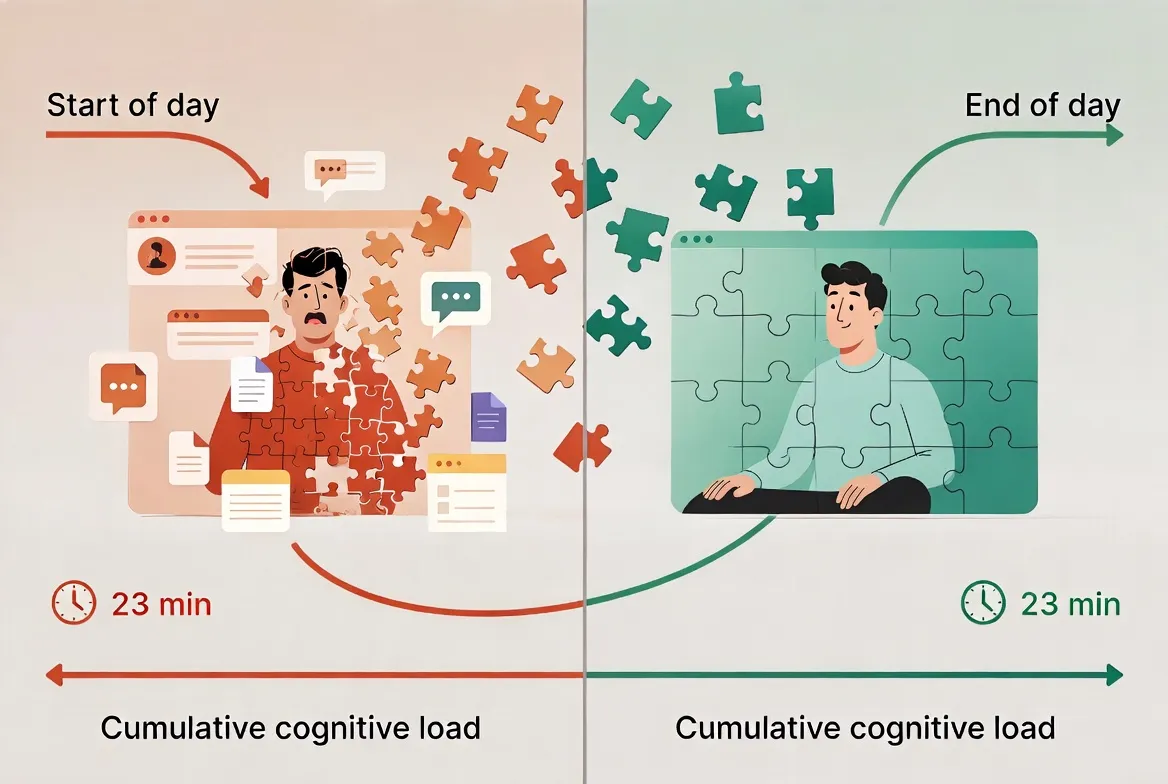
A workspace agent mainly helps with information and state reconstruction. It cannot remove incoming requests, unclear priorities, or a day fragmented by meetings. The American Psychological Association’s overview of task-switching costs explains why repeated goal and rule changes create overhead; it does not prove that any specific AI product eliminates it.
What a workspace agent must do to help
First, it must retrieve the right working material without requiring a fresh copy-and-paste loop. Second, it should preserve an inspectable handoff: sources used, decisions made, open questions, and the next action. Third, it needs bounded permissions. Reading a project folder is different from sending an email or changing a customer record.
This is narrower than the general case for workspace agents for solo operators. Here the success metric is interruption recovery: can you resume the task with less searching and restating?
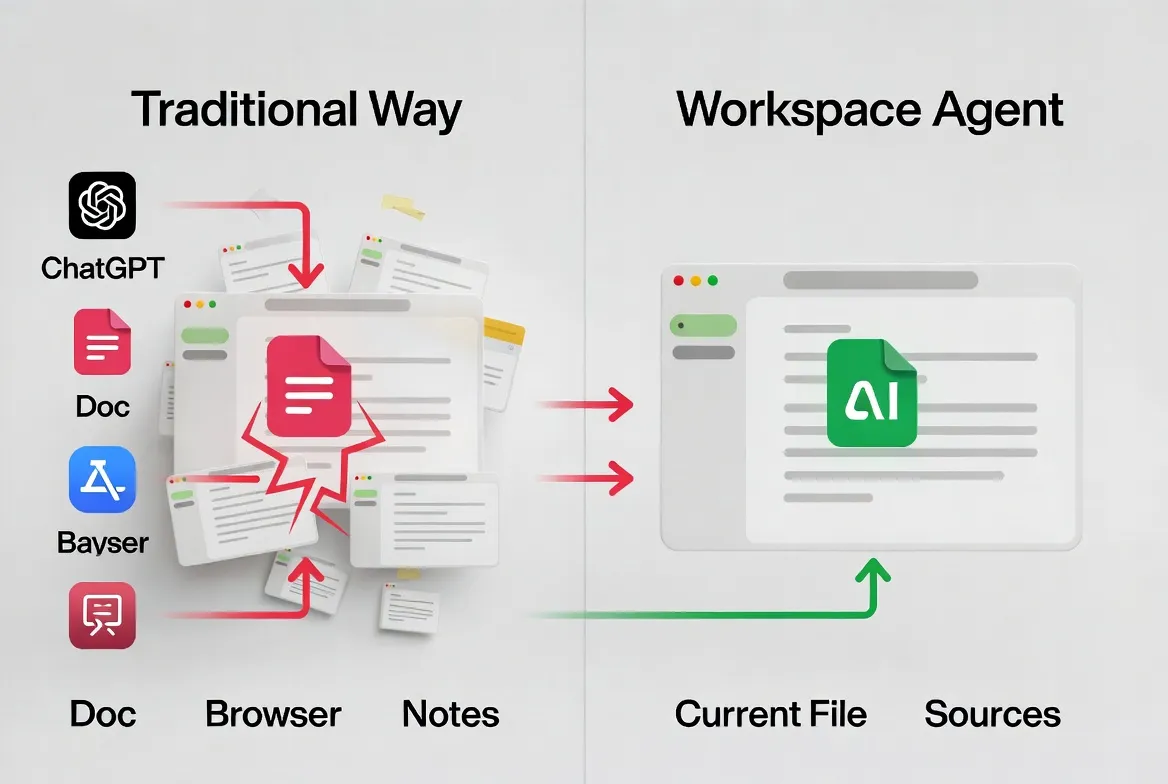
A practical recovery packet
Before leaving a task, save five fields:
- Outcome: what finished work should look like.
- Current state: the last completed step.
- Evidence: files, links, and decisions already accepted.
- Constraints: deadlines, tone, policy, and permissions.
- Next action: one concrete step, plus any blocker.
A workspace agent can draft and update this packet, but you should be able to inspect and correct it. On return, ask the system to summarize the packet and cite the underlying files before it continues.
A one-week test
Choose one recurring task with frequent interruptions. For a week, measure time from reopening the task to doing useful work, number of searches, number of corrections to stale context, and any unauthorized or surprising action. Compare the agent-assisted version with a simple project note using the same recovery packet.
If the note performs almost as well, you do not need a new agent. If the agent reliably finds evidence and restores state, then evaluate whether its connections and retention rules are acceptable. The comparison with workspace agents versus chat assistants helps separate persistent work context from a better chat interface.
What not to centralize
Do not grant broad mailbox, drive, or browser access merely to avoid a few clicks. Keep financial approvals, account recovery, sensitive HR or medical material, and irreversible actions outside the default scope. Treat external pages and messages as untrusted inputs because they may contain misleading or malicious instructions.
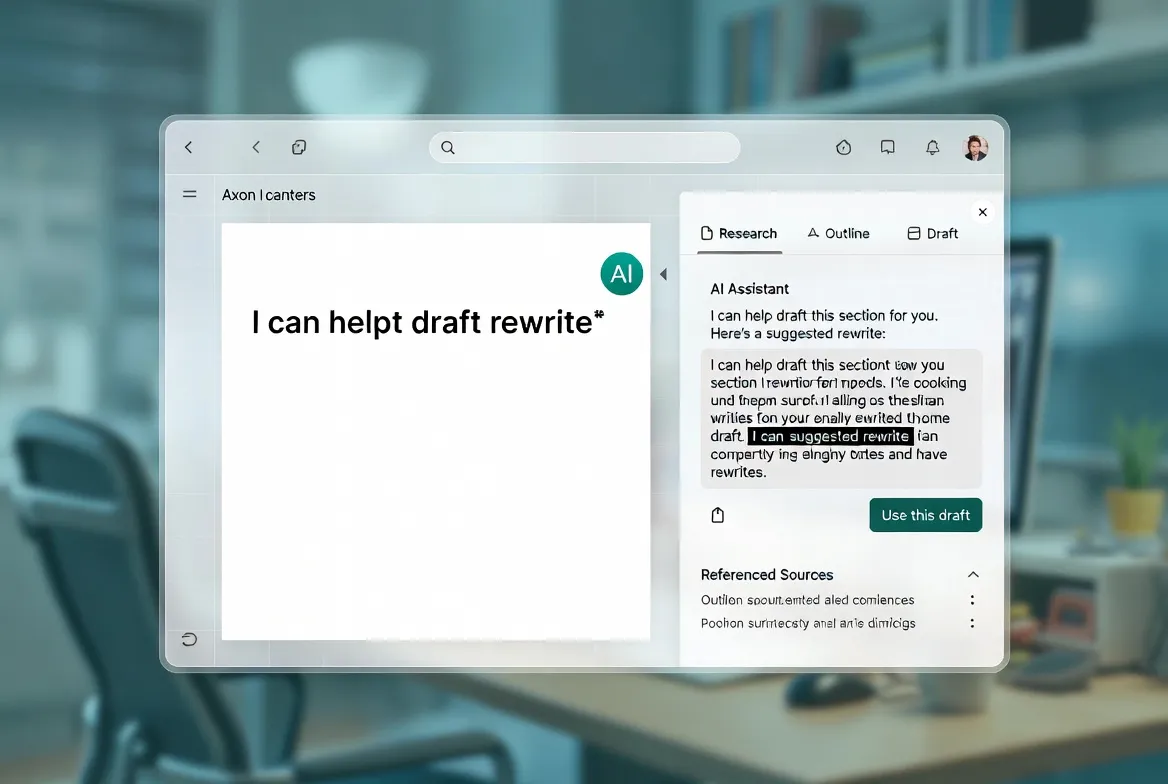
Original visual references
These images are restored from the article's original publication to preserve interface, workflow, and comparison context. Any product UI, pricing, benchmark result, or model availability shown is a historical capture; verify current official information before making a decision.
The durable fix
The durable improvement is a better handoff between versions of yourself: a visible outcome, evidence, state, and next action. A workspace agent can maintain that handoff, but it should earn access one workflow at a time. Fewer tabs are cosmetic; faster, safer recovery is the real result.
Related posts
What Is Gemini Agent? Google's Universal Work Agent Explained
Gemini Agent is Google's universal work agent for persistent tasks, multi-agent coordination, model routing, and work across business…
AI Agent Connectors Explained: MCP, OAuth, and Permissions
Learn how AI agent connectors use MCP, OAuth, scopes, resource permissions, and approval gates—and how to evaluate a connector before it…
What Is an Agent Harness? Architecture, Loops, and Safety
Learn what an AI agent harness does, how its execution loop, context, tools, sandbox, approvals, tracing, and recovery fit together, and…
https://floatboat.ai/blog/stop-context-switching-workspace-agent