
Workspace Agents vs Chat Assistants: A Task-Based Comparison
Compare workspace agents and chat assistants by system boundary, context, state, tools, execution time, deliverables, supervision, recovery, cost, and task fit.
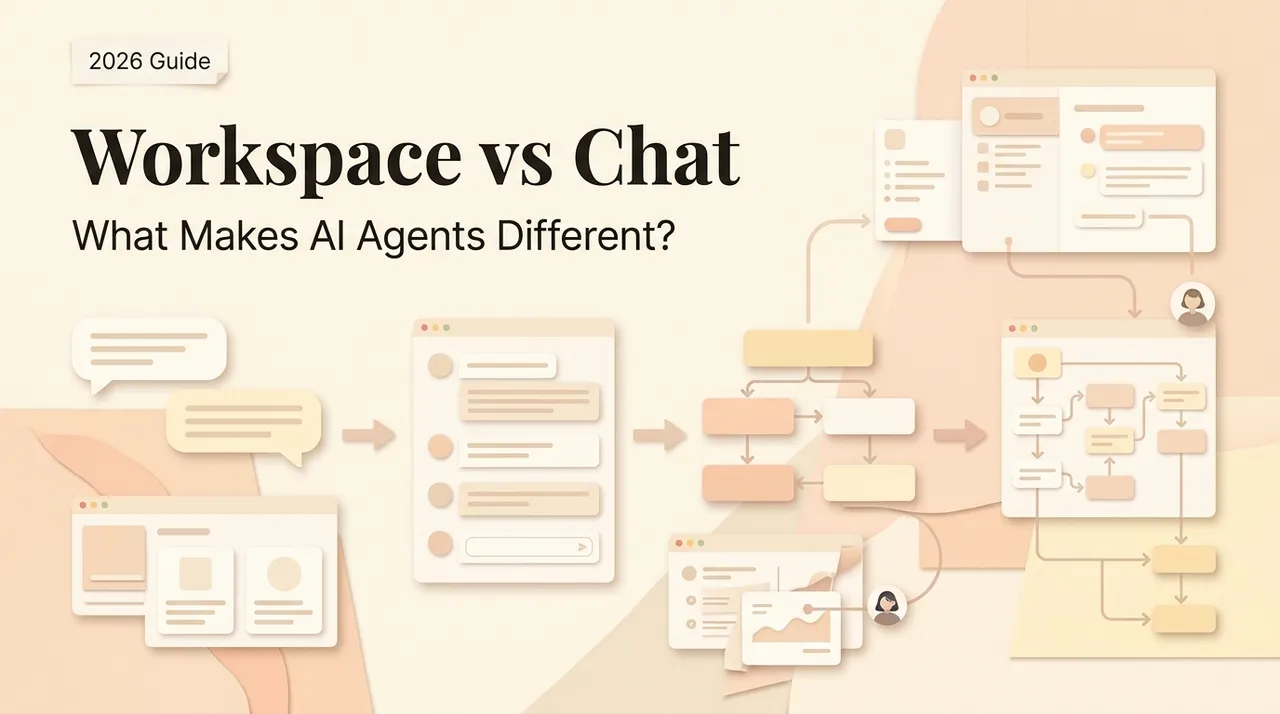
Workspace agents and chat assistants can use the same models, search tools, files, and connectors. The difference is not that one “answers” while the other always “acts.” Modern chat products can use tools, and a workspace can still be little more than a conversation.
The useful distinction is the operating boundary. A chat assistant is optimized for a person-led exchange. A workspace agent is optimized for a bounded task or deliverable that may use project context, tools, durable state, and a longer execution loop. This article compares those operating modes. For the broader conceptual distinction between assistants and agents, see AI agent vs AI assistant.
The short answer
Choose a chat assistant when the next step should stay with you: asking questions, shaping an argument, reviewing a passage, exploring alternatives, or handling a one-off input.
Choose a workspace agent when you can specify an outcome, the task crosses several sources or tools, intermediate state matters, and you need a reviewable artifact plus a record of how it was produced.
Do not choose by interface. A product with a chat box may run a long task; a product called a workspace may offer only short turns. Verify the actual behavior on your account and plan.
Compare the system boundaries
| Dimension | Chat assistant | Workspace agent |
|---|---|---|
| Unit of work | A question, turn, or guided conversation | A bounded task, project, or deliverable |
| Human role | Directs most next steps | Defines outcome, boundaries, approvals, and review |
| Context | Current conversation plus explicitly available memory, files, or apps | Project/task context plus approved files, tools, and prior state |
| State | Conversation history may persist; operational state is not guaranteed | May preserve plans, artifacts, checkpoints, and task status |
| Tools | Usually invoked within the conversation | May be sequenced over a longer loop or across environments |
| Output | Primarily an answer or draft | Often a saved artifact, changed workspace, or completed task |
| Recovery | Correct through another turn | May require pause, resume, rollback, retry, or handoff |
| Cost shape | Often measured per message, plan, or usage | Includes usage, runtime, tools, review, retries, and supervision |
These are tendencies, not universal product claims. OpenAI's current ChatGPT Work documentation is a useful example of why the boundary must be checked: projects can hold chats, files, and instructions; work can run once, on a schedule, or from a trigger; local and cloud execution have different file access. Product labels alone do not reveal those details.
Context: what can the system actually use?
Chat assistants no longer start from zero by definition. Some support conversation history, saved preferences, projects, uploaded files, and connected data. Conversely, a workspace agent does not automatically see every file or remember every prior run.
Map context into explicit layers:
- the current prompt and attachments;
- conversation history;
- project instructions, files, and related chats;
- connected services;
- local folders, browser state, or tools;
- saved task state and previous artifacts.
For each layer, record whether access is automatic, requested per task, or prohibited. Also record retention, deletion, sharing, and whether the system retrieves the whole source or only selected results. More context can reduce manual transfer, but it also increases the scope of a mistaken instruction or inappropriate disclosure.
State is more than memory
Memory usually describes information used to personalize or inform a response. Operational state describes where a task is now: completed steps, open questions, tool results, files produced, approvals received, side effects already committed, and the next safe action.
A long-running workspace task needs operational state to resume without repeating a payment, sending a second message, or overwriting newer work. Ask whether the product exposes task status, checkpoints, artifact versions, and committed actions. A transcript alone may not be enough.
OpenAI's current local work sync guidance shows one concrete boundary: a synced task can involve both cloud coordination and local execution, but steps needing a connected computer still depend on that machine. Treat “persistent” and “runs in the background” as claims to test, not synonyms.
Tool permissions: separate reading from acting
Both modes can use tools. The selection question is how authority is granted and supervised. Divide permissions into four levels:
- Read: inspect pages, files, messages, or records.
- Draft: prepare edits, replies, or form values without committing them.
- Reversible write: make changes with dependable undo or restoration.
- Consequential write: send, publish, purchase, delete, grant access, or accept terms.
A chat assistant is often preferable when you want to bring one item into a narrow context. A workspace agent can be preferable when a task legitimately needs several tools, but only if permissions can be scoped to the task. Broad access is not a feature score.
Require informed approval before consequential writes. The approval should show the exact target, proposed action, material inputs, and expected effect—not merely ask whether the agent may “continue.”
Execution time and supervision
Chat assistants suit synchronous work: you ask, inspect, redirect, and decide the next step. Workspace agents suit longer turns when the path may change and the person should supervise by checkpoints rather than by composing every prompt.
Longer execution is not automatically better. Anthropic's guidance on effective agents recommends the simplest solution that works and notes the trade of latency and cost for task performance. Use a workflow when the path is known; use an agent when flexibility and model-directed decisions are genuinely needed.
Define supervision before the run:
- what the agent may decide alone;
- when it must ask a question;
- which action needs approval;
- what stops the run;
- who receives an escalation;
- how long or how much it may spend.
Deliverables and evidence
A chat answer can be the right final product for an explanation or brainstorm. A workspace task should normally produce more than prose in a transcript. Specify the artifact: a cited report, edited document, reconciled table, pull request, draft campaign, or folder of outputs.
Then require evidence:
- source links or source files;
- tool calls and material parameters;
- approvals and state changes;
- errors, retries, and interventions;
- the final artifact and version;
- unresolved assumptions.
If the only durable record is a polished summary, you cannot reliably audit or recover the task.
Recovery is the decisive workspace test
Ask a chat assistant to correct an answer and you usually continue the conversation. A workspace agent may already have changed external state. It therefore needs stronger recovery behavior:
- pause and stop controls;
- safe resume after interruption;
- idempotent retries that avoid duplicate writes;
- version history or rollback;
- reconciliation when external data changed mid-run;
- a clear manual handoff with completed and pending steps.
If a product cannot demonstrate these controls, keep it read-only or draft-only even if its happy-path demo looks impressive.
Compare total cost, not subscription price
Build a cost record from the pilot:
subscription allocation + model/tool usage + runtime + setup + active supervision + corrections + failed-run recovery + ongoing maintenance
Chat may require more active human steering but little setup. A workspace agent may reduce copying and coordination while adding configuration, tool fees, review, and recovery. There is no universal break-even point. Use your observed task volume and accepted outputs.
Which tasks fit each mode?
Prefer a chat assistant
- explanation, brainstorming, critique, and interactive analysis;
- short drafting or rewriting with one supplied input;
- sensitive work where you want to disclose only one selected item;
- low-frequency tasks with subjective success criteria;
- decisions where the person should choose every next step.
Prefer a workspace agent
- a defined deliverable requires several files, sources, or tools;
- intermediate artifacts and task state must survive a longer run;
- the route can change based on evidence;
- permissions can be narrowed and consequential actions gated;
- the result and trajectory can both be reviewed;
- interruptions and partial failure have a recovery plan.
Prefer neither
Use deterministic workflow automation when triggers and steps are known. Keep the work manual when the volume is low and mistakes are irreversible. Do not add autonomy merely to avoid writing down a process.
A reproducible head-to-head pilot
Give both modes the same task:
Using three named sources and two supplied files, produce a cited comparison in the provided template. Flag conflicts, preserve an assumptions section, and draft—but do not send—the follow-up message.
Test four cases: normal input, missing source, contradictory evidence, and an interruption after one artifact is created. Give both the same source set, model where possible, acceptance criteria, maximum time, and permission ceiling.
Measure accepted claims, citation accuracy, omitted requirements, unauthorized actions, active supervision time, elapsed time, tool and model cost, recovery success, and artifact editability. Repeat variable runs. Record product version, plan, execution environment, permissions, and test date.
The decision is not “which response sounds smarter?” It is whether the wider workspace boundary produces a better verified result after its setup, supervision, risk, and recovery costs are included.
Decision checklist
- Is the unit of work a conversation or a deliverable?
- Which context layers are necessary, and which should remain unavailable?
- Does the task need durable operational state?
- Can permissions be separated into read, draft, reversible, and consequential actions?
- How long may the task run, and what are the stop conditions?
- Which artifact and evidence must survive the run?
- Can an interrupted task resume without duplicate side effects?
- What is the observed total cost per accepted result?
- Can data, artifacts, logs, and instructions be exported or deleted?
Use chat for person-led thinking. Use a workspace agent for a bounded, tool-using deliverable only when the wider context and longer loop earn their additional authority and operating cost.
https://floatboat.ai/blog/workspace-agents-vs-chat-assistants