Claude Meetings: How It Works and Which Meeting Tool to Choose
Claude Meetings brings an AI participant into Google Meet. Learn who can use the beta, follow a complete meeting workflow, and compare it with other meeting tools by the job you need done.
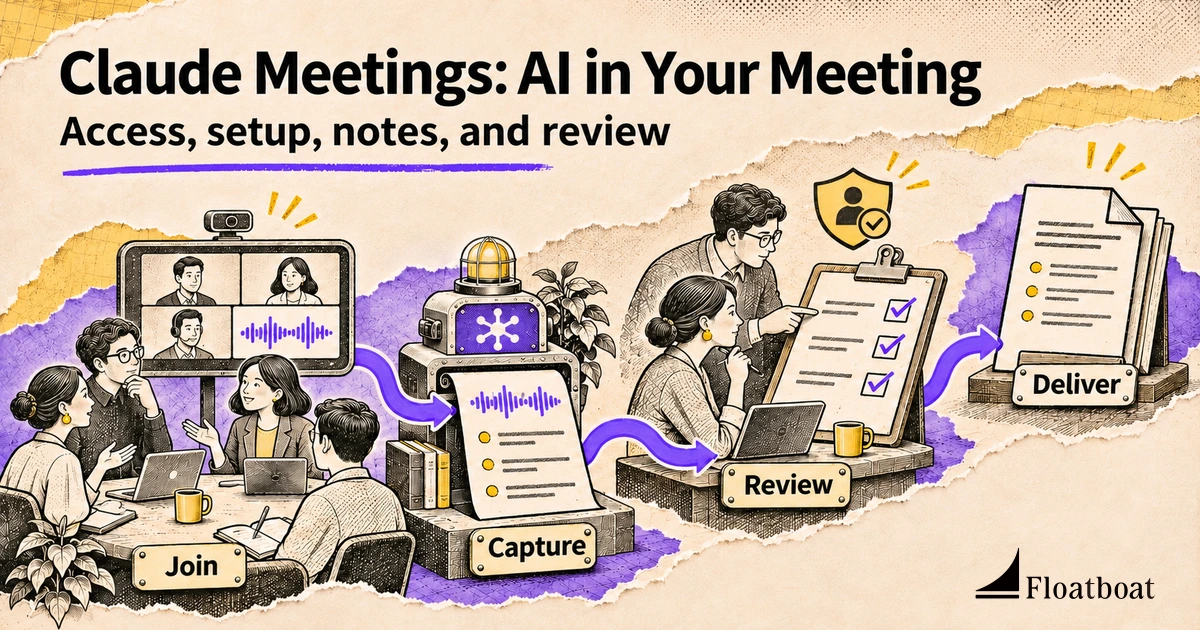
Claude Meetings is Anthropic’s meeting assistant for Google Meet: an AI participant that can follow a conversation, produce notes, answer questions, and help a team build documents during the call. As of November 16, 2026, it is rolling out in beta to Team and Enterprise organizations. It is not simply a new name for asking Claude to summarize a transcript afterward.
The useful question is whether you want an assistant inside the conversation, a dependable record of what happened, or a finished document from an existing recording. Those starting points lead to different products. A meeting bot, a computer-audio notepad, a sales conversation platform, and an upload-based transcription service may all produce summaries, but they impose different capture requirements and leave different work for the user.
This guide explains Claude’s current access and setup, develops one complete meeting workflow, and compares the surrounding categories. It is based on official product material, not a hands-on accuracy benchmark. Examples are hypothetical exercises you can adapt, not reports of tests performed by the author.
What changes when Claude joins the meeting
In its Claude Meetings announcement, Anthropic describes a participant that can contribute while people are still discussing the work. Notes and action items are one output; live documents and whiteboards are another. That second capability changes the moment at which a team can correct an interpretation. Instead of discovering a mistaken decision in a recap tomorrow, participants can inspect the working artifact before the call ends.
Consider a planning discussion where the group agrees on an event date but has not approved its budget. A conventional summary might put both items into a tidy plan. A useful live artifact should distinguish an agreed date from an unresolved financial assumption. That distinction is not guaranteed by the presence of an AI. It comes from the request, the conversation, and the team’s review of the draft.
The benefit to evaluate is shared progress, not transcript length. Did a document become more accurate while the people who knew the answers were present? Did someone identify a missing dependency early enough to change the plan? Could the team leave with an accepted next step rather than another document to interpret? These questions are more informative than counting generated paragraphs.
Claude’s meeting feature sits beside its broader workspace capabilities. The explanation of Claude Cowork’s knowledge-work model covers the distinction between a conversational response and work across files and tools. A meeting introduces additional participants and visibility rules. Access appropriate in a private work session needs another review before its results appear in a group conversation.
Check access before troubleshooting a missing Meetings entry
Current official guidance names Google Meet and Claude Team or Enterprise plans. Do not assume a personal Pro or Max subscription provides this beta. An organization’s plan is only the first condition: owners control availability, and some organizations with ZDR, HIPAA-ready configuration, or customer-managed encryption keys are excluded during beta.
A missing entry can therefore be an eligibility problem rather than a broken calendar connection. Check the account and organization first, the product setting second, and the calendar connection third. Only after those conditions are satisfied does it make sense to investigate a particular invitation or admission failure. Repeatedly reconnecting a calendar cannot override an organization-level restriction.
Searches for Claude meetings on Zoom or Teams also need a direct answer: the current live feature supports Google Meet. That does not establish native Claude participation in other platforms. A transcript created elsewhere and supplied to a regular Claude conversation is a different workflow, with different capture and sharing conditions.
External participants require separate attention. The announcement gives a broad description of restrictions, whereas the current Help Center distinguishes Team and Enterprise settings. For a real call, use current help instructions and the organization’s configuration rather than treating a launch paragraph as a permanent policy. Whether a guest is on the invitation or arrives later can affect the AI participant.
Permission to transcribe is also different from permission to act through a connected service. Before enabling a connector, identify the information the group needs and who will receive the answer. The Agent connector guide explains why connection, authorization, and a specific operation are separate decisions. A calendar invitation does not automatically justify querying a customer system or sending a message.
Add Claude to Google Meet and verify the connection
Use a low-risk internal meeting for the first run, with participants who understand that the conversation will be transcribed. This sequence follows the official Claude Meetings instructions; interface labels and organization settings can change during beta.
- Confirm organization access. Ask the owner to check Claude Meetings and Google Calendar availability. Enterprise access may be limited to specific roles. Personal calendar authentication cannot override those controls.
- Connect the intended calendar. Open Meetings in Claude, connect Google Calendar, and verify that the relevant event belongs to the right account. A similarly named event elsewhere is not the same invitation.
- Select the event and add Claude. Choose the meeting and use Add Claude. If admission is requested, the host must allow it. A declined request is an admission result, not proof that every meeting will fail.
- Confirm the participant and meeting page. Check that Claude is present, that its notice appears, and that the linked meeting page corresponds to this call. Try a small factual question about the agenda before a larger task.
- Choose ongoing behavior deliberately. Decide between manual invitations and personal auto-join settings. Locate pause, resume, and removal controls before discussing material that should not be captured.
Afterward, save a short operational note: which organization and calendar were used, who can change settings, how admission works, and where the result appears. That record is more reusable than a screenshot of one successful summary. It helps distinguish a later policy change from an individual connection problem.
A complete example: leave a planning call with an accepted draft
Imagine an internal team planning a customer workshop. Before the call, the organizer writes three questions: which audience is in scope, what must be ready before invitations go out, and which decisions remain unapproved. This hypothetical exercise evaluates a practical outcome rather than the assistant’s ability to fill a page.
Preparation should be narrower than uploading every document associated with the customer. Bring the agenda and approved reference material the team actually needs. If assembling that context is the difficult part, the separate meeting preparation workflow covers that stage. The assistant should not have to invent missing background from fragments of conversation.
During the call, request a working document with decisions, open questions, and proposed actions. Specify that a suggestion remains a suggestion until someone confirms it. When the proposed date changes, ask for an updated draft and the dependent actions it affects. The team can inspect the consequences while the relevant people are available to correct them.
A useful request is: “Create a workshop plan from this discussion. Separate confirmed decisions from suggestions. Include an owner and deadline only when explicitly agreed; otherwise mark them unresolved. Keep budget questions separate. Before the recap, list anything that needs confirmation.” This supplies an output structure and an uncertainty policy without requiring a separate Skill installation.
If someone wants last year’s budget retrieved through a connector, consider the audience before approving. A number appropriate in a private account may not belong in meeting chat. Ask which source it came from and whether it represents a final cost or an early estimate. Fetching an answer does not settle whether the comparison is meaningful.
Before ending, read back the decisions affecting other people’s work. Confirm the date, identify the budget as approved or pending, and resolve the next owner where possible. An attractive whiteboard that leaves these questions ambiguous is still an unfinished meeting result. The accepted artifact should make clear what the group actually committed to.
Afterward, compare the notes with those accepted decisions. Correct misattributed statements, missing qualifications, and proposed dates presented as final. Then move approved actions into downstream work. A meeting follow-up process can organize that stage, but a generated action item does not prove a task was created, accepted, or completed.
Compare meeting tools by category
This map compares the jobs the products emphasize, not their transcription accuracy. Products increasingly cross category boundaries; use it to form a shortlist, then verify the plan and capture mode you intend to use.
| Category and examples | Starting input | Work to evaluate | Better fit when | Key condition |
|---|---|---|---|---|
| Live collaboration: Claude Meetings | Supported Google Meet call | Notes, questions, shared artifacts | A group wants to shape work during discussion | Eligible organization and permissions |
| Platform-native: Zoom AI Companion, Teams Copilot, Gemini in Meet | Meeting in the existing environment | Platform-linked assistance and recap | Administration and output already belong there | License and meeting policy |
| Independent records: Otter, Fireflies, Granola | Supported capture path | Notes, retrieval, meeting memory | Conversations span workflows or platforms | Capture and sharing models vary |
| Revenue intelligence: Gong | Customer interactions and business context | Revenue-team operations | Sales work extends beyond one recap | Business-system integration |
| Recording hardware: Plaud | Device-captured conversation | Capture followed by organization | Important conversations happen away from video calls | Device and processing workflow |
| Existing recordings: Floatboat meeting notes | Audio or video file | Notes, minutes, or transcript | The meeting has already happened | Usable recording and output choice |
Platform-native assistants may be the simplest organizational choice
Start here when the team already has a standard meeting platform and its administration works well. Another participant or separate record system creates operational work even when it produces a good summary. Compare enabling the feature, controlling access, finding the result, and sharing it with the people who need it.
Zoom’s Meeting Summary instructions describe host-controlled summaries generated from speech-to-text data, with distribution depending on sharing settings. A summary that exists but reaches the wrong audience has not solved the handoff problem. Check whether the host and participants can reproduce the intended distribution without manual repair.
The Microsoft administration guide distinguishes during-and-after usage from during-meeting-only usage. Post-meeting access and transcription settings therefore belong in trial criteria. Google’s AI note-taking overview emphasizes notes organized in Docs and connected to Calendar. For a Workspace-centered team, that destination can be more useful than a separate notebook.
Claude’s live artifacts deserve evaluation when the call is where the group needs to make something together. But switching solely because another assistant summarizes is a weak reason. Identify an outcome the existing process does not deliver well enough, then test that gap. Otherwise, the purchase may leave two overlapping systems producing the same unreviewed recap.
Independent notetakers differ in how they enter the conversation
Otter emphasizes transcription and searchable meeting knowledge. Fireflies presents meeting notes within a broader assistant and knowledge workflow. These directions matter when the question is “what have we agreed across several conversations?” rather than only “what happened today?” Examine organization and retrieval, not just the appearance of the first recap.
Not every independent product joins as a bot. Granola describes a computer-audio approach without inviting a meeting participant. That capture model differs from a visible Claude tile, but it is not an exemption from consent or data-handling responsibilities. A call without an extra participant can still be transcribed and processed.
For a mixed-platform team, test the legitimate task through the capture mode you actually intend to use. Look for missing speakers, terminology errors, corrections absent from final notes, and uncertainty lost during summarization. If a tool provides several capture paths, assess them separately: a successful uploaded file does not establish equally good live capture in your environment.
Sales intelligence and hardware solve different upstream problems
Gong’s platform centers revenue context and workflows. A sales organization choosing it makes a broader decision than selecting a meeting notepad. Examine how conversations relate to the operating process, who owns the data, and what managers and representatives need to do with it. A generic summary comparison is too narrow for that purchasing decision.
Plaud illustrates a different starting point: capturing conversations with recording products. A workshop around a physical table has an acquisition problem before a summarization problem. Evaluate capture conditions, recording permission, and the route from the device to a usable record. Treating the hardware and a supported video-call participant as interchangeable text generators hides their different purposes.
These approaches can coexist. A company may use platform assistance internally, revenue intelligence for customer interactions, and a recorder for field conversations. Consolidation is valuable only if the replacement preserves the tasks and governance that made those systems useful. Fewer product names on an invoice do not necessarily mean a simpler working process.
Already have a recording? Start with the file
An existing Zoom, Teams, or phone recording calls for another workflow. You do not need to recreate the meeting or invite an assistant to a call that ended. Decide whether the deliverable is a concise set of decisions, formal minutes, or a fuller transcript, then verify it against the recording.
Floatboat’s recording-to-meeting-notes page accepts English or Chinese recordings and offers notes, minutes, or transcription without a bot joining the call. The page lists a 500 MB and three-hour file limit. This is relevant to processing recordings, not evidence that Floatboat performs Claude’s live collaboration role.
Keep the original file available and sample passages supporting important decisions. Unclear speaker names should remain unresolved until confirmed. Formal minutes need a different editing pass from a personal recap: distinguish discussion from decisions and do not present a generated account as an approved organizational record before review.
This is not a direct Claude audio-export workflow. Anthropic says Meetings saves transcripts, summaries, and screen descriptions, not audio. Its announcement describes future partner transcript sharing. Do not build a production handoff around a coming-soon integration or assume that every Claude meeting creates an audio file for another service.
Read the pricing and permission boundaries together
Included beta functionality does not mean every action is free indefinitely. Current guidance includes notes, transcripts, and answers without connected-tool use on Team and Enterprise. Meeting documents and whiteboards are free through February 10, 2027; connector use counts toward usage. Verify current account terms before estimating a recurring workload.
A sensible trial budget includes output checking, access troubleshooting, and moving approved actions to their destination. An elaborate document can impose extra work if nobody knows which parts were agreed. A compact recap can be sufficient when remembering decisions is the only requirement. Judge the additional cost against the actual work removed, not the maximum list of available features.
Visibility needs its own trial. Meet chat and the Claude meeting page have different audiences. Current help says outside guests do not receive the internal page or recap email, and Claude does not reply in Meet chat on external-guest calls. Shape the meeting plan around these rules before anyone requests information from connected systems.
For connected tools, Claude asks for a person’s permission the first time, and that approval applies going forward. For now, spoken requests also require confirmation of who is speaking; that identity check should not be confused with a fresh tool authorization for every request.
No retained audio does not mean no sensitive record. Transcripts, summaries, and descriptions can contain business or personal information. Decide who should access the result, how corrections will be handled, and whether this conversation belongs in the workflow. Do not infer a retention guarantee or compliance status simply because the AI appears visibly in the call.
Choose one meeting and measure the work left afterward
An eligible Google Meet team seeking live collaboration can start with one internal planning call and one artifact. A team satisfied with its current platform should first test native assistance against its handoff problem. Cross-platform memory, revenue operations, offline capture, and existing recordings each justify examining a different branch of the comparison.
For the trial, check each important decision, whether uncertainty stays visible, whether the audience can find the output, and whether actions have accepted owners. Record what needed repair. One good meeting cannot establish universal accuracy, but it can tell you whether a second trial is worthwhile and which failure deserves attention next.
Claude Meetings is most interesting when a group finishes part of its work while the conversation is happening. That is a stronger reason to try it than another summary button. Choose the capture and collaboration model that fits the meeting you have, then judge the tool by the usable, reviewed work it leaves behind.
Related posts
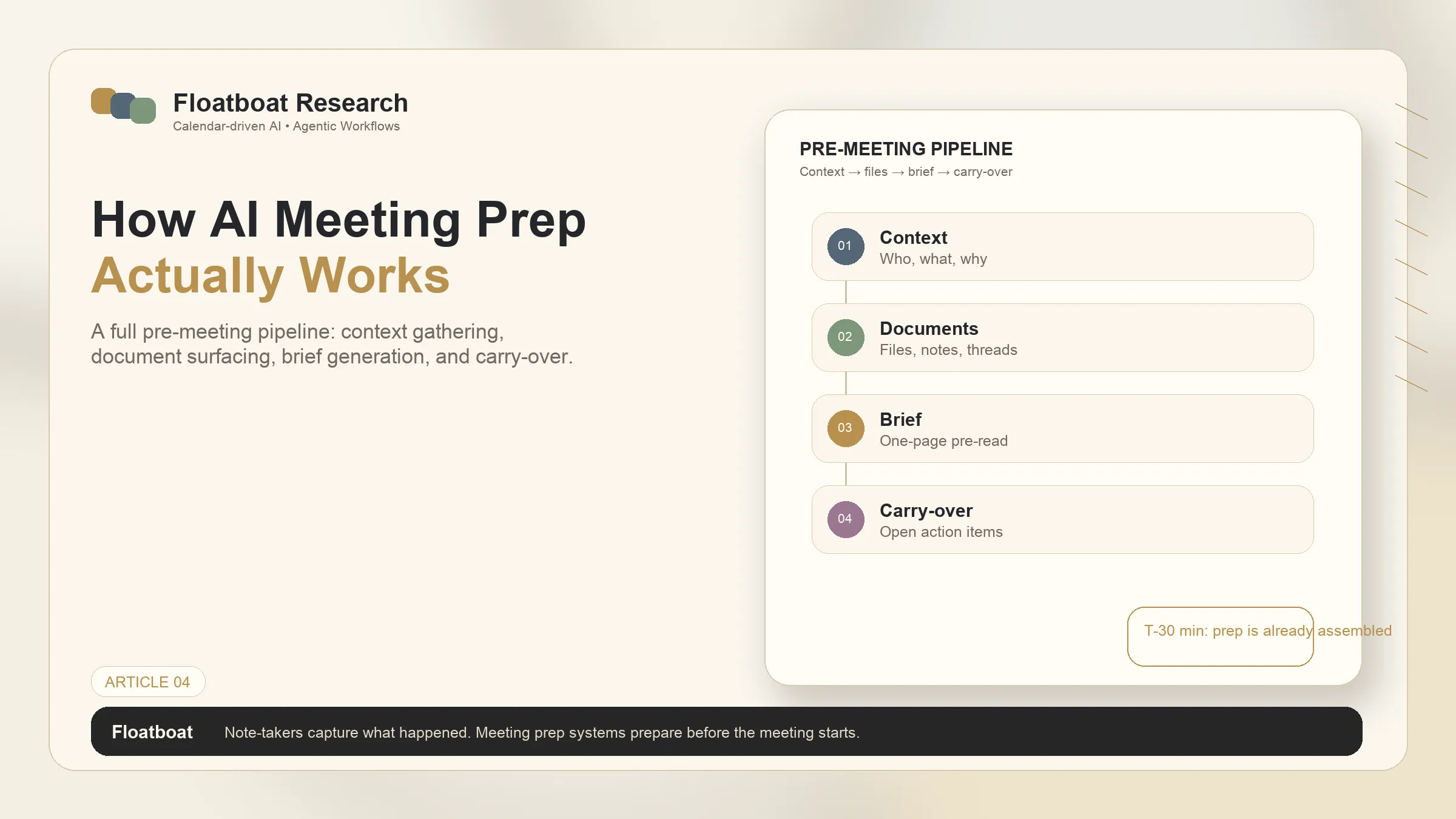
AI Meeting Preparation: Build a Brief You Can Trust
A practical AI meeting preparation workflow for gathering context, checking permissions, writing a concise pre-meeting brief, and carrying…
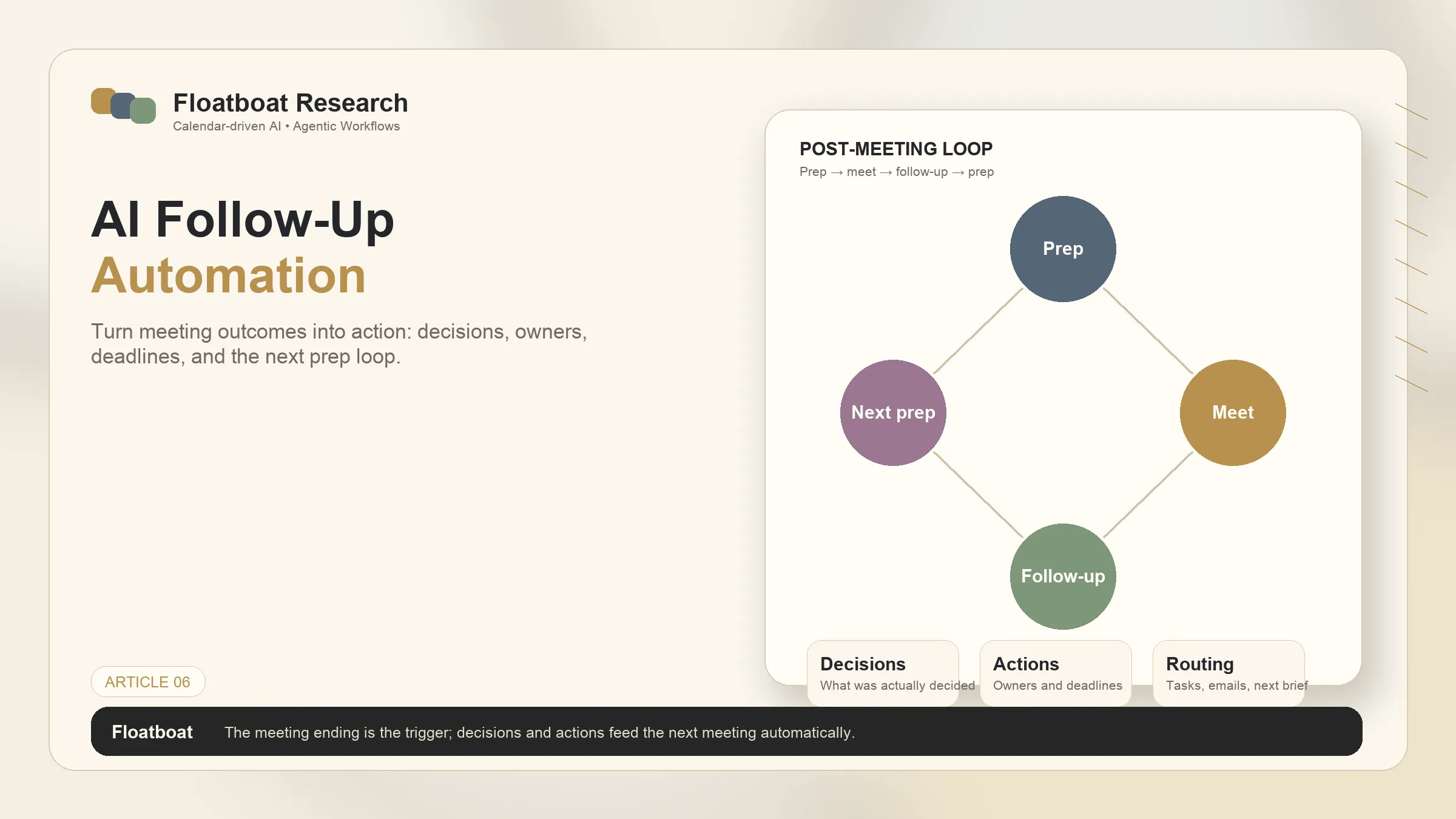
AI Follow-Up Automation — Turn Meeting Outcomes Into Action
Design reliable AI follow-up automation from authorized meeting evidence through extraction, review, approval, idempotent writes, and…
AI Agent Connectors Explained: MCP, OAuth, and Permissions
Learn how AI agent connectors use MCP, OAuth, scopes, resource permissions, and approval gates—and how to evaluate a connector before it…
https://floatboat.ai/blog/claude-meetings