
What Is Claude Cowork? Features, Access, Limits, and the New Claude Experience
Claude Cowork explained: how it completes knowledge-work tasks across files and tools, how it differs from Chat and Claude Code, where it runs, and what changed when Cowork began merging into Claude.
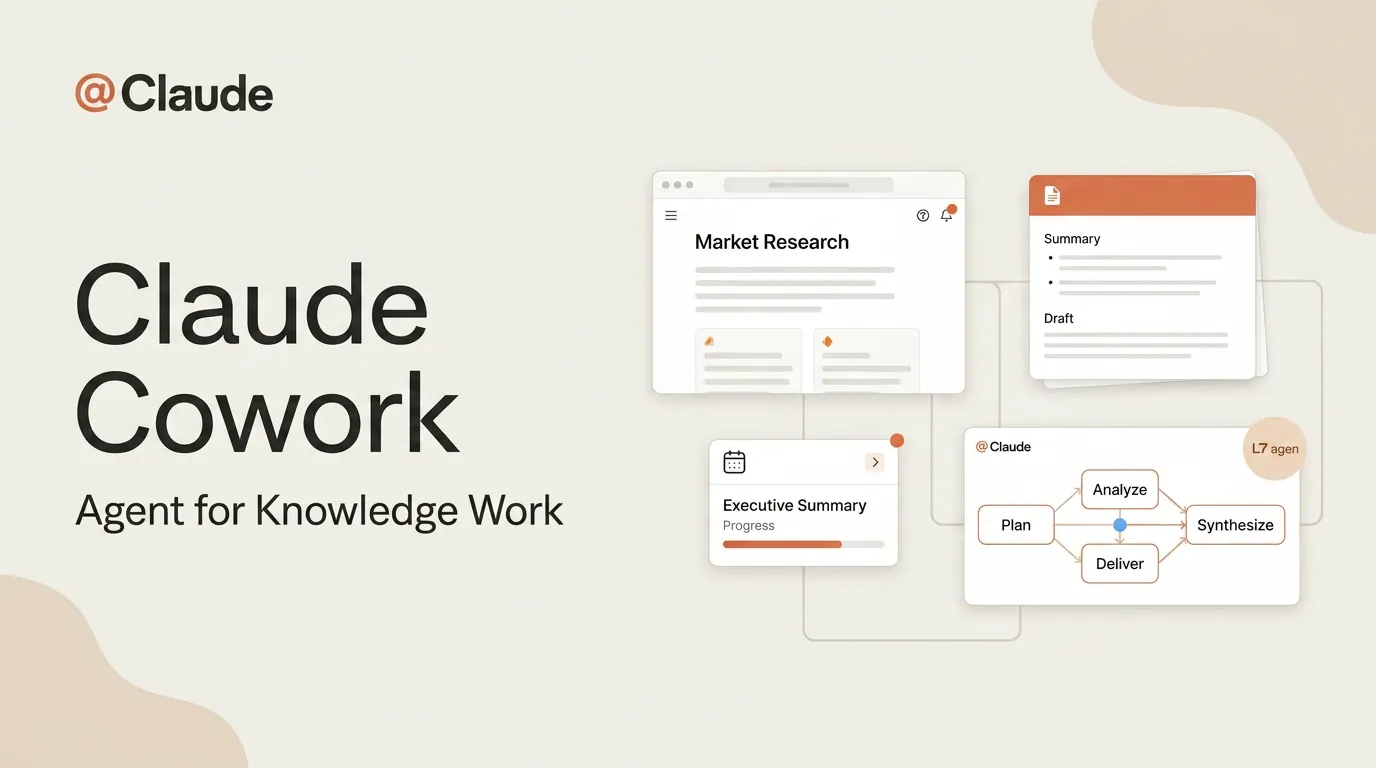
Claude Cowork is Anthropic's agentic workspace for non-coding knowledge work. Give Claude a goal, access to selected files and tools, and an expected deliverable; it can plan the work, run code or tools, coordinate subtasks, and return a document, spreadsheet, presentation, research brief, or other artifact for review.
The name now needs a qualification. Anthropic is gradually merging Cowork and regular chat into one Claude experience for Pro and Max users. Some accounts still show separate “Chat” and “Cowork” options; others no longer do. The underlying distinction remains useful: a quick conversational answer is different from a multi-step task that acts across files and connected systems.
Information checked October 13, 2026. Rollout, plan, platform, and beta-status references described as current refer to that date.
Claude Cowork in one sentence
Cowork is the mode—or, in the new interface, the task behavior—Claude uses to carry multi-step knowledge work from a goal to a reviewable deliverable.
Anthropic's Cowork product page describes it as work that happens across chosen files and tools, stays visible while it runs, can continue when the user's laptop is closed, and can be scheduled. It uses the same broad agentic approach as Claude Code, but its center of gravity is documents, analysis, operations, and cross-app work rather than software engineering.
What Cowork actually does
Works in selected files and connected tools
Cowork can read, create, and edit files in folders the user selects. It can also use configured connectors, plugins, a built-in browser, and—where available and permitted—computer-use capabilities. The exact reach depends on the plan, surface, administrator settings, and whether the task runs in the cloud or needs a local computer.
The official getting-started documentation says cloud tasks run in an isolated environment on Anthropic's servers. Claude can create a plan, split complex work into subtasks, run code and shell commands, coordinate parallel workstreams, and deliver files back to the session.
Produces artifacts rather than only messages
The intended endpoint is reviewable work: a spreadsheet with formulas, a formatted report, a presentation, an organized folder, or a cited brief. Anthropic's product guide lists local file access, sub-agents, real deliverables, long-running work, scheduled tasks, and projects as key capabilities.
That does not mean every result is production-ready. A spreadsheet can contain a plausible but wrong formula; a contract summary can omit an exception; a polished deck can cite the wrong period. “Real deliverable” describes the output format, not an exemption from review.
Runs scheduled and remote work
Scheduled tasks can run once, on demand, or on a recurring cadence. Anthropic's scheduled-task guide says cloud schedules can run while the computer is asleep, using connected tools and files saved to the Claude account. Tasks that depend on local files or local apps may still require the computer to be available.
This makes Cowork useful for weekly reports, recurring research, inbox or Slack summaries, and periodic file processing. A schedule is a trigger, not a quality guarantee; every recurring job still needs an owner and a way to surface failed or incomplete runs.
Cowork, Chat, and Claude Code compared
| Question | Chat or quick Claude response | Cowork / Claude task | Claude Code |
|---|---|---|---|
| Best for | Questions, drafting, explanation | Multi-step knowledge work across files and apps | Building, debugging, and shipping software |
| Typical result | A response in the conversation | A report, spreadsheet, deck, organized files, or completed cross-app task | Code changes, tests, scripts, commits |
| Main workspace | Conversation and attached context | Cloud session, selected folders, connectors, browser | Repository, terminal, IDE |
| Duration | Usually short and interactive | Can run for longer and be scheduled | Interactive or background engineering work |
| Primary reviewer | The person using the answer | The owner of the business artifact or workflow | A developer or engineering reviewer |
Anthropic's own product matrix uses the same basic boundary: Chat for conversational drafting and analysis, Claude Code for work inside a repository, and Cowork for cross-app knowledge work. The boundary is about the task and execution surface, not which product has the “smarter” model.
For a task-by-task version of that decision, see our Claude Code vs Cowork vs Tag comparison, which also covers the separate role of a shared team agent.
What changed when Cowork and chat became one Claude
Anthropic now says “Claude Cowork is now just Claude” for an experience rolling out gradually to Pro and Max plans. The official transition guide explains that the separate modes are being merged into one conversation. Claude can decide whether a request needs a quick answer or a task using tools and files.
This is a user-interface and routing change, not proof that every account or plan has identical access. Users who still see a Chat/Cowork selector have not received the new experience. Team and Enterprise availability can also depend on admin enablement, and some computer-use or browser features remain plan- or platform-specific.
For readers following an older tutorial, the practical implication is simple: if there is no Cowork button, describe the job directly in Claude and confirm which tools, folders, and approvals are active before the run begins.
Where Claude Cowork runs
Cowork is available on paid Claude plans, with details that vary by plan and surface. Anthropic's current help material says desktop support covers Pro, Max, Team, and Enterprise; web and mobile are available for Pro and Max, with beta or owner-enabled access for some organizational plans. The desktop app is still required when a task needs local folders or applications on that machine.
Cloud sessions can continue after a laptop closes and can be opened across supported surfaces. Local resources are different: Claude can reach a local file, browser session, or desktop application only through the relevant desktop connection and permissions.
Because the rollout changed in October 2026, platform statements from launch coverage may already be outdated. Check the current web, desktop, and mobile guide for the account and plan being evaluated.
Permissions and data boundaries
Cowork takes actions, so access design matters more than prompt wording alone. Anthropic says users choose folders and tools, file deletion requires approval by default, and organizations can manage access and permissions. Its safety guidance also distinguishes cloud execution from access to local resources.
Before handing over a real workflow, define:
- the folders, connectors, and accounts Claude may use;
- whether those accounts should be dedicated or read-only;
- which actions require explicit approval;
- what evidence must accompany a completed result;
- where logs, intermediate files, and final artifacts are retained;
- how to stop the task and recover from a wrong change.
Least privilege is especially important for scheduled tasks. A weekly report does not need permission to delete source files; a research brief may need read access to Slack but not the ability to send messages.
When Cowork is the right choice
Cowork fits work that is multi-step, file-heavy, reviewable, and difficult to reduce to a fixed automation. Examples include comparing vendor PDFs in a spreadsheet, converting scattered research into a cited brief, assembling a recurring performance deck from connected sources, or preparing a first-pass review of a folder of documents.
Use regular conversation when the desired outcome is an answer, explanation, or short draft. Use Claude Code when success is defined by repository changes and tests. Use a deterministic workflow tool when the process is stable, rule-based, and must behave the same way every time.
Cowork is a weaker choice when the task has no clear acceptance criteria, the source data cannot be made available under the organization's policy, or the result would be acted on without human review despite high legal, financial, or operational impact.
If Cowork's cloud execution, subscription model, or permission boundaries do not fit, the Claude Cowork alternatives guide groups other options by operating model instead of treating every desktop agent as equivalent.
How to evaluate Cowork on real work
Start with one bounded task and a reversible data set. State the deliverable, source locations, rules, and acceptance criteria. Ask Claude to identify missing inputs before it acts, and require citations or cell-level traceability where errors would be costly.
Review five dimensions:
- Correctness: Are claims, calculations, and file changes accurate?
- Completeness: Did Claude finish every required step and disclose gaps?
- Traceability: Can a reviewer connect the result to its source?
- Control: Did Claude request approval at the right moments?
- Efficiency: Did the time saved exceed the time spent correcting and supervising?
For recurring work, run the same task against several periods and include one deliberately messy input. A workflow that succeeds once may still fail when a column changes, a connector is unavailable, or a source document uses a different format.
Bottom line
Claude Cowork is Anthropic's agentic approach to knowledge work: it moves beyond conversational output and operates across authorized files, tools, browsers, and scheduled tasks to produce artifacts for review. It shares an agentic foundation with Claude Code but targets a different job.
The product name is becoming less visible as Cowork and chat merge into one Claude experience. The functional distinction is not disappearing. Users still need to know when Claude is only answering and when it is planning, using tools, changing files, and running work over time. That distinction should determine permissions, review, and whether the task belongs in Claude at all.
Related posts
DeepSeek DSH Superagent: From GitHub Requests to Agent Workflows
Understand how DeepSeek's DSH Superagent prototype turns authorized GitHub and Feishu requests into coding tasks, and which workflow…
What Is Gemini Agent? Google's Universal Work Agent Explained
Gemini Agent is Google's universal work agent for persistent tasks, multi-agent coordination, model routing, and work across business…
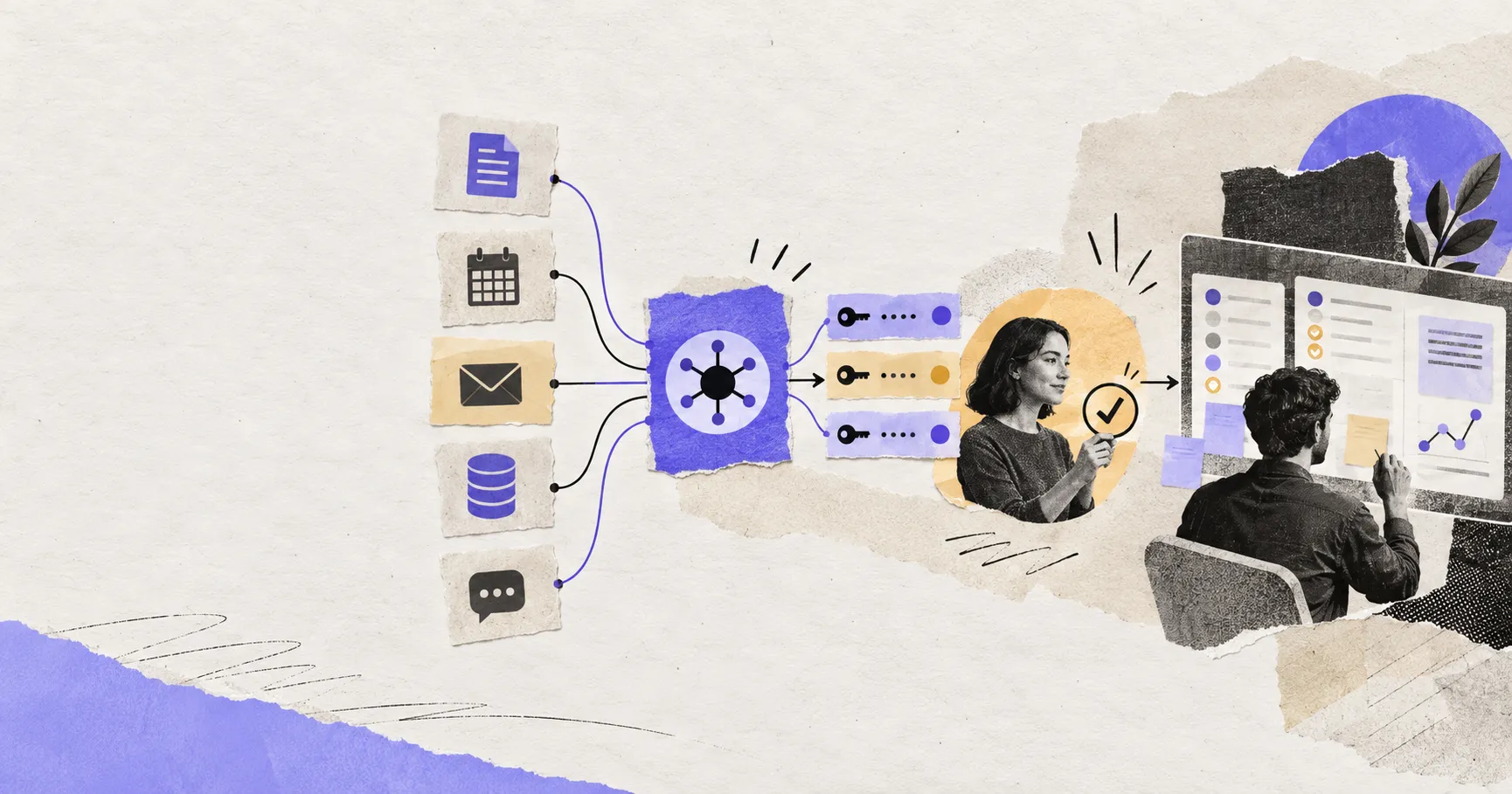
AI Agent Connectors Explained: MCP, OAuth, and Permissions
Learn how AI agent connectors use MCP, OAuth, scopes, resource permissions, and approval gates—and how to evaluate a connector before it…
https://floatboat.ai/blog/what-is-claude-cowork