
AI Follow-Up Automation — Turn Meeting Outcomes Into Action
Design reliable AI follow-up automation from authorized meeting evidence through extraction, review, approval, idempotent writes, and failure handling.
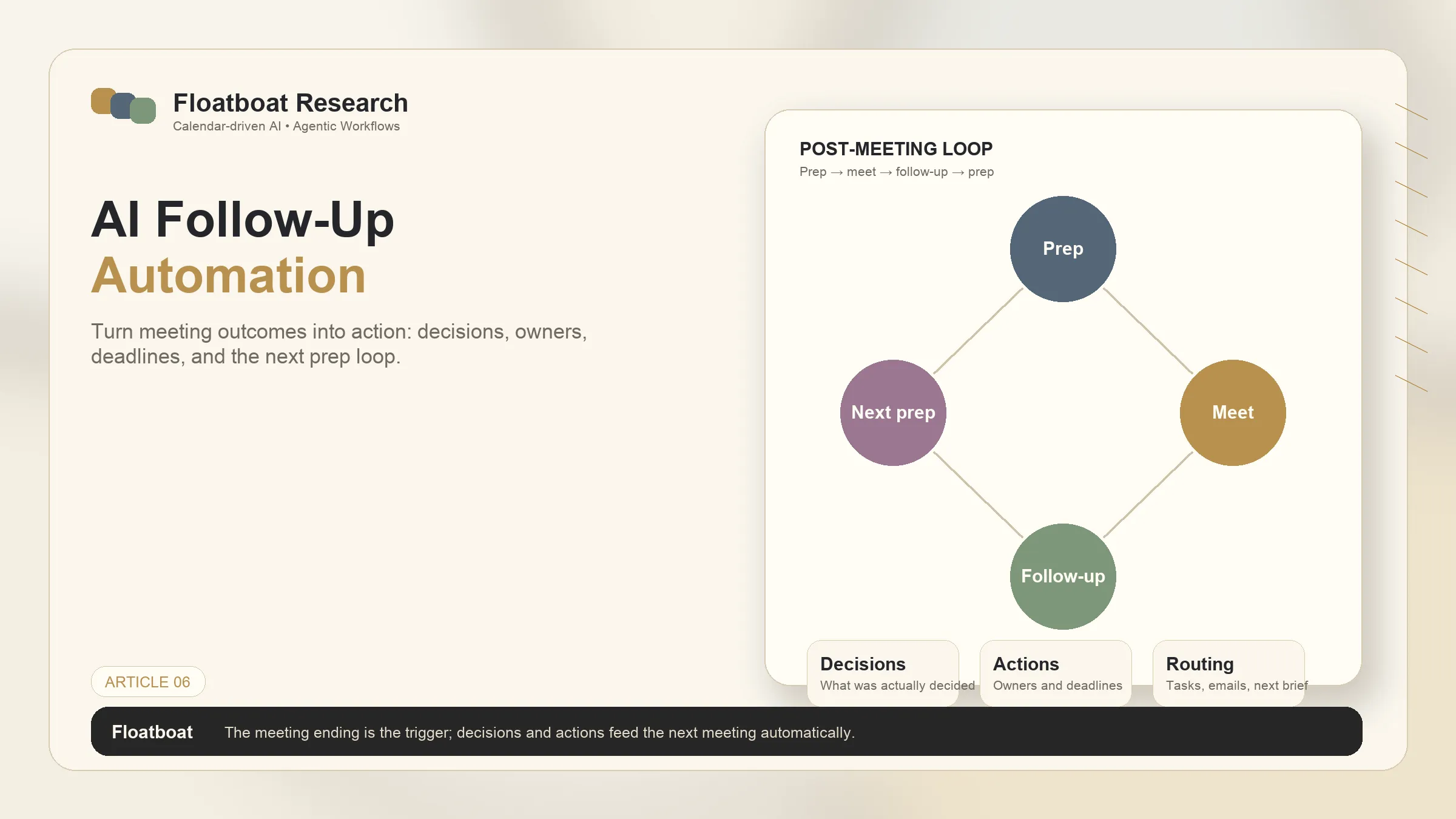
Information checked October 13, 2026. AI follow-up automation should be designed as an evidence and approval pipeline, not as an automatic promise that every meeting becomes completed work.
The reliable pipeline
1. Acquire authorized evidence
Use a transcript, recording-derived transcript, approved notes, or meeting chat. The workflow must know where evidence came from, who may access it, how long it is retained, and whether participants consented to recording. If no reliable record exists, stop or request notes.
Microsoft's Teams recap guidance shows the baseline: AI can summarize and surface action items, but generated results still require verification.
2. Extract with provenance
Extract decisions, action items, owners, dates, and open questions. Attach a timestamp, quote, or note reference where possible. Do not invent owners or deadlines. Ambiguous items remain pending clarification.
3. Create pending outputs
Generate a follow-up draft and proposed task records. Keep them pending rather than immediately sending email or writing into CRM and project systems. The narrower email workflow is covered in AI follow-up emails after meetings.
4. Require human approval
A reviewer checks evidence, recipients, confidentiality, commitments, task ownership, and dates. High-impact actions can require a second approver or be excluded from automation.
5. Write once and record the result
After approval, write through configured connectors. Use an idempotency key based on meeting, output type, and version so retries do not create duplicate tasks or emails. Record success, failure, destination identifiers, and the approved payload.
Failure behavior matters
- Transcript unavailable: wait, request notes, or close with “no reliable record.”
- Connector unauthorized: preserve the approved draft and ask for access; do not silently reroute.
- Partial write: report which destinations succeeded and retry only failed operations.
- Duplicate trigger: detect the prior run and do not send again.
- Conflicting evidence: surface the conflict for review.
The value is not “zero-touch follow-up.” It is a shorter, inspectable path from meeting evidence to approved records. Those records can inform a later meeting-preparation workflow, but only if the next workflow is configured to retrieve them.
Related posts
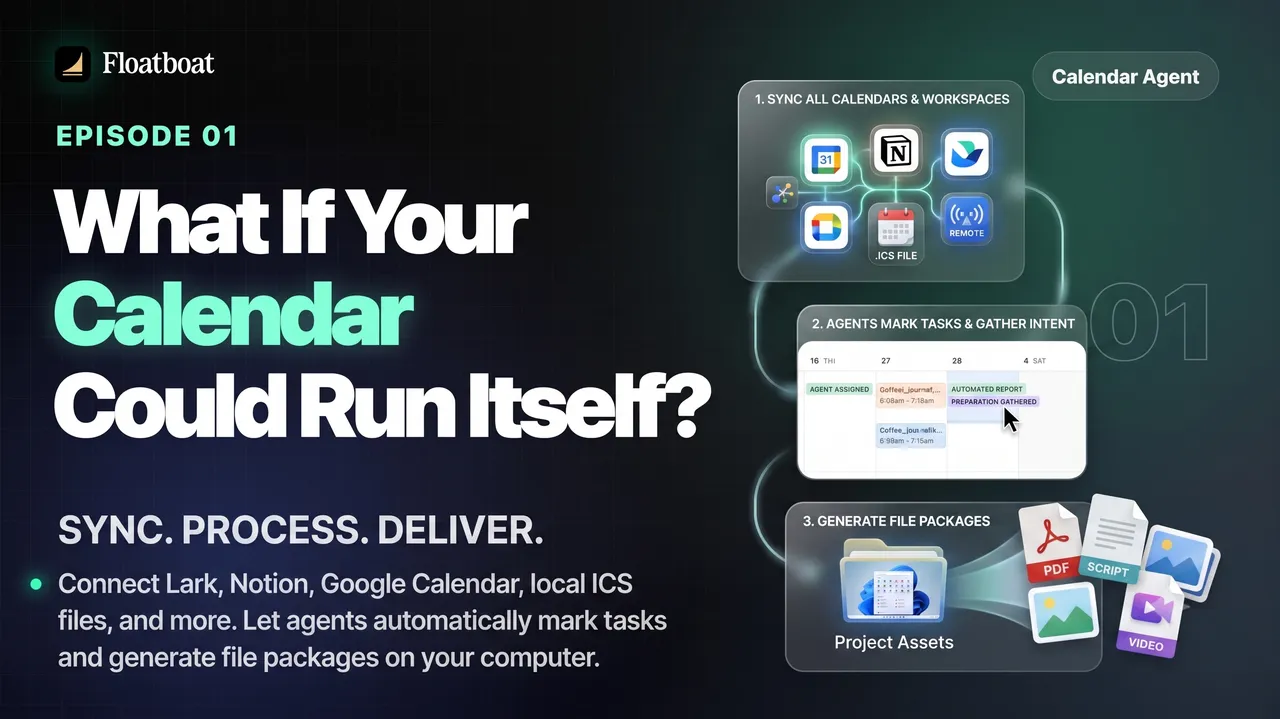
What If Your Calendar Could Run Itself? Calendar-Driven AI
Explore calendar-driven AI as a design pattern: events trigger reviewable preparation or follow-up workflows, with explicit permissions,…

Where Was the World Cup 2026 Held? All 16 Host Cities
The 2026 FIFA World Cup was held across 16 host markets in Canada, Mexico, and the United States. See every city and stadium, the country…

World Cup 2026 Bracket: Complete Knockout Results and Final Path
The completed 2026 World Cup bracket from the Round of 32 to the final: every knockout result, Spain's title path, bracket rules, and…
https://floatboat.ai/blog/ai-follow-up-automation