
Claude Code vs Cowork vs Tag: Which Agent Fits the Job?
Compare Claude Code, Claude Cowork, and Claude Tag by workspace, users, permissions, outputs, and task duration—and account for Cowork's move into one Claude experience.
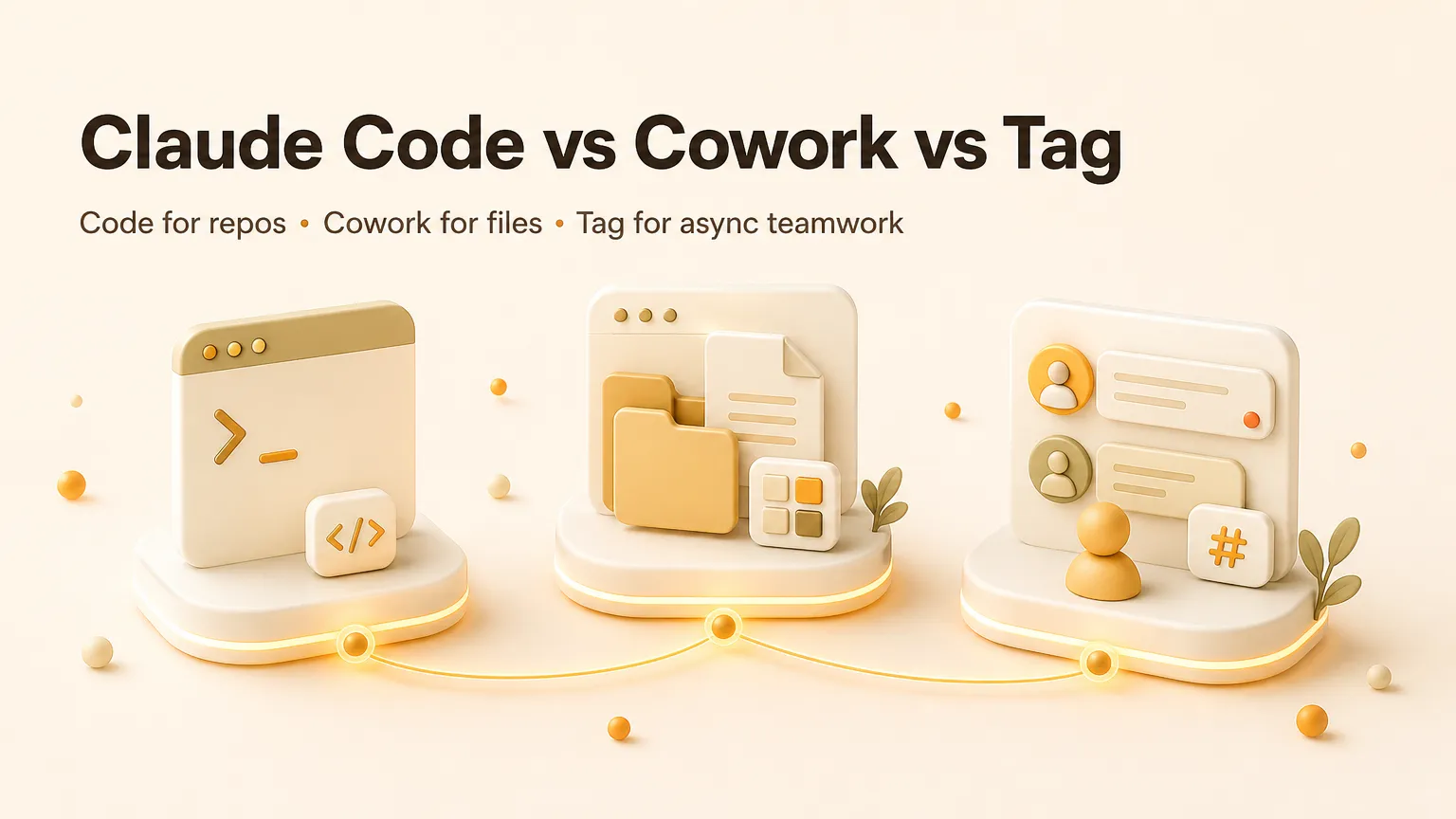
Claude Code, Claude Cowork, and Claude Tag all delegate work to Claude, but they are not interchangeable interfaces. Code works from a repository, Cowork handles multi-step knowledge work across files and tools, and Tag lets a team invoke Claude from shared Slack channels. The correct choice follows the workspace, the people who must see the work, and the artifact that defines completion.
Information checked October 13, 2026. Anthropic is gradually merging Cowork and chat into one Claude experience for some plans, while Claude Tag remains a Slack-based team surface. Availability and administrator controls can vary by account.
The comparison in one table
| Decision | Claude Code | Claude Cowork / Claude tasks | Claude Tag |
|---|---|---|---|
| Primary workspace | Repository, terminal, IDE | Files, connected apps, browser, cloud session | Selected Slack channels plus connected tools |
| Primary users | Developers and engineering teams | Analysts, operators, researchers, knowledge workers | Teams collaborating in Slack |
| Typical output | Code changes, tests, scripts, pull requests | Documents, spreadsheets, decks, organized files, completed app tasks | Shared analysis, follow-up work, updates, code or operational tasks initiated in channel |
| Collaboration model | Engineer reviews diffs | Task owner reviews an artifact | Channel members share context and observe the handoff |
| Best trigger | Explicit engineering task | Explicit or scheduled knowledge-work task | @Claude in a selected channel |
| Main risk | Repository and command authority | File, connector, and browser authority | Shared-channel context and cross-tool authority |
Choose Claude Code when the repository is the source of truth
Claude Code is built for software engineering: reading a codebase, changing files, running commands and tests, and delivering a verifiable diff. It is available through terminal and IDE workflows, so the natural reviewer is a developer who can inspect code and test results.
Use Code when success is expressed as “the test passes,” “the bug is reproduced and fixed,” or “the pull request satisfies these requirements.” Do not choose it merely because a task contains a small code snippet; if the real output is a report or spreadsheet assembled across business tools, Cowork is the closer fit.
Our Claude Code guide covers the engineering surface in detail.
Choose Cowork when the artifact is business work
Cowork was introduced for non-coding knowledge work across files and connected apps. It can plan a multi-step task, use tools, and return a spreadsheet, presentation, report, or reorganized file set. Anthropic's Cowork guidance distinguishes cloud work from local access: scheduled or cloud tasks can continue remotely, while work on local files still depends on an authorized desktop connection.
Anthropic's official rollout note says Cowork and chat are becoming one Claude experience. Some users no longer select a separate mode; Claude decides whether a request needs a quick response or a longer tool-using task. The boundary still matters for permissions and review even when the button disappears.
Use Cowork when one person owns a reviewable artifact and the work crosses documents or business applications. See what Claude Cowork is for current platform details.
Choose Tag when the channel is shared context
Claude Tag puts Claude in selected Slack channels. Anthropic's launch announcement says channel members can mention @Claude, delegate tasks, connect tools and data, and let Claude remember relevant information from channels it can access.
Tag is not just Cowork opened by several people. The prompt, evidence, follow-up, and result can be visible where the team already coordinates. That makes it useful for channel-owned work: investigating a support pattern, chasing product metrics, coordinating a bug investigation, or preparing an update from shared context.
The same visibility increases governance needs. Teams must decide which channels Claude can enter, which connected systems it may use, what private information can cross into a shared response, and who approves consequential actions.
Three questions decide faster than a feature checklist
Where does authoritative context live?
Choose Code when it is the repository; Cowork when it is selected files and business systems; Tag when relevant discussion and ownership live in Slack. A product can connect to several sources, but its home surface still determines who sees the work and how mistakes are caught.
Who owns the result?
Code assumes engineering review. Cowork usually has one task owner. Tag makes the channel a participant, but “everyone can see it” is not the same as “someone is accountable.” Assign an owner for any task that changes an external system.
What proves completion?
A passing test or clean diff favors Code. A reconciled spreadsheet or cited report favors Cowork. A channel-visible decision with assigned follow-ups favors Tag. If no one can define completion, none of the three will make the task safe.
Common misclassifications
Do not use Tag as a blanket Slack search bot; its value is delegated work grounded in selected channel context. Do not use Cowork as a substitute for deterministic automation when every step must behave identically. Do not use Code for operational work simply because it can run scripts.
The products can also be combined. Tag may receive a channel request and involve code-related work; Cowork may produce requirements that an engineer hands to Code. Combining surfaces is useful only when the handoff, permissions, and final owner remain explicit.
A low-risk adoption sequence
Start with one reversible task per surface. For Code, use a contained repository issue with tests. For Cowork, use a document set with known answers. For Tag, use one selected channel and a read-heavy task before granting write access.
Measure completion quality, evidence, correction time, permission errors, and whether the result reached the correct workspace. Expand access only after the review path works.
Bottom line
Claude Code, Cowork, and Tag are best understood as three homes for delegated work. Code belongs where repositories and tests define truth. Cowork belongs where one owner needs a finished knowledge-work artifact. Tag belongs where shared Slack context and team visibility are part of the task itself.
Choose the surface from the work's source of truth and reviewer—not from whichever product name sounds most autonomous.
Related posts

Local-First vs Cloud Agent Workspaces: Which Fits?
Compare local-first and cloud agent workspaces across files, privacy, background execution, connectors, reliability, and control—then…
Best Markdown Editors in 2026 — Ranked by Workflow, Not Features
Obsidian, Typora, VS Code, Zettlr, iA Writer and more, ranked by workflow fit. What each editor trades away, and where browser tools beat…

Math in Markdown: LaTeX Syntax and Where It Renders
How math in markdown works: dollar-sign LaTeX syntax, where it renders (GitHub, Obsidian, Jekyll), the KaTeX vs MathJax split, and honest…
https://floatboat.ai/blog/claude-code-vs-cowork-vs-tag