
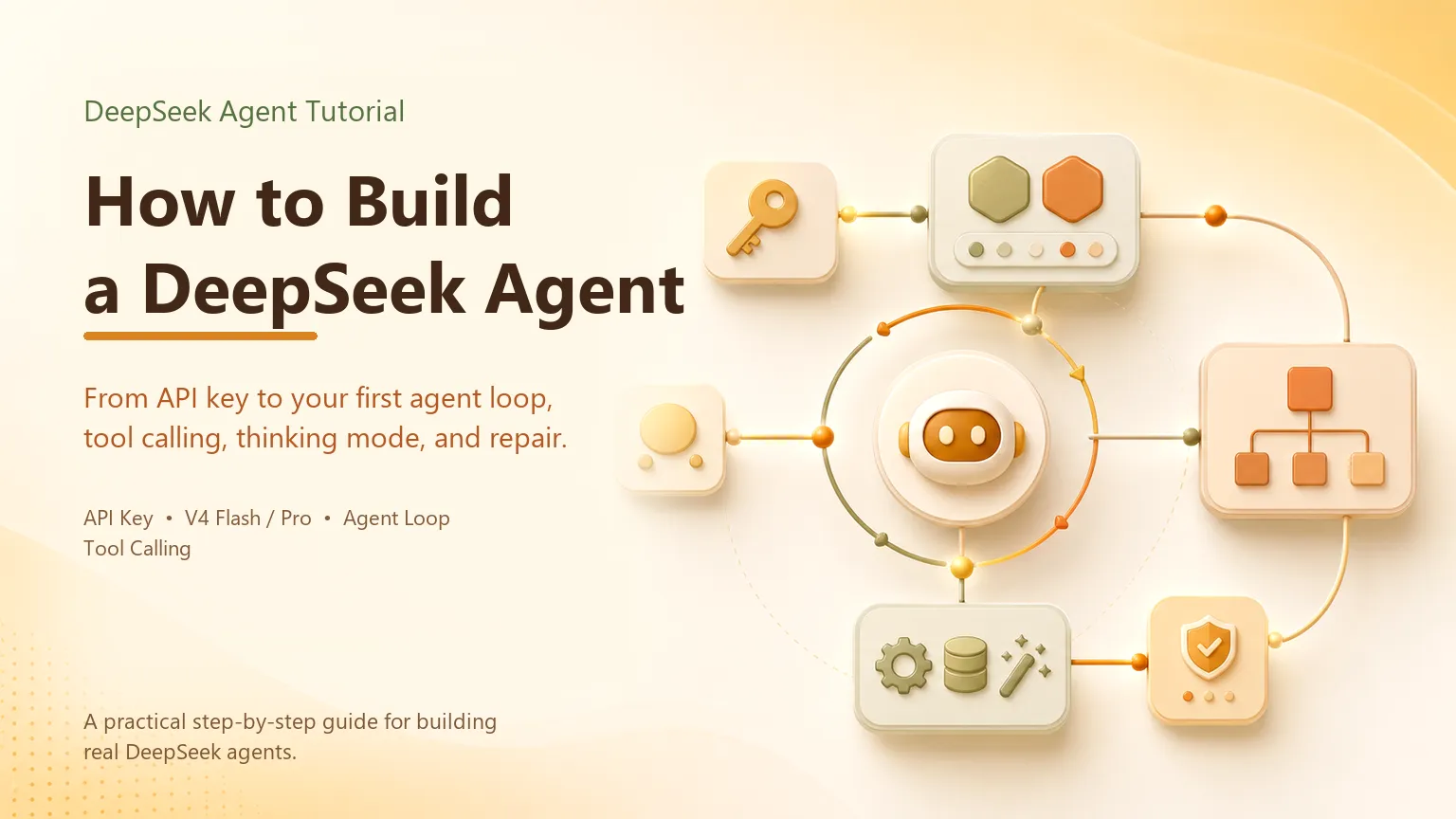
How to Build a DeepSeek Agent: From API Key to Your First Agent
Step-by-step guide to building a DeepSeek Agent with V4 Pro and V4 Flash. Covers API setup, model selection, tool calling, the agent loop, thinking mode, and production error handling — with Python and Node.js examples.
Information checked October 13, 2026. Verify current model names, prices, and API behavior before running the code.
A DeepSeek agent needs an API credential, a model, a bounded tool set, and a loop that returns tool results to the model. The demonstration is small; production work adds permissions, validation, stop conditions, idempotency, logs, and review.
1. Create the credential
Create a key in the DeepSeek Platform and store it in an environment variable or secret manager. Do not commit it. Funding and account rules can change, so follow the console rather than a copied minimum-deposit claim.
2. Choose the current model
DeepSeek’s live catalog lists deepseek-flash as production V4.1 Flash with 1M context, up to 384K output, vision, tool calls, JSON output, Responses API, and Anthropic-format access.
Published V4.1 Flash prices per million tokens are $0.003/$0.006 cache-hit input, $0.15/$0.30 cache-miss input, and $0.60/$1.20 output for off-peak/peak periods. The catalog also displays deepseek-v4-pro as V4-Pro-0813, but DeepSeek’s release notice says Pro-alias traffic temporarily routes to V4.1 Flash while V4.1-Pro is pending. Use deepseek-flash in a first build and log the served model.
3. Implement the bounded loop
The documented tool-calling pattern is:
- send messages plus JSON-schema tool definitions;
- inspect returned
tool_calls; - validate the function name and arguments;
- authorize and execute the tool in your application;
- append the matching tool result;
- call the model again until it returns a final answer or reaches a stop condition.
In pseudocode:
messages = [{"role": "user", "content": task}]
for turn in range(MAX_TURNS):
    response = client.chat.completions.create(
        model="deepseek-flash", messages=messages, tools=tools
    )
    message = response.choices[0].message
    messages.append(message)
    if not message.tool_calls:
        return message.content
    for call in message.tool_calls:
        args = validate(call.function.name, call.function.arguments)
        result = execute_with_policy(call.function.name, args)
        messages.append({"role":"tool","tool_call_id":call.id,"content":result})
raise RuntimeError("turn limit reached")
The loop is not safe merely because it terminates. Separate read and write tools, use least-privilege credentials, and require approval for destructive, financial, external-message, or access-control actions. Retried writes need idempotency keys.
4. Treat thinking fields as protocol data
Thinking mode and fields such as reasoning_content must follow the current DeepSeek protocol. They may help protocol debugging, but they are not a reliable explanation of a decision and should not be used as audit evidence. Audit the observable inputs, tool requests, validations, approvals, results, and final action instead.
5. Test before adding tools
Test malformed arguments, missing evidence, duplicate events, timeouts, denied approvals, and downstream outages. Limit turns, parallel calls, elapsed time, and spend. Start sequentially; add concurrency only for independent, read-only work.
For schema and executor details, see DeepSeek Agent function calling. For the broader choice between a custom loop and an existing client, see what a DeepSeek Agent is and the build-versus-buy framework.
The production milestone is not “the model called a tool.” It is “the system stopped safely, produced an observable result, and handled failure without an unauthorized side effect.”
Related posts

What Is Gemini Agent? Google's Universal Work Agent Explained
Gemini Agent is Google's universal work agent for persistent tasks, multi-agent coordination, model routing, and work across business…
AI Agent Connectors Explained: MCP, OAuth, and Permissions
Learn how AI agent connectors use MCP, OAuth, scopes, resource permissions, and approval gates—and how to evaluate a connector before it…

What Is an Agent Harness? Architecture, Loops, and Safety
Learn what an AI agent harness does, how its execution loop, context, tools, sandbox, approvals, tracing, and recovery fit together, and…
https://floatboat.ai/blog/how-to-build-deepseek-agent