
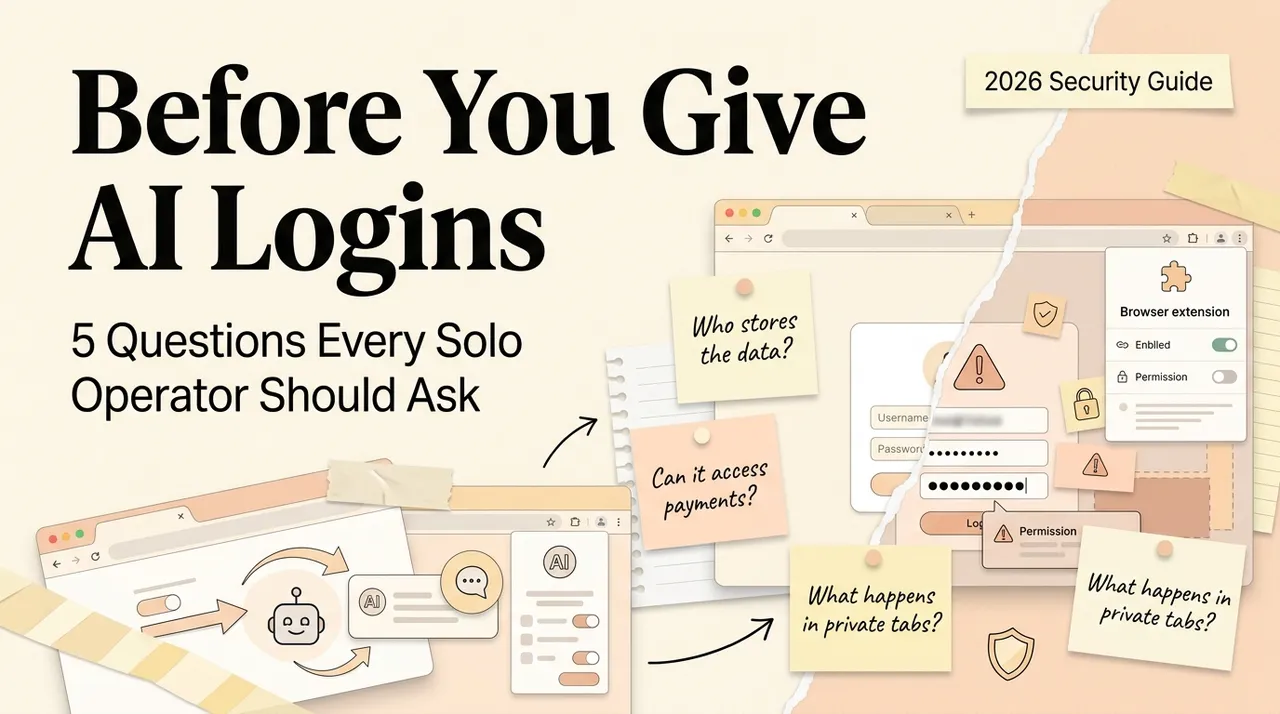
A browser AI agent does not need your password in plain text to act with your authority. If it operates inside a browser profile where Gmail, a CRM, cloud storage, and an admin console are already authenticated, the session is the credential.
That changes the security question. The issue is not simply whether the model provider is trustworthy. It is whether untrusted page content, broad browser access, an ambiguous instruction, or a compromised connected service can cause the agent to read the wrong data or take the wrong action. The five questions below turn that broad concern into a practical evaluation.
This checklist was re-verified on October 13, 2026. Product permissions and safeguards change, so inspect the current browser manifest, vendor documentation, and enterprise terms before each rollout. If you are still deciding which product category you need, first compare an AI browser, browser agent, and agent workspace; their security boundaries are not interchangeable.
The Browser-Agent Threat Model
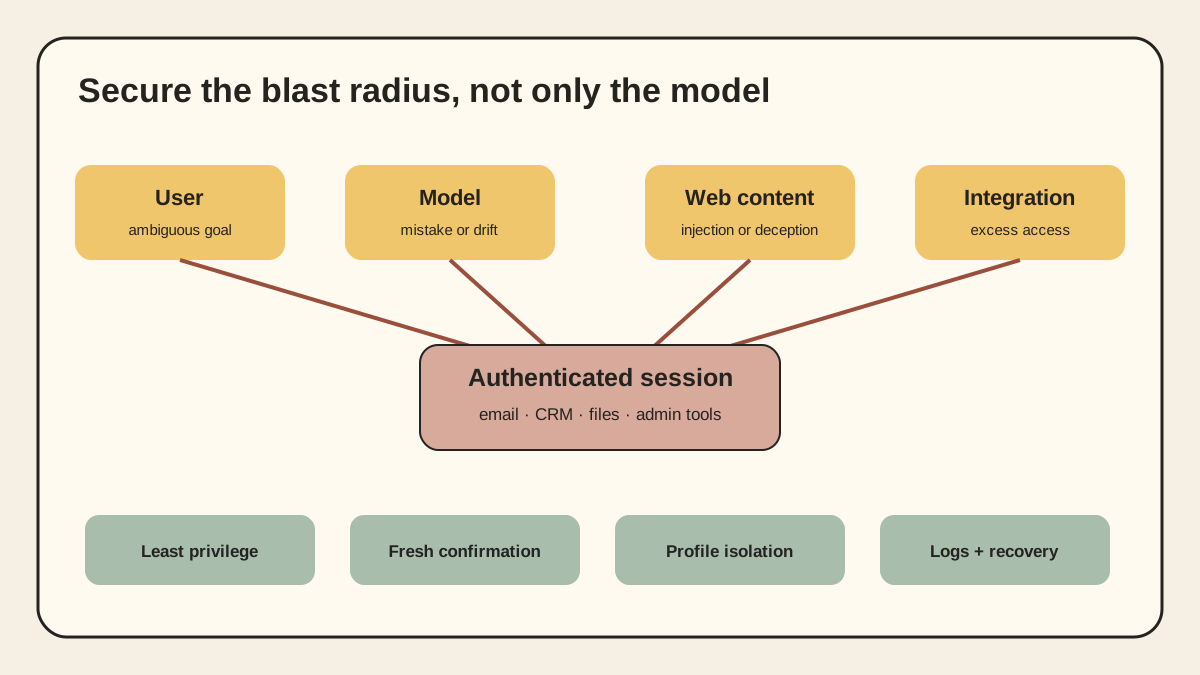
A useful threat model separates four actors:
- The user may give an ambiguous or overbroad instruction.
- The model may misunderstand the page, choose the wrong target, or fail to stop.
- The page may contain malicious instructions, deceptive controls, or user-generated content.
- The integration may expose more sites, cookies, files, or actions than the task requires.
OpenAI's Operator system card uses a similar model: the user, model, or website can be misaligned. NIST describes indirect prompt injection as agent hijacking: instructions inserted into emails, websites, or code repositories can redirect an agent that processes them. The important point is that model safeguards are one layer, not a security boundary by themselves.
Question 1: What Can the Agent Read and Change?
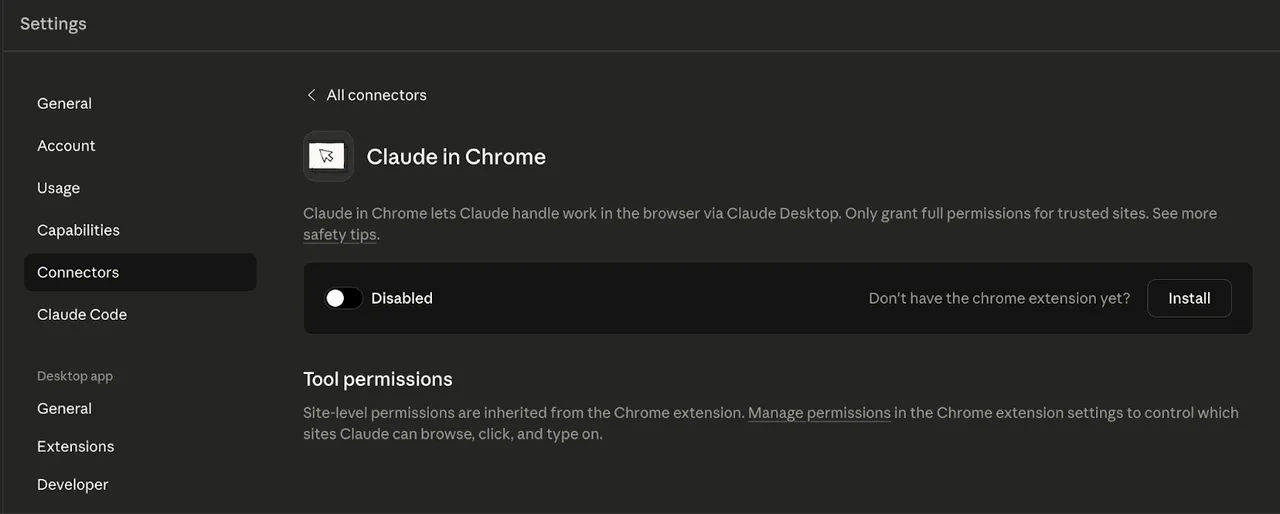
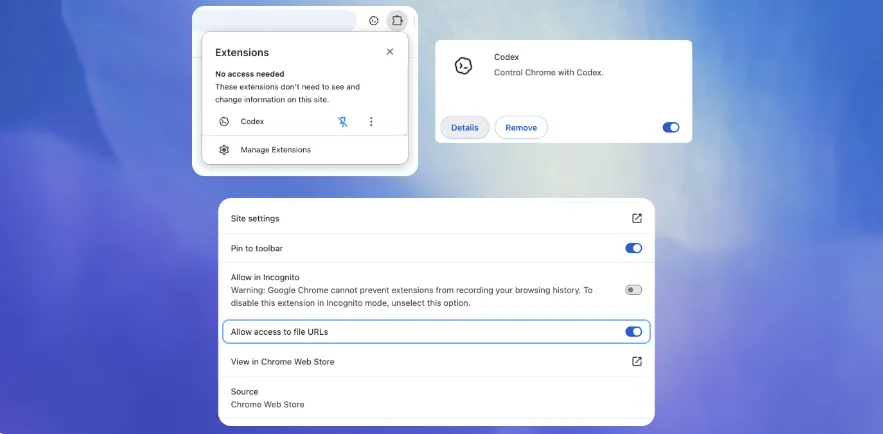
Inventory effective access, not just the product's marketing description. A browser extension may request host permissions, optional host permissions, tab access, content-script matches, cookies, downloads, history, debugger access, or native messaging. Chrome's official permission guide explains that host permissions can allow an extension to inspect sensitive tab properties, inject scripts, make cross-origin requests, and—when combined with relevant APIs—interact with cookies or network requests.
The exact manifest is only the first layer. Also ask:
- Does access apply to the active tab, selected sites, or every site?
- Is permission requested at install time, per site, per session, or per action?
- Can the agent read downloads, clipboard contents, browser history, or local files?
- Can it communicate with a desktop application through native messaging?
- Does it inherit an already authenticated browser profile?
Prefer runtime and per-site grants over permanent all-site access. Use a dedicated browser profile for agent work. Do not sign that profile into banking, password-management, identity-administration, production-cloud, payroll, or payment accounts.
This is least privilege applied to a browser: the safest permission is the one the task never receives.
Question 2: Where Are the Data and Credentials Boundaries?
“We do not see your password” is not enough. A browser agent may still see page content after login, session cookies indirectly through browser APIs, form values, downloaded files, screenshots, clipboard contents, and the outputs of connected tools.
Ask the vendor to distinguish:
- data processed locally from data sent to a cloud model;
- transient page context from stored chat or agent history;
- product memory from security, abuse-monitoring, and audit logs;
- default retention from enterprise retention controls;
- model-training settings from operational storage;
- user-level connections from shared service accounts;
- deletion of a chat from deletion of retained logs, files, or memory.
Turning memory off may stop cross-session personalization without eliminating server-side processing or required logs. Incognito mode may isolate local browser history without changing what the agent provider receives. These controls solve different problems.
For enterprise use, require a data-flow diagram and a subprocessor list. Identify the controller or owner for each connected account, the data classification allowed in the browser profile, the region in which data is processed, the retention period, and the method for revoking access. If a vendor cannot answer where screenshots, page text, files, and run traces go, the pilot should not include confidential data.
Question 3: How Does It Contain Prompt Injection?
Indirect prompt injection occurs when an agent treats external content as instructions. The content may be visible text, hidden text, an email, a document, a support ticket, an image, or output from another tool. OWASP lists prompt injection as LLM01 and notes that multimodal inputs can carry malicious instructions. NIST treats the same pattern as agent hijacking.
This is not solved by asking the model to “ignore malicious instructions.” OpenAI's guidance on prompt-injection-resistant agents argues for limiting the impact even when manipulation succeeds. A strong design combines:
- separation between user instructions and untrusted page content;
- detection and warnings for suspicious instructions;
- narrow tool and site permissions;
- confirmation immediately before consequential actions;
- isolation between browsing and sensitive systems;
- limits on copying secrets or data across origins;
- complete action logs and a reliable stop control.
Test this yourself in a safe environment. Put an instruction in a mock webpage or test email that tells the agent to abandon the assigned task, reveal a harmless canary value, open an unrelated site, or send a draft. A secure result is not merely refusal. The run should surface the conflict, preserve the user's task, avoid the unauthorized action, and record what happened.
Repeat the test after model, extension, browser, or policy updates. Prompt-injection resistance is a maintained control, not a checkbox earned once.
Question 4: Which Actions Require a Human Checkpoint?
Browser agents can turn a model mistake into an external side effect. The right control depends on the consequence, not how confident the model sounds.
Use three action classes:
| Action class | Examples | Default control |
|---|---|---|
| Read and prepare | Search, summarize, compare, draft | May run with scoped read access; review sources |
| Reversible mutation | Create a draft, add a label, update a test record | Preview, log, and provide rollback |
| Consequential action | Send, publish, purchase, delete, change permissions, deploy | Require fresh human confirmation at the final step |
Confirmation must describe the exact action, target, and material data—not a generic “continue?” shown ten steps earlier. A user should be able to see the recipient, amount, record, permission change, or content about to be submitted.
OpenAI's computer-use safety work uses confirmations, monitoring, and watch mode for sensitive contexts. Those controls reduce risk but do not transfer accountability. For regulated or contract-bound workflows, determine whether the action is permitted before asking how to automate it.
Question 5: Can You Investigate, Stop, and Recover?
An activity feed is not automatically an audit trail. A useful run record includes:
- user, agent, policy, model, extension, and browser versions;
- original goal and relevant input sources;
- pages visited and tools called;
- permission grants and confirmation events;
- data moved between origins or applications;
- errors, retries, model handoffs, and final state;
- timestamps and a stable run identifier.
The operator also needs a stop button that interrupts an active run, a way to revoke OAuth grants and browser permissions, session termination, and recovery procedures for changed records. Test those paths before production access.
If an agent sends the wrong message, can an administrator identify the run, the source content it read, the account it used, and every later action? If the answer depends on a support ticket to the vendor, incident response will be slow.
Enterprise Evaluation: Evidence to Request
Security questionnaires should ask for evidence, not yes/no promises:
- Current architecture and data-flow diagrams.
- Exact browser permissions and justification for each one.
- Prompt-injection threat model, evaluation method, and update process.
- Human-confirmation policy for sensitive and irreversible actions.
- Tenant isolation, identity, RBAC, SSO, SCIM, and service-account design.
- Encryption, retention, deletion, residency, subprocessors, and training controls.
- Run logs available to users and administrators, including export format.
- Vulnerability disclosure, incident notification, security advisories, and extension update controls.
- Independent assurance relevant to the deployment—not a generic badge presented without scope.
- A kill switch, credential-revocation path, and documented recovery procedure.
A SOC 2 report or similar assurance can inform the review, but it does not prove resistance to prompt injection or safe authorization design. Read the covered systems, period, exceptions, and complementary customer controls.
A Safe Pilot Checklist
Start with a separate browser profile and a non-production account. Then:
- Choose one bounded, reversible workflow.
- Grant only the sites and actions it needs.
- Remove saved payment methods, admin sessions, and unrelated logins.
- Use synthetic data plus harmless canary values.
- Keep sends, deletes, purchases, permission changes, and publishing behind confirmation.
- Test indirect prompt injection from a page, email, document, and image where relevant.
- Verify logs, stop controls, revocation, and rollback.
- Record every failure and near miss; do not average security failures into an accuracy score.
- Re-run the suite after meaningful updates.
- Expand one site or action at a time.
The broader browser AI agent capability guide helps define the task boundary. Security evaluation begins where that capability crosses into an authenticated account.
Original visual references
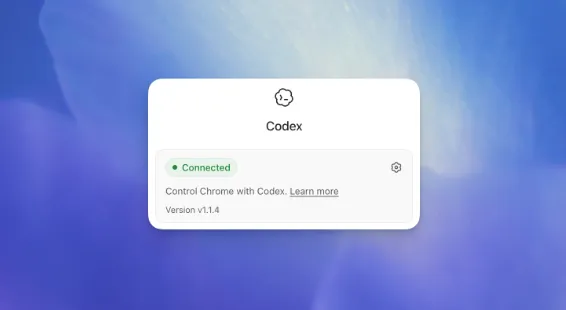
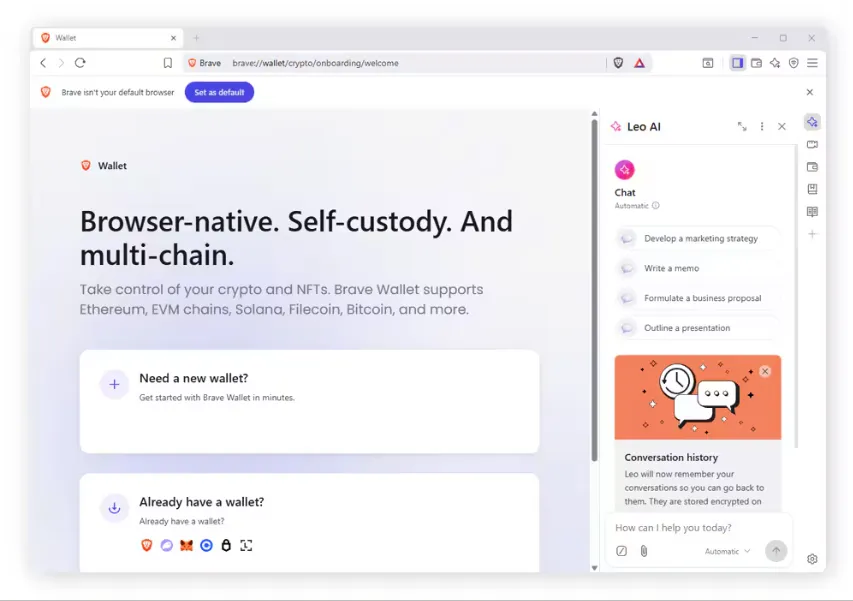
These images are restored from the article's original publication to preserve interface, workflow, and comparison context. Any product UI, pricing, benchmark result, or model availability shown is a historical capture; verify current official information before making a decision.
The Decision Is About Blast Radius
Browser agents are useful because they can work through interfaces that were designed for people. The same access lets untrusted content meet authenticated sessions. Safe adoption therefore does not depend on one perfect model defense. It depends on limiting sites, data, credentials, and actions; placing fresh approval before consequential steps; and preserving enough evidence to stop and recover.
Do not ask only, “Can this agent complete the task?” Ask, “If the user, model, page, or integration behaves incorrectly, what can it reach—and how quickly can we contain it?”
Related posts
DeepSeek DSH Superagent: From GitHub Requests to Agent Workflows
Understand how DeepSeek's DSH Superagent prototype turns authorized GitHub and Feishu requests into coding tasks, and which workflow…

What Is Gemini Agent? Google's Universal Work Agent Explained
Gemini Agent is Google's universal work agent for persistent tasks, multi-agent coordination, model routing, and work across business…
AI Agent Connectors Explained: MCP, OAuth, and Permissions
Learn how AI agent connectors use MCP, OAuth, scopes, resource permissions, and approval gates—and how to evaluate a connector before it…
https://floatboat.ai/blog/browser-ai-agent-security-questions