
Best AI Scheduling Assistants: A Buyer’s Shortlist for 2026
Compare AI scheduling assistants for booking, calendar optimization, team coordination, and meeting workflows. A buyer-focused shortlist with tests and tradeoffs.
Information checked October 13, 2026. Plans and features change; confirm the linked vendor pages before purchasing.
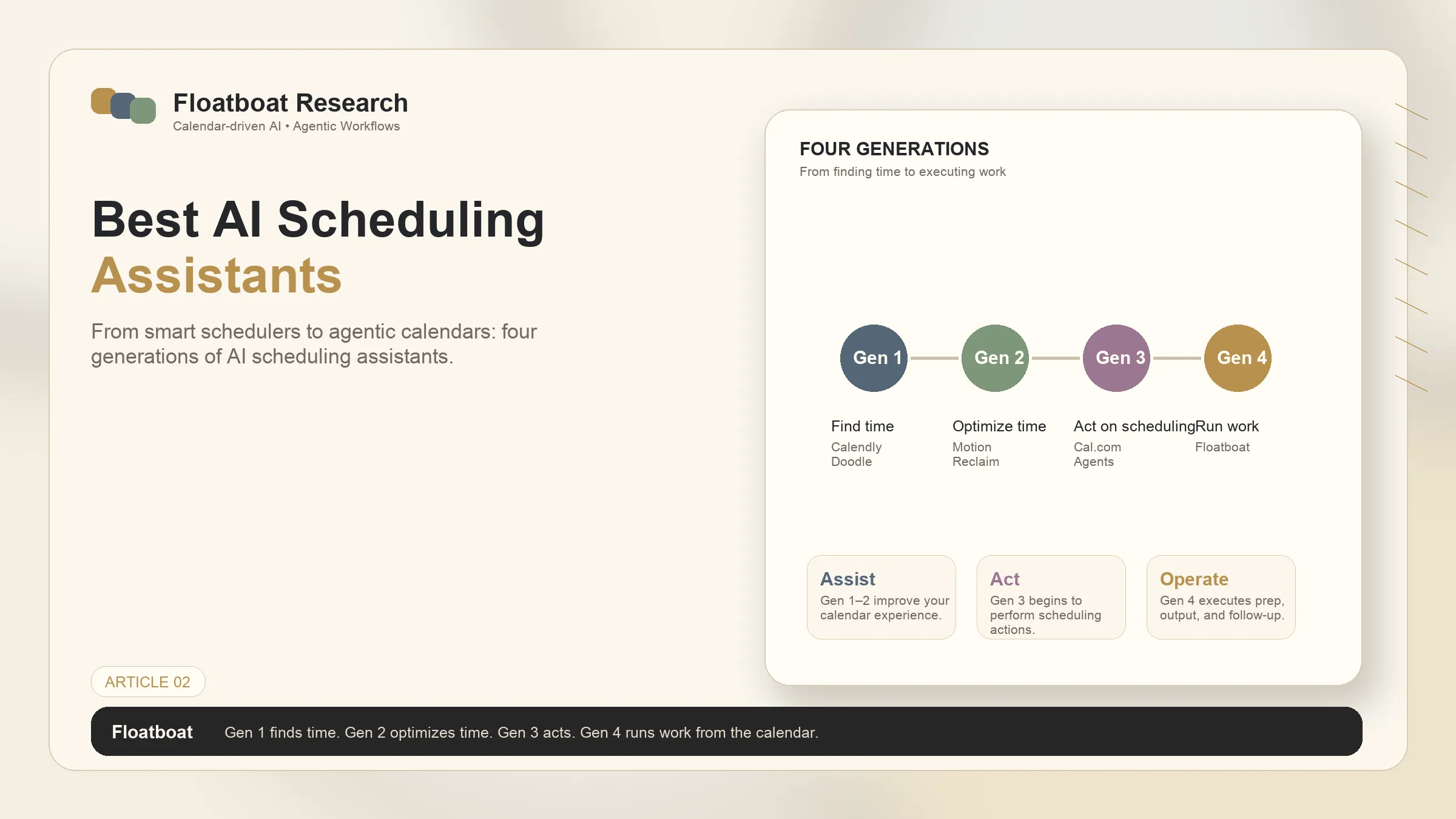
The best AI scheduling assistant is not the one with the longest feature list. It is the one that removes the scheduling failure you actually have: external booking friction, an overloaded task calendar, fragmented team focus, or meeting administration.
This page is a buyer roundup. It compares current products and gives you a test plan. If you first need the category map—booking tools versus optimizers versus agents—read the singular guide to how AI scheduling assistants differ. For the narrower question of what makes software an agent rather than a scheduler, see what an AI scheduling agent does.
Short answer
| Candidate | Put it on your shortlist when | Verify before buying |
|---|---|---|
| Calendly | External invitees need a booking page, routing, reminders, or team distribution | Required plan, connected-calendar limits, routing and AI add-ons |
| Google Calendar appointment schedules | You already work in Google and need a native booking page | Account eligibility, secondary-calendar conflict checks, payments and co-host rules |
| Outlook Scheduling Poll | A Microsoft 365 team needs attendees to vote on times | Client availability, tenant policy, auto-scheduling and external-attendee behavior |
| Motion | Tasks and deadlines should compete for time on one planning calendar | Rescheduling behavior, credit limits, team controls and import quality |
| Reclaim | You want flexible tasks, habits and focus blocks around an existing calendar | Current product version, calendar support, plan limits and team features |
There is no universal winner. Calendly, Google and Outlook primarily solve meeting coordination. Motion and Reclaim address work allocation inside the calendar. Those are different buying jobs, so a single numerical ranking would be misleading.
How the shortlist was built
Candidates needed an official page describing the scheduling behavior, a product a buyer can currently evaluate, and a distinct job not already covered by another row. The comparison uses vendor documentation rather than a shared performance benchmark. It does not claim that one vendor’s “AI” label is equivalent to another’s.
Use five decision dimensions:
- Trigger: booking request, attendee poll, task deadline, or protected-time rule.
- Output: confirmed meeting, proposed time, rearranged day, or protected focus block.
- Control: what changes automatically, what requires approval, and how changes are reversed.
- Boundary: supported calendars, accounts, clients, devices, and tenant policies.
- Operating cost: subscription, seats, add-ons, setup, exception handling, and correction time.
Calendly: external booking and routing
Calendly is a candidate when the main problem is letting other people book against controlled availability. Its official scheduling pages document booking links, event types, buffers, meeting limits, embeds, reminders, routing, and team distribution. The current Calendly pricing page separates core scheduling from optional Notetaker and Callie capabilities, so do not treat every AI meeting feature as part of the base plan.
Choose it for client calls, interviews, demos, paid consultations, or round-robin distribution. Test cancellation rules, time zones, calendar conflict checks, and the exact invitee experience. Skip it if the real problem is deciding when your own tasks should happen; a booking page does not prioritize a project backlog.
Google Calendar appointment schedules: native Google booking
Google Calendar can create a public booking page with duration, availability, scheduling windows, location, conferencing, forms, and reminders. Google’s appointment schedule documentation notes that some features require an eligible Google Workspace or Google One subscription and that schedules are created on the web, not in the mobile apps.
This is the first candidate to test when the buyer already lives in Google Calendar and needs straightforward appointments without another scheduling system. Verify whether secondary calendars can be checked for conflicts, because Google documents that this depends on plan eligibility. It is less suitable when advanced lead routing, multi-team administration, or a non-Google environment is the core requirement.
Outlook Scheduling Poll: consensus inside Microsoft 365
Scheduling Poll lets required and optional attendees vote on proposed times from supported Outlook clients. Microsoft documents access in Outlook on the web, Mac, and Microsoft 365 on Windows. It also documents an auto-scheduling option that can finalize a meeting when required-attendee consensus is reached.
This is a candidate for Microsoft 365 organizations coordinating groups rather than publishing an open booking page. Test external attendees, tenant restrictions, calendar holds, and which Outlook clients your team uses. It is not a task planner and should not be compared with Motion or Reclaim on workload optimization.
Motion: task planning that consumes calendar capacity
Motion combines projects, tasks and a calendar planner. Its current official pricing page lists AI Projects & Tasks, AI Calendar & Meetings, and an AI Task Planner, while also showing credit allowances and separate plans.
Put Motion on the shortlist when unfinished tasks, changing deadlines, and daily replanning are the pain. During a trial, import a representative week and watch what happens when a meeting moves, a task overruns, or a deadline changes. Measure manual corrections and whether the proposed schedule respects hard commitments. Do not infer that calendar optimization also provides external booking, meeting notes, or follow-up execution unless the current plan explicitly includes those functions.
Reclaim: flexible time protection around existing calendars
Reclaim positions tasks, habits, meetings and focus time as flexible blocks that can move around higher-priority commitments. Its official help center distinguishes product versions and plan limits; the pricing and plans guide explicitly tells readers to confirm which Reclaim version they use.
Evaluate Reclaim when the goal is to defend recurring work and habits without manually rebuilding the week. A fair pilot includes a recurring habit, a deadline-driven task, an urgent meeting, and a personal calendar conflict. Record which blocks move, which remain protected, and how much repair is required. Confirm current calendar support and team features instead of relying on an older comparison table.
What this roundup does not combine
Meeting transcription, email drafting, and calendar-triggered workflows are adjacent categories. Some scheduling vendors bundle or sell them, but they should be evaluated separately. A booking product can add an AI assistant without becoming a general work agent; a calendar optimizer can rearrange tasks without reading meeting evidence.
If your requirement is “prepare a brief before every client call, draft a follow-up afterward, and wait for approval,” start with the control model in AI follow-up automation, not a booking leaderboard. If events should trigger broader work, review the boundaries in what is an agentic calendar.
A seven-day buyer test
Run candidates against the same week rather than comparing screenshots.
- Connect only the minimum calendars needed for the trial.
- Create one external booking, one multi-attendee meeting, one movable task, and one protected focus block.
- Introduce an exception: cancel a meeting, move a deadline, or add an urgent event.
- Record double-bookings, unwanted moves, missed conflicts, notification noise, and correction time.
- Check permissions, retention, export, deletion, and admin controls with the account owner.
- Price the actual configuration, including seats and add-ons, from the vendor’s live page.
- Keep the tool only if it reduces coordination or repair work without hiding consequential changes.
Final recommendation
Start from the failure, not the brand. Test Calendly or Google appointment schedules for bookable availability; Outlook Scheduling Poll for Microsoft-centered group consensus; Motion for task-and-deadline planning; Reclaim for flexible time protection. If two tools solve different jobs, a layered setup may be rational. If they both write to the same calendar for the same job, define ownership before connecting both.
The durable buying question is not “Which assistant has the most AI?” It is “Which trigger, output, and control boundary removes my scheduling problem with the least repair work?”
Related posts
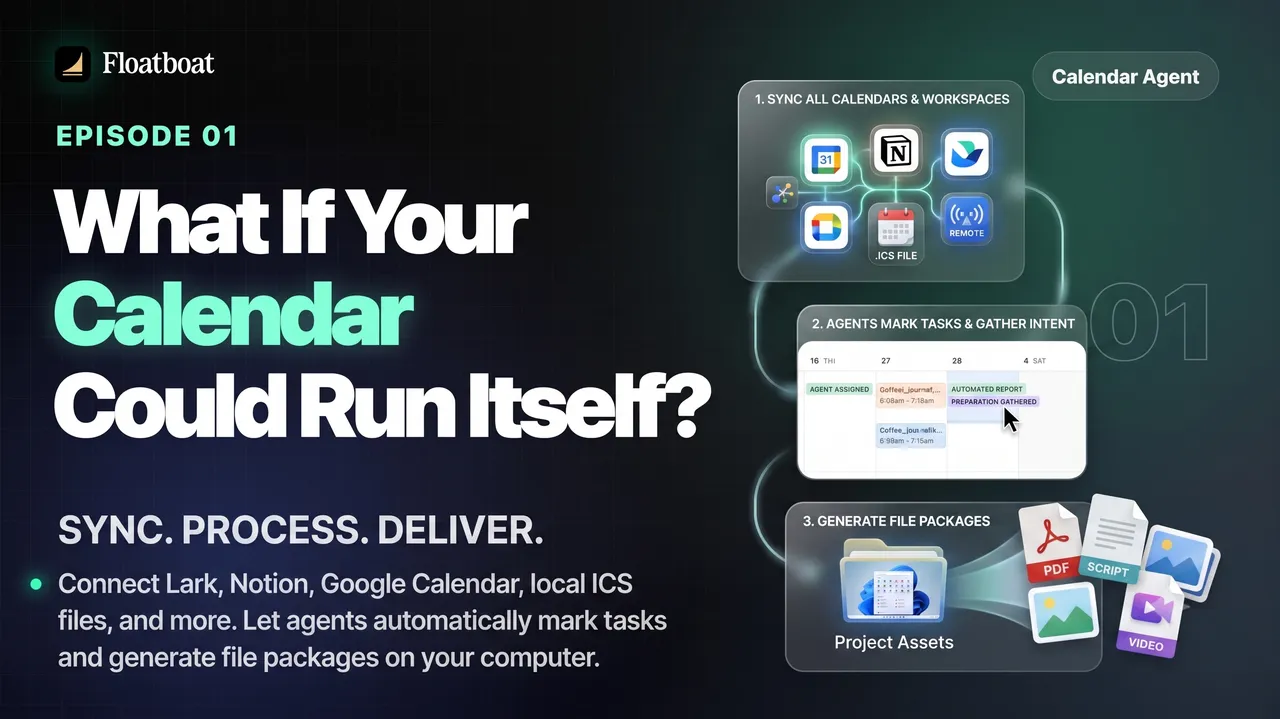
What If Your Calendar Could Run Itself? Calendar-Driven AI
Explore calendar-driven AI as a design pattern: events trigger reviewable preparation or follow-up workflows, with explicit permissions,…

Where Was the World Cup 2026 Held? All 16 Host Cities
The 2026 FIFA World Cup was held across 16 host markets in Canada, Mexico, and the United States. See every city and stadium, the country…

World Cup 2026 Bracket: Complete Knockout Results and Final Path
The completed 2026 World Cup bracket from the Round of 32 to the final: every knockout result, Spain's title path, bracket rules, and…
https://floatboat.ai/blog/best-ai-scheduling-assistants