
What Is an AI Scheduling Agent? 4 Types Explained
Learn what AI scheduling agents can verifiably do across booking, optimization, conversational calendar actions, and configured event-triggered workflows.
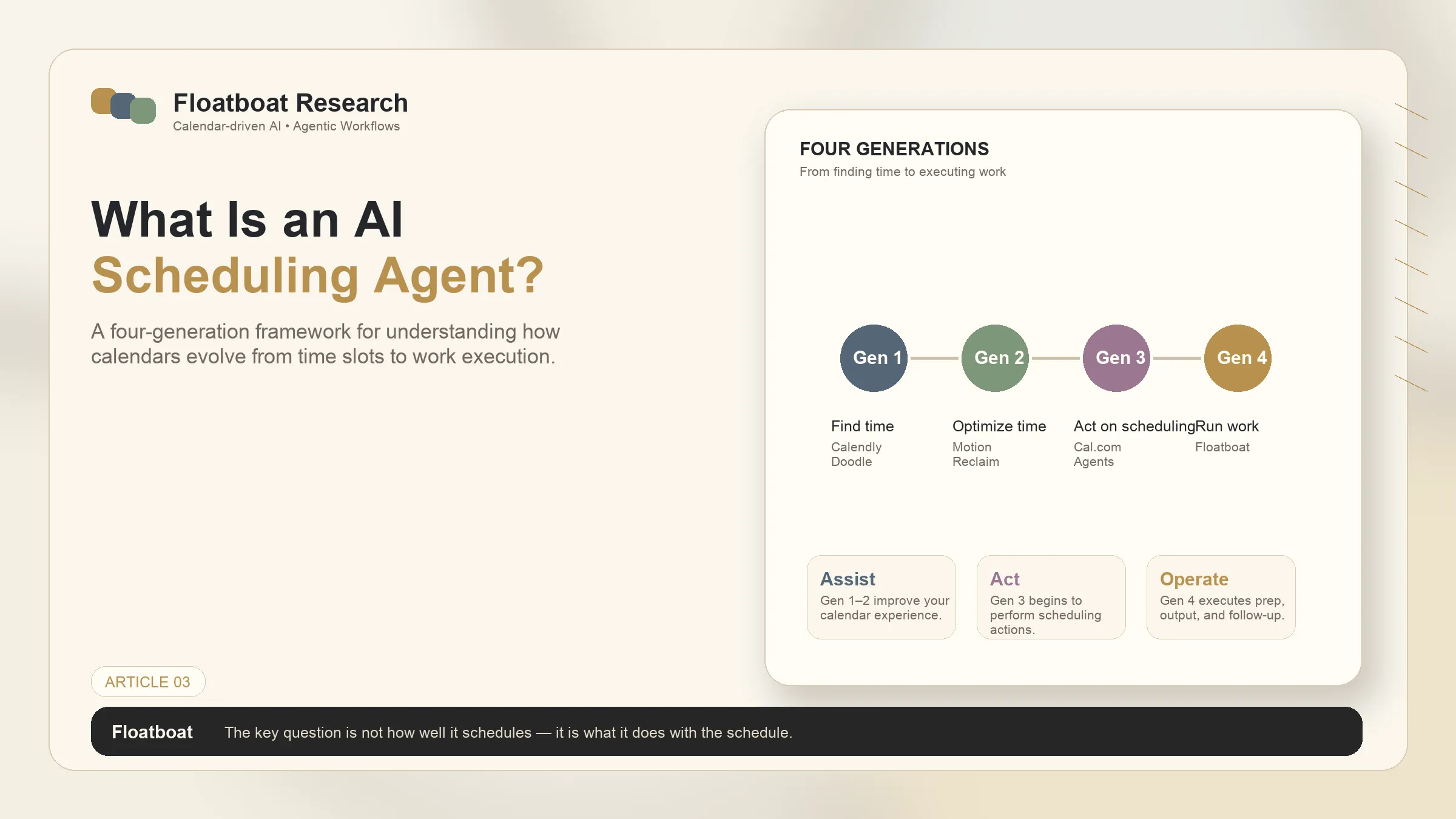
Information checked October 13, 2026. “Four generations” is an editorial comparison framework, not an industry standard. Capabilities vary by product, plan, connector, and permission.
An AI scheduling agent interprets scheduling intent and uses approved calendar tools to find availability, create or move events, add participants, or cancel bookings. Some products also connect scheduling to preparation or follow-up, but those are separate capabilities that require explicit triggers, data access, and product support.
Four useful shapes—not a maturity law
| Shape | Primary job | Evidence to check |
|---|---|---|
| Booking | Expose availability and create an event | time-zone rules, buffers, event types |
| Calendar optimization | Place and move tasks or focus blocks | conflict handling, lock rules, recurring events |
| Conversational scheduling | Interpret natural-language requests and call calendar actions | supported surfaces, confirmation steps, attendee consent |
| Calendar-triggered workflow | Start a configured process before or after an event | trigger semantics, connectors, approvals, retry behavior |
Products can span several rows. A higher row is not automatically better: deterministic booking may be safer than an open-ended agent for external guests.
Cal.com's v6.3 Agents launch documents agenda queries, rescheduling, adding attendees, and creating appointments through supported surfaces including Slack, Telegram, email, and CLI. It does not establish that every surface performs post-event workflows.
How to evaluate an AI scheduling agent
- Calendar scope: Which calendars can it read and write?
- Action boundaries: Does it ask before moving, cancelling, or inviting?
- Conflict behavior: How does it handle time zones, recurring events, buffers, and locked meetings?
- Connected context: Which files or apps can it access, and under whose permissions?
- Failure and audit: Can you see attempted actions, failures, retries, and final event IDs?
- Follow-up claims: Are preparation and follow-up documented features or only marketing examples?
For a focused comparison of products, use the AI scheduling assistants guide. To understand calendars as triggers rather than just containers, see what an agentic calendar is.
The right tool is the one whose documented actions match your coordination problem and risk tolerance. Do not infer meeting preparation, persistent memory, or automatic follow-up from scheduling support alone.
Related posts
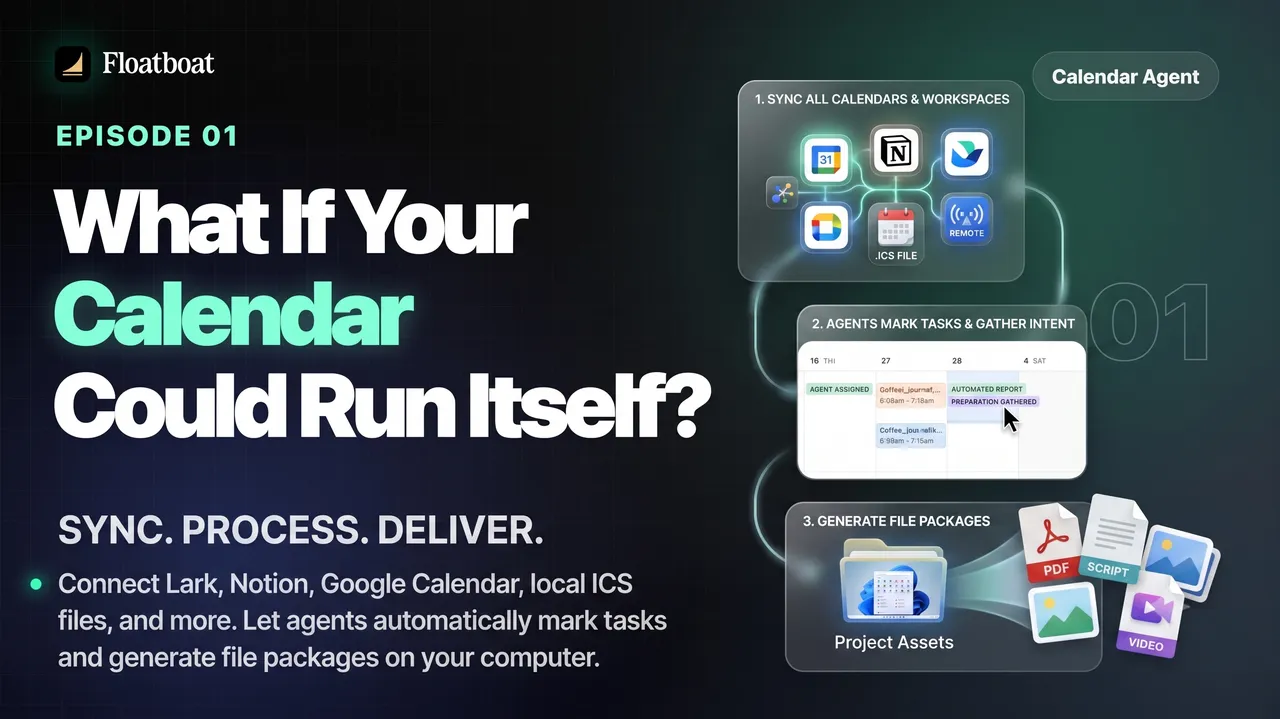
What If Your Calendar Could Run Itself? Calendar-Driven AI
Explore calendar-driven AI as a design pattern: events trigger reviewable preparation or follow-up workflows, with explicit permissions,…

Where Was the World Cup 2026 Held? All 16 Host Cities
The 2026 FIFA World Cup was held across 16 host markets in Canada, Mexico, and the United States. See every city and stadium, the country…

World Cup 2026 Bracket: Complete Knockout Results and Final Path
The completed 2026 World Cup bracket from the Round of 32 to the final: every knockout result, Spain's title path, bracket rules, and…
https://floatboat.ai/blog/ai-scheduling-agent