
Best AI Scheduling Assistant: How to Choose by Use Case
The best AI scheduling assistant depends on the job: booking, group coordination, time blocking, team optimization, or event-driven execution. Compare boundaries, permissions, recovery, and a reproducible pilot.
TL;DR
- “Best AI scheduling assistant” is not one product category. First identify whether the job is external booking, group polling, personal time blocking, team-calendar optimization, or work triggered by an event.
- Compare candidates with one fixed scenario and scorecard. Do not combine different jobs into a feature-count leaderboard.
- Verify current capabilities, permissions, and plan access on official vendor pages. This framework was checked on October 13, 2026.
Disclosure: Floatboat is one of the products discussed. This page is a category and task-selection guide, not a product ranking.
Start with the scheduling job
The singular search—best AI scheduling assistant—usually hides a specific problem. A consultant wants clients to book without email. A project lead needs six people to find one slot. A solo operator wants tasks placed around meetings. An operations team wants an event to trigger preparation and follow-up. Those are different jobs, with different permissions and failure modes.
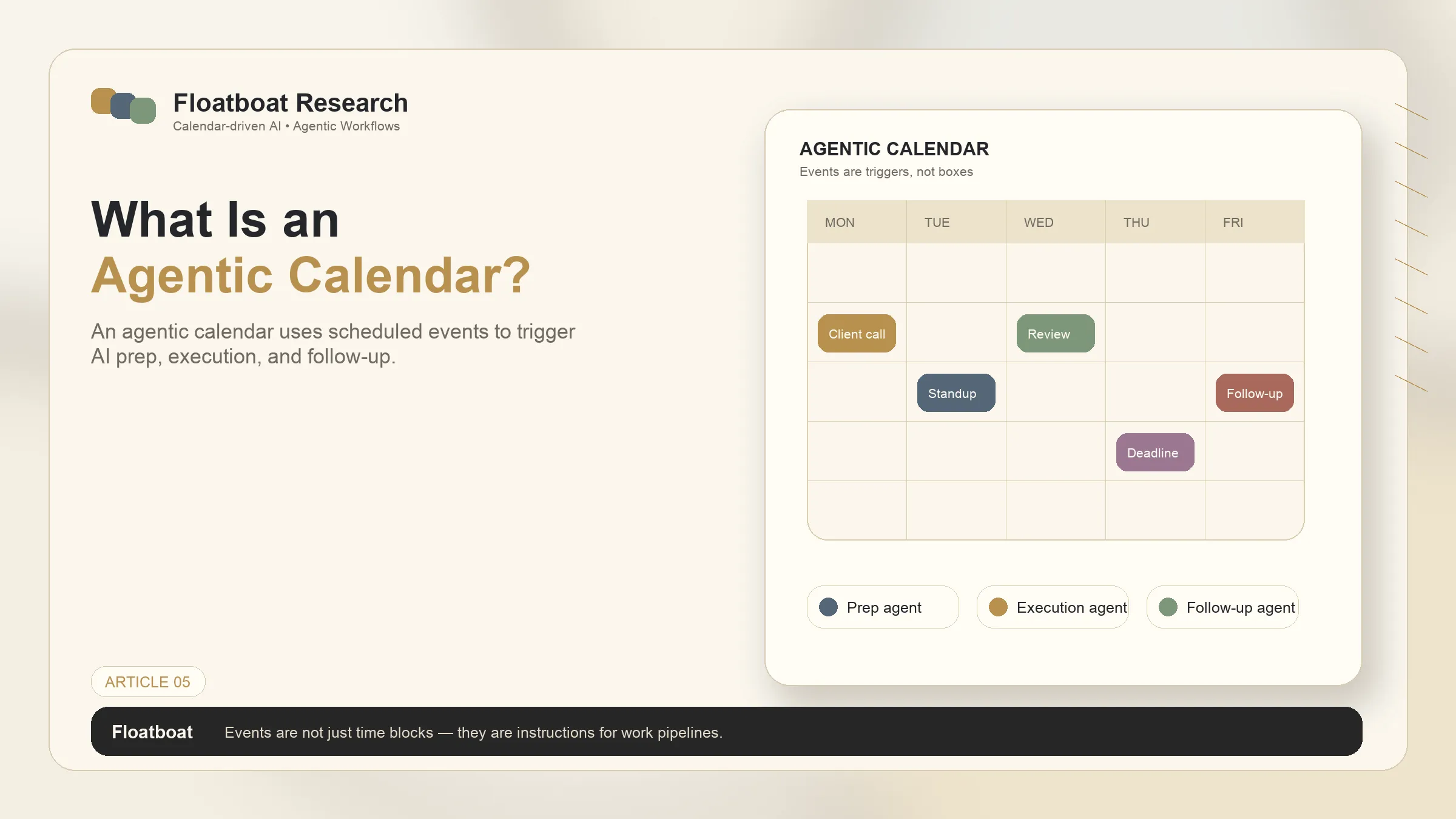
If you want a multi-product buyer roundup, see best AI scheduling assistants. This page instead gives you a repeatable way to decide which type of assistant belongs in your workflow. For the narrower automation category, what is an agentic calendar explains when a calendar becomes a trigger rather than only a schedule.
Five categories that should not be ranked as one list
| Job | Appropriate category | Acceptance test | Main risk |
|---|---|---|---|
| Let outsiders book available time | Booking link | Correct time zone, buffers, cancellations, rescheduling | Exposing more availability than intended |
| Find a time for a group | Availability poll | Low participant friction and a clear closing rule | Stale votes or unclear ownership |
| Place tasks into a personal calendar | Time-blocking optimizer | Respects deadlines, locked blocks, and manual overrides | Excessive reshuffling |
| Reduce fragmented team calendars | Team-calendar optimizer | Improves focus blocks without breaking critical meetings | Optimizing one person at another’s expense |
| Prepare or follow up from an event | Event-driven agent workspace | Uses only approved context, produces reviewable output, and recovers from failure | Excessive email, file, or calendar permissions |
The categories can coexist. A booking link can create the event; a time blocker can protect preparation time; an event-driven workspace can draft a brief. The useful question is not which vendor has the longest feature list, but where each system starts and stops.
A six-part evaluation scorecard
1. Task fit
Write one sentence that names the scheduling job and the final artifact. “Reduce scheduling” is too vague. “Let prospects choose a 30-minute slot while preserving a 15-minute buffer” is testable. So is “draft a meeting brief from approved files two hours before a client call.”
2. Constraint handling
Use the same edge cases for every candidate: two time zones, a locked focus block, a reschedule, a cancellation, and one unavailable calendar. Record whether the tool asks for clarification, makes a reversible choice, or silently violates a rule.
3. Permission scope
A scheduling link may need free/busy access. A team optimizer may need multiple calendars. An event-driven agent may request email or file access. Grant the minimum scope required by the test and document which data can be read, written, retained, or shared.
4. Human control
Check where approval occurs. Can a user lock a block, review a proposed change, edit a generated brief, or stop a run? “AI scheduling” is not useful if the only recovery path is manually rebuilding the calendar.
5. Observability and recovery
The pilot should include one failure. Disconnect a calendar, remove a permission, or supply a conflicting constraint. Look for a visible error, a retry path, and an audit trail. A polished happy path is not enough for recurring work.
6. Total operating cost
Subscription price is only one input. Count setup, weekly correction time, administrator effort, and recovery from wrong changes. Current prices and plan gates change; verify them directly rather than copying a snapshot from a comparison article.
How to use product examples responsibly
Product names are useful only when tied to an official description and a specific job. For example, Calendly’s official product page describes scheduling and booking workflows, while Doodle’s official product page presents group scheduling and polls. Motion and Reclaim describe automated planning or time blocking in their own materials. Clockwise focuses on calendar optimization for teams. Cal.com documents scheduling infrastructure and booking workflows.
These links establish vendor positioning, not a universal winner. Capabilities, integrations, and plan access should be rechecked for your account and region.
Floatboat’s published material describes a different job: calendar-linked preparation and follow-up in an agent workspace. The calendar-driven AI versus chat AI article explains that product thesis. Treat it as a candidate only when the event should trigger reviewable work; it is not evidence that Floatboat is the best booking link, group poll, or team optimizer.
A reproducible 7-day pilot
- Pick one category and one recurring scenario.
- Create five representative cases, including one reschedule and one conflict.
- Use a separate test calendar and minimum permissions where possible.
- Record completion rate, correction minutes, rule violations, and recovery steps.
- Repeat the same cases in the comparison candidate.
- Choose only if the measured reduction in coordination exceeds setup and correction cost.
Do not run five categories at once. If booking is the pain, test booking. If preparation is the pain, test preparation. Category clarity makes the buying decision smaller and the result easier to defend.
Decision rules
- Choose a booking link when external coordination is the whole problem.
- Choose a poll when several people must compare candidate times.
- Choose a personal optimizer when tasks need to move around fixed commitments.
- Choose a team optimizer when meeting fragmentation is the shared constraint.
- Consider an event-driven agent only when the calendar event should start a defined, permissioned, reviewable workflow.
The best AI scheduling assistant is therefore the one that passes your category-specific acceptance test with the least permission and correction burden—not the one that wins an undifferentiated feature table.
Related posts
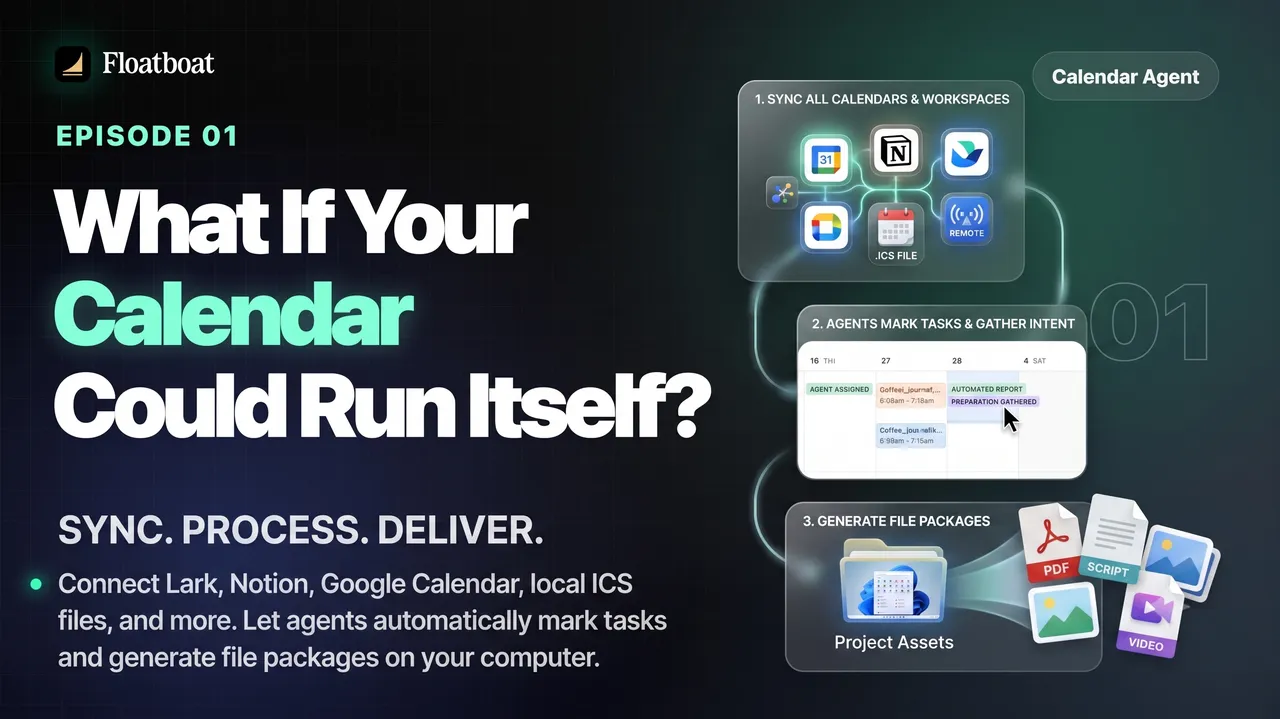
What If Your Calendar Could Run Itself? Calendar-Driven AI
Explore calendar-driven AI as a design pattern: events trigger reviewable preparation or follow-up workflows, with explicit permissions,…

Where Was the World Cup 2026 Held? All 16 Host Cities
The 2026 FIFA World Cup was held across 16 host markets in Canada, Mexico, and the United States. See every city and stadium, the country…

World Cup 2026 Bracket: Complete Knockout Results and Final Path
The completed 2026 World Cup bracket from the Round of 32 to the final: every knockout result, Spain's title path, bracket rules, and…
https://floatboat.ai/blog/best-ai-scheduling-assistant