
AI Tools for Business Automation in 2026
AI tools for business automation in 2026 should reduce repeated work, handoffs, and context switching without adding tool sprawl.
Hi, I'm Nova. I've been running my own content operation for a while now, and the question I keep getting from people in similar positions is some version of: "Which AI tools should I actually be using for automation?"
The honest answer is: it depends less on the tool and more on where your time is actually leaking. Most people don't have a tool problem — they have a repeated-work problem they haven't mapped yet.
So this isn't a ranked list of every AI automation platform. It's more of a working map — what I've figured out about where automation earns its place, what a realistic starter stack looks like, and what it costs to maintain one over time.
The 2026 Automation Map for Solo Operators
Something shifted in the last eighteen months. The tools got better, but more importantly, the handoff problem got clearer. The thing that was eating my time wasn't any single task — it was the space between tasks. Reading something in one place, reformatting it somewhere else, pasting it into a third tool. That context switching adds up fast.
The best AI automation tools in 2026 mostly solve one of two things: they either eliminate a repeated task entirely, or they handle the handoff between systems so I don't have to.
The ones that try to do everything — full AI business operating systems, etc. — are harder to set up and harder to maintain. The ones that pick a lane and do it well are the ones that stick around in my workflow.
Worth noting: according to Deloitte's 2024 State of AI research, organizations that implement AI strategically — aligned to specific objectives rather than trend-chasing — report significantly better outcomes than those that just add tools. That tracks with my experience.
Start with Workflow Pain, Not Tool Categories
Before picking any tool, I ask myself: "What am I doing more than twice a week that I hate doing?"
Not "what could be automated." What's creating friction right now.
There are five areas where I've seen the clearest payoff for solo operators and small teams:
Admin — scheduling, inbox triage, invoice follow-ups, meeting notes. This is the category most people automate first, and it's usually the right call. The repetition is high, the emotional cost is also high, and the stakes for getting it slightly wrong are low.
Sales — lead follow-up sequences, CRM updates, first-touch responses. The best AI sales automation tools I've tested don't replace outreach judgment — they handle the mechanical parts: logging calls, queuing follow-ups, enriching contact records. The human still needs to write the message that matters.
Support — FAQ responses, ticket routing, first-line triage. For anyone who gets the same ten questions repeatedly, this one is usually a quick win.
Content — repurposing existing content into different formats, research summarization, first drafts. I'd put this in the middle tier: works well when the input is clean, breaks down when it isn't.
Reporting — pulling data together from multiple sources into a readable format. Honestly one of the more underrated automation use cases. I spent way too many Fridays doing this manually before I automated it.
The order matters. Admin and reporting usually give you back time the fastest. Sales and content require more calibration. Support sits in the middle depending on your volume.
Starter Stack by Business Function
Here's roughly what I'd suggest for someone building their first automation stack — not a comprehensive list, but a useful starting point organized by what each tool actually does in practice.
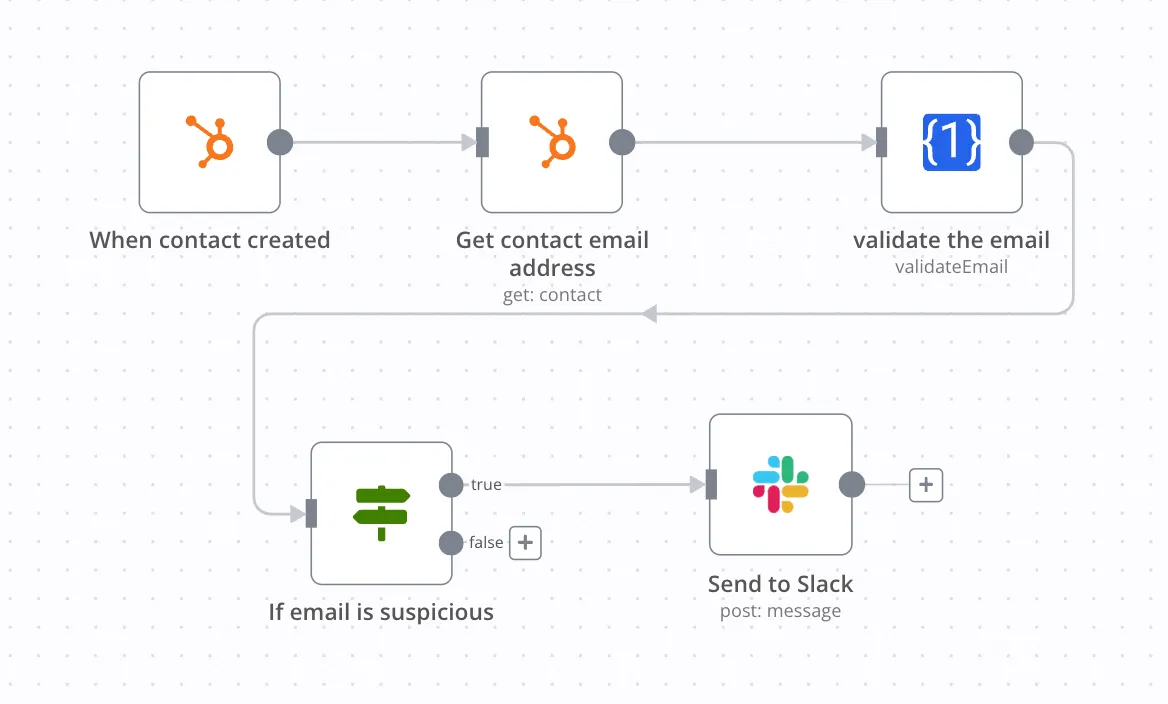
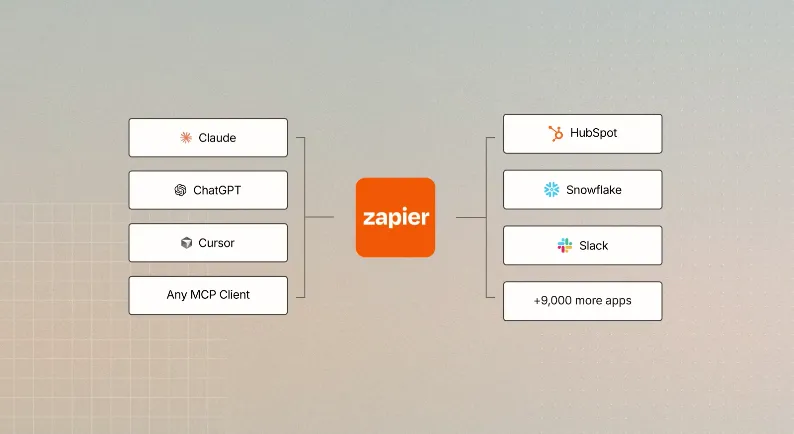
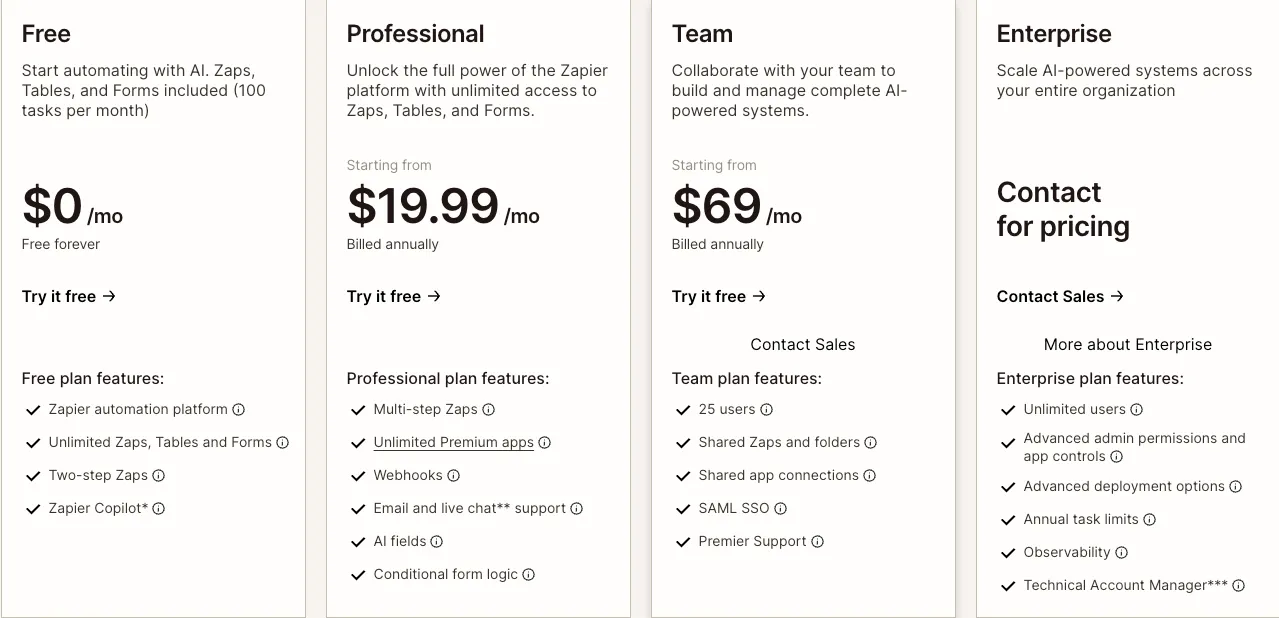
For orchestration (connecting tools together): Zapier or Make.com. Zapier has the wider app library (7,000+ integrations) and is easier to start with. Make gives you more logic control for complex workflows. If you're not a developer and want to be up and running fast, Zapier is where I'd start. n8n is worth knowing about if you want to self-host and have some technical comfort — it's more powerful but has a steeper setup curve.
For meetings and async communication: A meeting assistant like Fathom or Fireflies. Both auto-join your calls, transcribe, and produce summaries. Fathom has a generous free tier. Fireflies at around $10/month adds CRM sync. I verified pricing on their official pages — worth checking directly as this changes. The point isn't the transcript. It's that action items go somewhere useful instead of disappearing into a summary email.
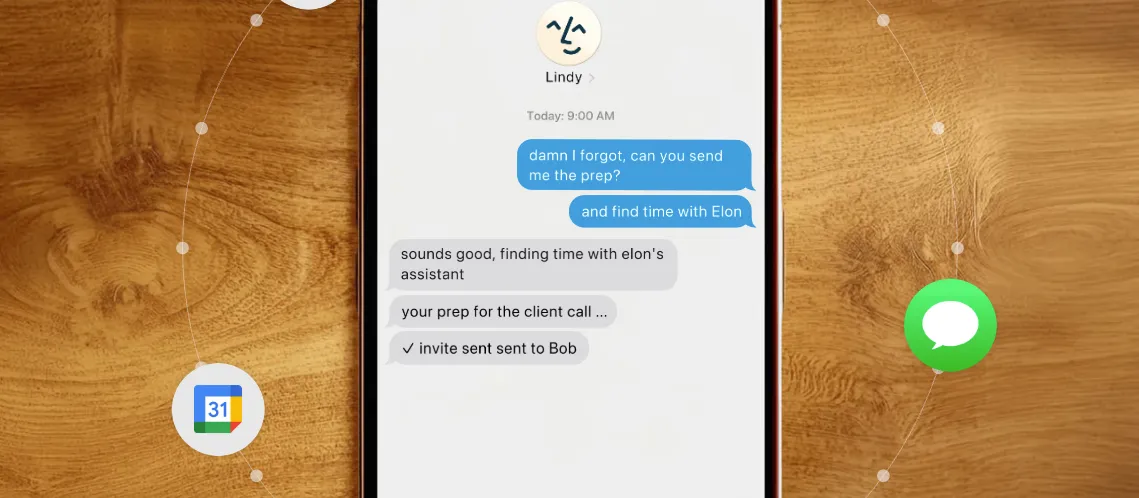
For email and inbox: This is where I've seen the most movement in 2026. Tools like Lindy are building genuine inbox agents — draft replies, categorize threads, surface follow-ups. I haven't personally run one long-term yet, so I'm cautious about recommending any specific one with full confidence. What I can say is: the category is maturing fast, and it's worth trialing something if inbox management is eating your week. Inbox agents are one corner of the broader spread of agentic AI tools, though, and knowing which type you're actually shopping for keeps a trial from turning into a month of tool-hopping.
For content support: Claude or ChatGPT as a general assistant for drafting, repurposing, and research summarization. Claude handles longer documents and nuanced writing tasks better in my experience. ChatGPT has a slightly larger ecosystem of integrations. Both have $20/month plans that are worth it if you're using them daily.
For sales automation: If you're doing any outbound, something that handles follow-up sequences and CRM logging automatically. HubSpot's free CRM has surprisingly capable automation for solo operators. Paid CRMs like HubSpot or Pipedrive have AI layers now — the question is whether you're actually using the features you're paying for.
Maintenance Cost and Tool Sprawl
This is the part nobody talks about when they hand you a list of 15 "best AI automation tools."
Every tool you add is a tool you have to maintain.
That means watching for when an API changes and breaks your Zap. It means noticing when a new version of a connected app moves the button you were automating against. It means re-checking that a workflow you set up eight months ago is still producing accurate output — because the underlying model or service may have changed.
I checked Zapier's public pricing and documentation recently. Their task-based pricing model means costs can climb quickly if you're running a lot of automations at high volume. That's not a complaint — it's just a real cost to factor in.
The pattern I keep seeing (and falling into myself): start with three focused tools, get good results, then start adding things. Six months later, you're paying for seven subscriptions, three of which you've forgotten about, and one of which is actively creating problems.
The discipline that's worked for me: before adding any new automation tool, I ask whether an existing tool in my stack could do the job with a different configuration. Usually the answer is yes.
A reasonable solo operator stack costs somewhere between $65–150/month for the core layers: a general AI assistant, an automation platform, and a meeting tool. Beyond that, you're solving specific problems — and specific problems should have specific justifications.
Quarterly Automation Audit Checklist
I do this every three months. Takes about 45 minutes. Has saved me from more than a few broken automations I didn't know were broken.
Step 1: List every tool and what it's supposed to do. Not what it can do — what it's actually doing in your workflow right now. If you can't answer that in one sentence, that's a flag.
Step 2: Check actual usage. Most SaaS tools show you usage data. Run a workflow three times in the last quarter? Probably not earning its keep.
Step 3: Test live automations end-to-end. Don't assume they're running correctly because you haven't gotten an error notification. Trigger each one manually and verify the output is what you expect. APIs change silently.
Step 4: Check for tool overlap. Are two tools doing roughly the same job? Pick one.
Step 5: Review costs against outcomes. Not "is this useful in theory" — "did this save me measurable time in the last 90 days?" If the ROI isn't clear, it probably isn't there.
Step 6: Identify one new friction point. What's the one thing you're still doing manually that you keep meaning to automate? That's your next project — or a signal that it shouldn't be automated at all.
I'm still figuring out parts of this. The inbox automation category in particular is moving fast enough that I'd encourage checking current reviews rather than trusting any single article — including this one — as the final word on specific tools. The category of ai tools for business automation is genuinely maturing, and what was true six months ago sometimes isn't anymore.
But the underlying logic? Mostly stable. Start with workflow pain. Keep your stack small. Audit it regularly. The tools are less important than the discipline.
https://floatboat.ai/blog/ai-tools-for-business-automation-2026