
AI Agent vs Chatbot: The Difference Is Who Controls the Work
Understand AI agents versus chatbots through execution loops, tools, state, permissions, task fit, risk, and a practical test for choosing the simplest system that works.
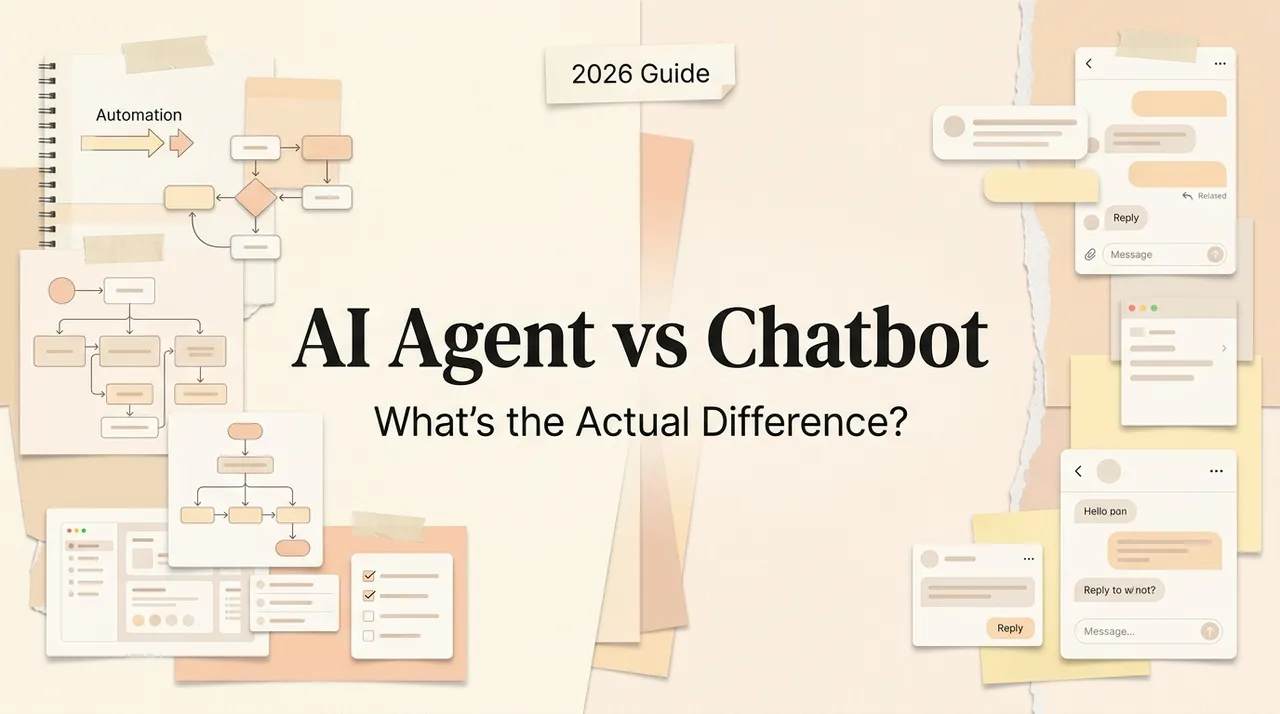
The difference between a chatbot and an AI agent is not the chat box, the model brand, or whether the system calls one tool. It is who controls the execution of the task.
A chatbot is primarily a conversational interface: the user sends a message and the system returns a response. An agent receives a goal, chooses and executes steps in a loop, observes results, and continues until it reaches an exit condition or hands control back to a person.
That boundary matters because an answer can be wrong; an action can also change files, accounts, schedules, records, or money.
Verified October 13, 2026: Product labels continue to blur, so this comparison classifies systems by who selects and executes the next step—not by what a vendor calls the feature.
Five terms people often collapse into “AI agent”
| Term | What it controls | Typical output |
|---|---|---|
| Model | Predicts or reasons over input | Text, structured data, media, or a tool-call proposal |
| Chatbot | Manages conversational turns around a model | A reply or clarification |
| AI assistant | Helps a user across tasks, often with context and optional tools | Advice, drafts, retrieval, or user-directed actions |
| Workflow | Follows a path defined in code or a visual builder | A repeatable sequence of steps |
| Agent | Uses a model to choose the next step and tools until an exit condition | A completed task, artifact, or escalation |
The labels overlap in products. A chatbot can expose search. An assistant can execute tools. An agent can use chat as its interface. Architecture, permissions, and observed behavior are more reliable than marketing names.
For the narrower distinction between an assistant that remains user-directed and an agent that owns more of the task, see AI agent versus AI assistant.
The architecture behind the difference
Chatbot loop
The minimal chatbot pattern is:
- receive a user message;
- assemble conversation context;
- ask a model for a response;
- return that response;
- wait for the next user message.
Modern chatbots may retrieve documents or call a tool before answering. That does not automatically make the whole system an agent. If application code fixes the path and the user remains the driver of each turn, it is still reasonable to call the experience a chatbot or workflow-enabled assistant.
Agent loop
Anthropic defines an agent as a model that directs its own process and tool use rather than following a fixed script. OpenAI similarly describes agents as systems that independently accomplish tasks by using an LLM to manage workflow execution and dynamically select tools.
A practical agent loop is:
- read the goal and current state;
- select a tool or produce an intermediate result;
- execute within granted permissions;
- observe the result or error;
- update state and decide what comes next;
- stop on success, a limit, a blocked condition, or a human-approval gate.
The exit conditions are essential. Without maximum turns, time and cost limits, failure thresholds, and a handoff path, “autonomy” can become an expensive loop.
Tools are necessary, but not sufficient
Tools connect a model to data and actions. Read tools search documents, query a CRM, or inspect a calendar. Write tools create files, send messages, change records, run code, or operate software.
A chatbot can call a weather API once and answer a question. An agent can decide that it needs weather, calendar, and travel tools, call them in an order it selects, detect a conflict, and revise the plan. The difference is dynamic control over the sequence—not the mere presence of an API.
Tool quality determines agent quality. Each tool needs a narrow purpose, validated parameters, explicit authentication, useful errors, idempotency where retries are possible, and accurate read/write risk. The model is not an authorization system: the service behind the tool must enforce identity and scope on every call.
State and memory are not the same thing
The old claim that “chatbots only remember one session while agents remember forever” is false. Chatbots can have saved history and profile memory; agents can be stateless between runs.
Separate four concepts:
- Conversation context: recent messages supplied to the model.
- Run state: current step, tool results, retries, budgets, and pending approvals.
- Durable memory: selected facts or prior episodes stored for future runs.
- System records: authoritative data in a CRM, file store, calendar, or database.
An agent needs enough run state to continue safely, but it does not need unlimited memory. Durable memory creates privacy, deletion, staleness, and poisoning risks. Business facts should normally remain in authoritative systems and be retrieved when needed.
Chatbot, workflow, or agent?
Anthropic distinguishes workflows—where code defines the paths—from agents, where a model dynamically directs the process. OpenAI recommends agents when complex decisions, unstructured data, or brittle rule sets make deterministic automation insufficient.
Use the simplest architecture that meets the task:
Use a chatbot when
- the task ends with an answer, explanation, classification, or draft;
- the user can supply context and judge the response immediately;
- no external change is required;
- low latency and low cost matter more than autonomy.
Examples: explain a policy, rewrite a paragraph, answer product questions, or draft a reply that a person will send.
Use a deterministic workflow when
- the steps and branches are known;
- the same inputs should produce predictable handling;
- auditability matters more than flexible planning;
- APIs provide all required actions.
Examples: copy approved form data into a CRM, route invoices by amount, or notify an owner after a status change.
Use an agent when
- the goal is clear but the necessary steps vary;
- the task involves unstructured files, websites, or ambiguous exceptions;
- the system must choose among tools and recover from some failures;
- the result can be evaluated and risky actions can be gated.
Examples: investigate a support case across several systems and propose a resolution; review a codebase, implement a bounded change, run tests, and prepare a diff; synthesize a sourced report from a changing document set.
Why agents carry more risk
A chatbot's main failure is usually a bad answer. An agent can turn a bad inference into an external action.
Common agent risks include:
- prompt injection in webpages, emails, files, or tool results;
- excessive permissions or credentials shared across tasks;
- duplicate actions after retries or timeouts;
- loops that consume tokens, API quota, or time;
- stale or poisoned memory;
- wrong recipients, records, repositories, or environments;
- poor visibility into which step produced the failure;
- automation bias when users approve without examining evidence.
The controls are ordinary engineering plus model-specific defenses: least-privilege credentials, isolated environments, read-only defaults, structured outputs, input and output validation, allowlists, budget and turn limits, audit logs, test suites, and human approval for consequential actions.
OpenAI recommends rating tools by risk and escalating sensitive, irreversible, or high-impact actions. Anthropic's trustworthy-agent principles emphasize human control, transparency, secure interactions, values, and privacy. A prompt that says “be careful” is not a substitute for these controls.
A decision table based on consequences
| Task | Best starting point | Why |
|---|---|---|
| Explain an unfamiliar concept | Chatbot | The answer is the deliverable |
| Draft a customer email | Chatbot | Human reviews and sends |
| Send an approved template after a form event | Workflow | Known trigger and deterministic action |
| Research vendors and build a cited comparison | Agent with read-only tools | Steps and sources vary; output is reviewable |
| Refund an order | Workflow plus bounded agent recommendation | Money movement needs deterministic authorization |
| Modify a codebase and run tests | Agent in an isolated workspace | Iterative observation and tool use add value |
| Monitor a site every day | Schedule + workflow, optionally an agent for interpretation | The clock and delivery path are deterministic |
This avoids a second common mistake: calling every scheduled automation an agent. A schedule is a trigger. Whether an agent is involved depends on who decides the steps after the trigger.
How to test whether you need an agent
Start with 20–30 representative cases from one real task.
- Define the accepted result. State required evidence, format, maximum review time, and prohibited actions.
- Run a chatbot baseline. Give it the information and ask for the final recommendation or draft. Measure quality and human work still required.
- Run a workflow baseline. Automate the fixed steps and keep ambiguous decisions with a person.
- Add the smallest agent loop. One model, a small tool set, a maximum-turn limit, and a clear final output. Do not start with multiple agents.
- Inject failures. Missing files, conflicting facts, tool errors, duplicate results, malicious instructions, and revoked access.
- Test permission boundaries. Confirm it cannot access unrelated folders, accounts, customers, or production environments.
- Measure full cost. Include model/tool calls, latency, failed runs, review, monitoring, and incident recovery.
- Promote actions gradually. Start read-only, then drafts, then reversible writes, and only later consider higher-consequence actions.
Choose an agent only if it improves the accepted outcome enough to justify the extra cost and risk. If a workflow performs as well, the workflow is usually easier to operate.
What to ask when a product calls itself an agent
- Which decisions does the model make, and which path is fixed?
- What tools can it call, with what scopes?
- What changes can it make without confirmation?
- Where are run state, memory, files, and credentials stored?
- Can a user inspect the plan, tool inputs, results, and final changes?
- What stops loops and duplicate actions?
- How does it handle partial failure and hand back control?
- Can it be evaluated on our historical cases?
- Can we export artifacts and authoritative data?
- Who receives alerts and owns failures after launch?
If the answers only describe a conversational interface, the product may be a capable chatbot with tools—not a system that should be trusted with autonomous execution.
Bottom line
“Chatbot” describes a conversational response pattern. “Agent” describes a system in which a model controls enough of a tool-using execution loop to accomplish a task. Between them sit assistants and deterministic workflows, and many useful products combine all four patterns.
The practical choice is based on task shape and consequence. If the work ends at a response, use a chatbot. If the path is known, use a workflow. If the path varies and tool-based iteration creates measurable value, test a bounded agent. Then grant permissions only as fast as evidence justifies.
To decide where that agent should operate, continue with workflow builder versus AI workspace and how to build agents for repeated work.
Primary sources
Related posts

Local-First vs Cloud Agent Workspaces: Which Fits?
Compare local-first and cloud agent workspaces across files, privacy, background execution, connectors, reliability, and control—then…
Best Markdown Editors in 2026 — Ranked by Workflow, Not Features
Obsidian, Typora, VS Code, Zettlr, iA Writer and more, ranked by workflow fit. What each editor trades away, and where browser tools beat…
Math in Markdown: LaTeX Syntax and Where It Renders
How math in markdown works: dollar-sign LaTeX syntax, where it renders (GitHub, Obsidian, Jekyll), the KaTeX vs MathJax split, and honest…
https://floatboat.ai/blog/ai-agent-vs-chatbot