
Gumloop Alternatives in 2026: What Else Is Worth Considering
Compare Gumloop alternatives n8n, Make, Relay.app, and Lindy by workflow fit, permissions, recovery, cost units, migration risk, and a reproducible pilot.

The best Gumloop alternative is not the product with the longest feature list. It is the one that matches why Gumloop is wrong for your specific workflow: perhaps you need self-hosting, simpler visual automation, explicit human approvals, or an assistant that decides what to do next.
This guide compares four useful directions—n8n, Make, Relay.app, and Lindy—without declaring a universal winner. Exact plan prices are deliberately excluded because they change faster than workflow architecture. Instead, the comparison focuses on execution units, permissions, failure recovery, migration, and a pilot you can reproduce.
Research checked October 13, 2026. Product claims below are drawn from official documentation and pricing pages. Capabilities may depend on plan, hosting model, region, and connector. Verify the exact action and control in a trial workspace.
First decide why you are leaving Gumloop
Gumloop combines visual flows, AI nodes, agents, triggers, and interfaces. Its current cost model passes through model tokens and compute, then adds an orchestration fee. If your question is whether that product works for one process, start with our 2026 Gumloop review. This page addresses the next question: if it does not fit, which architecture should replace it?
Most searches for a Gumloop alternative fall into four groups:
- Control and deployment: you need self-hosting, custom code, or closer infrastructure control.
- Visual SaaS automation: you want a hosted canvas for app-to-app workflows, without making AI the center of every run.
- Human-gated operations: approvals, data requests, and assigned tasks must be first-class workflow steps.
- Assistant-led work: the user states an objective and an agent chooses actions, rather than the user drawing every branch.
These are different requirements. A product that wins one category may be a poor substitute in another.
Comparison at a glance
| Candidate | Consider it when | Main cost unit to measure | Control to verify | Likely trade-off |
|---|---|---|---|---|
| n8n | Self-hosting, custom code, API-heavy workflows | Workflow executions plus hosting, model, and operator cost | Instance, projects, credentials, execution retention | You own more operations and security work |
| Make | Visual hosted scenarios and broad SaaS data movement | Operations/credits plus third-party AI tokens | Connections, teams, incomplete executions, handlers | Operation count can grow with every processed bundle |
| Relay.app | Human approvals and tasks inside a workflow | Runs/steps plus human waiting and review | Assignees, roles, approval and escalation rules | Verify every required connector action |
| Lindy | Assistant-style delegation across common business work | Task/credit usage plus model and human review | Connected accounts, agent actions, approval boundaries | Less explicit control than a fully drawn flow can offer |
The table is a shortlist, not a scorecard. “Has Salesforce” or “supports AI” says little about whether the exact trigger, read, write, scope, retry, and audit path you need are available.
n8n: when infrastructure and logic control matter
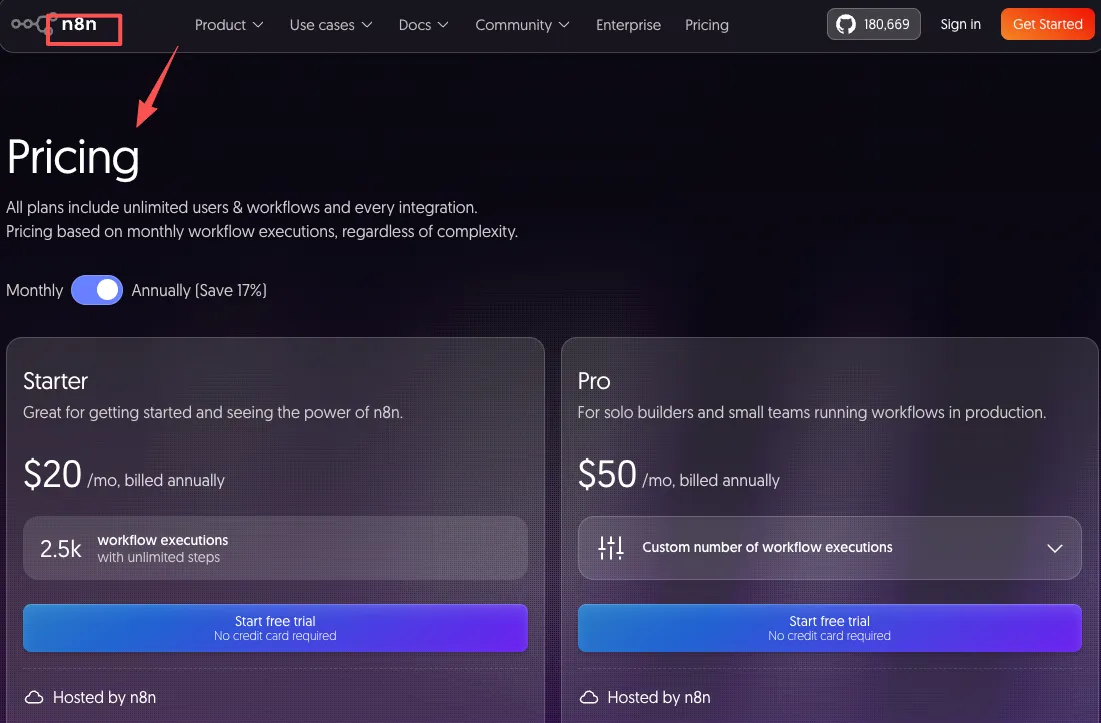
n8n is the strongest direction here for teams that want to host the automation layer themselves or combine visual building with custom code and direct API calls. It suits engineers and technical operations teams that are prepared to own upgrades, secrets, databases, queues, monitoring, and incident response.
Its official execution documentation shows a practical recovery advantage: teams can filter run history, inspect prior execution data, and retry a failed workflow using either the current saved workflow or the original version. Availability of custom execution data varies by edition, so do not assume every debugging control exists in a free deployment.
Self-hosted does not mean free in operational terms. Include compute, database and backup storage, log retention, model/API charges, engineering time, on-call work, and security maintenance. Also review the license and edition boundaries for your use case. The relevant cost is:
infrastructure + paid services + model usage + maintenance hours + incident cost
Choose n8n over Gumloop when deployment control and extensibility outweigh managed convenience. Do not choose it merely to avoid a subscription if nobody can securely operate the instance.
Make: when the workflow is mostly SaaS data movement
Make is a visual, hosted automation platform organized around scenarios and modules. It is a credible alternative when most work is deterministic: receive an event, transform bundles of data, branch, and update other SaaS systems.
Make's current documentation distinguishes credits from operations. With third-party AI modules that use your own provider connection, Make may meter platform activity while the AI provider bills tokens separately. That means “one workflow run” is not a reliable cost unit. Count how many bundles pass through how many billable modules, then add external model and app charges. See Make's official credits documentation and pricing page.
Recovery is more explicit than a happy-path demo suggests. Make documents incomplete executions and error-handling routes, including retry, resume, skip, commit, and rollback behaviors where supported. Its error handling guide is useful evidence, but you still need to test whether a target app supports transactional rollback and whether a retry duplicates side effects.
Choose Make when visual data mapping and managed SaaS operation matter more than agent autonomy. Do not assume it is cheaper: a high-fan-out scenario can consume many operations, and AI tokens may be billed elsewhere.
Relay.app: when people are part of the process
Relay.app is differentiated by treating human work as a native workflow element rather than an exception. Its official human-in-the-loop documentation describes approvals, data input, assigned tasks, and human path selection. A run can pause, notify an assignee through email or Slack, apply a due date, send reminders, and escalate overdue work.
That makes Relay worth testing for processes such as customer onboarding, content approval, hiring coordination, or financial preparation where a person must review evidence before the next action. It is not evidence that every integration is deep enough. Inspect the specific trigger and action for each app, the identity used to authorize it, and what happens if the approver is absent.
Human steps also have a cost that plan pages do not capture: queue time, reviewer minutes, reassignment, and escalation. Measure time-to-approval and review load alongside platform usage. Choose Relay when accountable handoffs are central; avoid it as a default if the workflow is pure high-volume machine-to-machine processing.
Lindy: when you want an assistant, not a canvas
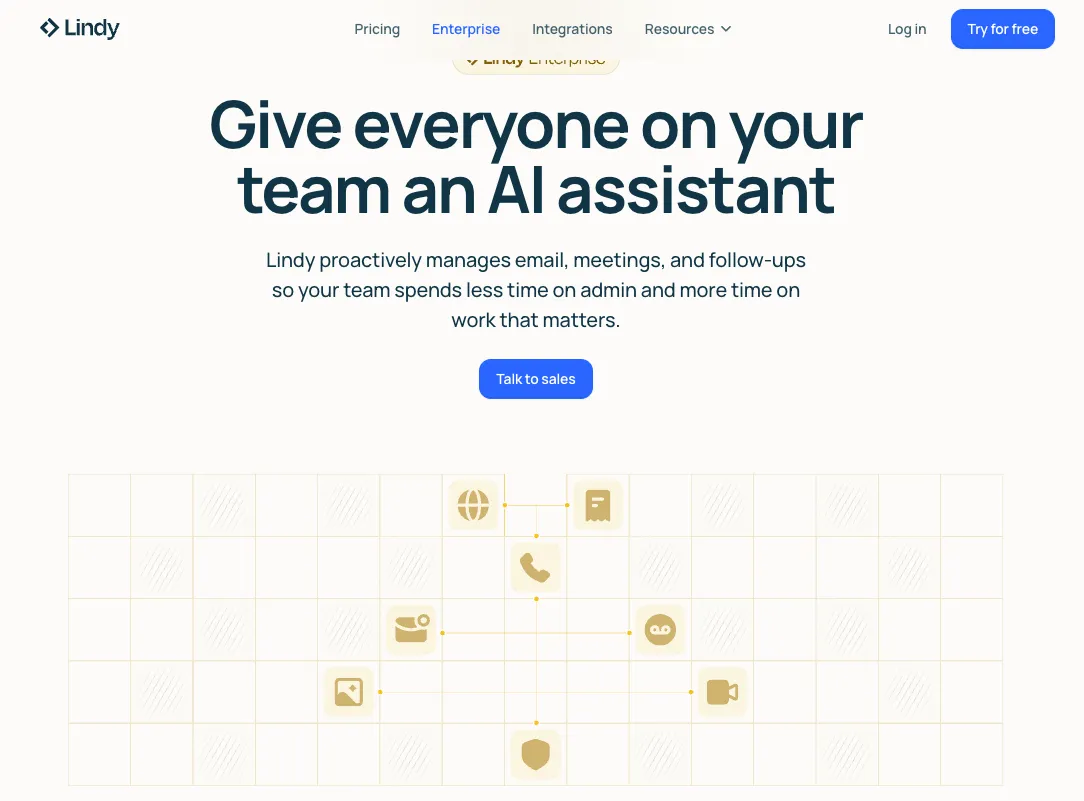
Lindy belongs in the shortlist when the intended interaction is conversational delegation: give an agent a goal, connect business systems, and let it decide among allowed actions. This can fit inbox work, scheduling, CRM follow-up, or research where the path varies from case to case. Lindy's official action configuration guide documents per-action model selection and an “Ask for Confirmation” option for inserting a person into the workflow. Its changelog also documents task history, retries, task termination, and monitoring actions. Treat those as features to verify in the plan and workflow you intend to use.
That is architecturally different from a deterministic Gumloop flow. The benefit is less manual branch design; the cost is less predictability. Evaluate Lindy by action-level permissions, confirmation behavior, run history, model/tool cost, and how the agent behaves when information is missing. Do not rely on claims that it is simply “easier” or “more autonomous.”
Choose Lindy when the task needs bounded judgment and can tolerate an assistant-led path. Keep deterministic routing and irreversible actions outside the agent unless validation or human approval makes the risk acceptable. For a closer product-level comparison, see Lindy versus Gumloop.
One evaluation framework for every candidate
Use the same questions for Gumloop and every alternative:
Task fit
Can the workflow express the real trigger, required fields, branches, loops, delays, and side effects? Test the exact connector action—not the app logo.
Permissions and data
List every credential, scope, data category, processor, region, and retention need. Determine whether access can belong to a service identity, who can reuse it, and how it is revoked when a person leaves.
Cost unit
Normalize vendor-specific meters into cost per accepted outcome:
platform usage + hosting + model/API charges + review/rework + maintenance, divided by accepted outputs
Report median and p95. Loops, fan-out, long inputs, and retries make averages deceptive.
Observability and recovery
Can an owner see the input, chosen branch, tool calls, output, error, and final side effect? Can they retry safely, reconcile a partial batch, and avoid duplicate writes? Test retention and audit access rather than assuming “logs” covers them.
Migration and exit
Inventory triggers, schemas, prompts, scripts, credentials, test cases, schedules, and downstream dependencies. Ask what can be exported in a documented format. Even when a workflow definition is not portable, fixtures and acceptance tests should be.
A reproducible two-platform pilot
Choose one bounded workflow and build it in Gumloop plus one alternative. Use 20–30 fixed cases: normal inputs, empty fields, duplicates, ambiguous records, rate limits, revoked credentials, and cases that must be rejected.
Run both systems in a reversible destination for at least two normal operating cycles. Record:
- accepted-without-edit rate;
- false or unauthorized actions;
- median and p95 completion time;
- cost per accepted outcome;
- human review minutes;
- recovery time after forced failures;
- time needed to make and retest a change.
Before choosing, export or document the workflow and rebuild one representative step outside the product. This small exit drill exposes hidden dependence on proprietary variables, shared credentials, undocumented connector behavior, or history that cannot be retained.
When not to switch
Migration is not automatically progress. Stay on Gumloop when current flows meet written acceptance thresholds, permissions are acceptable, failures can be recovered, and normalized costs remain reasonable. A different interface does not justify rebuilding working production logic.
First remove unnecessary AI calls, modularize repeated logic, tighten inputs, and measure real task breakdowns. Switch when the gap is structural—hosting, identity, approval, audit, connector action, or portability—not because another product has a more attractive demo.
Original visual references
These images are restored from the article's original publication to preserve interface, workflow, and comparison context. Any product UI, pricing, benchmark result, or model availability shown is a historical capture; verify current official information before making a decision.

Final recommendation
- Test n8n for self-hosting, custom logic, and infrastructure control.
- Test Make for managed visual SaaS automation and explicit error routes.
- Test Relay.app when approvals, data requests, and accountable handoffs are core.
- Test Lindy when conversational delegation is more important than drawing every path.
No option earns the label “best Gumloop alternative” before it runs your test set, with your credentials, failure modes, and cost units. The right replacement is the one your team can permission, observe, recover, maintain, and eventually leave.
Related posts

Local-First vs Cloud Agent Workspaces: Which Fits?
Compare local-first and cloud agent workspaces across files, privacy, background execution, connectors, reliability, and control—then…

Best Markdown Editors in 2026 — Ranked by Workflow, Not Features
Obsidian, Typora, VS Code, Zettlr, iA Writer and more, ranked by workflow fit. What each editor trades away, and where browser tools beat…

Math in Markdown: LaTeX Syntax and Where It Renders
How math in markdown works: dollar-sign LaTeX syntax, where it renders (GitHub, Obsidian, Jekyll), the KaTeX vs MathJax split, and honest…
https://floatboat.ai/blog/gumloop-alternatives-2026