
Codex for Chrome vs Claude for Chrome: How to Choose
Compare Codex for Chrome vs Claude for Chrome on signed-in workflows, permissions, multi-tab work, and which solo operators should pick in 2026.
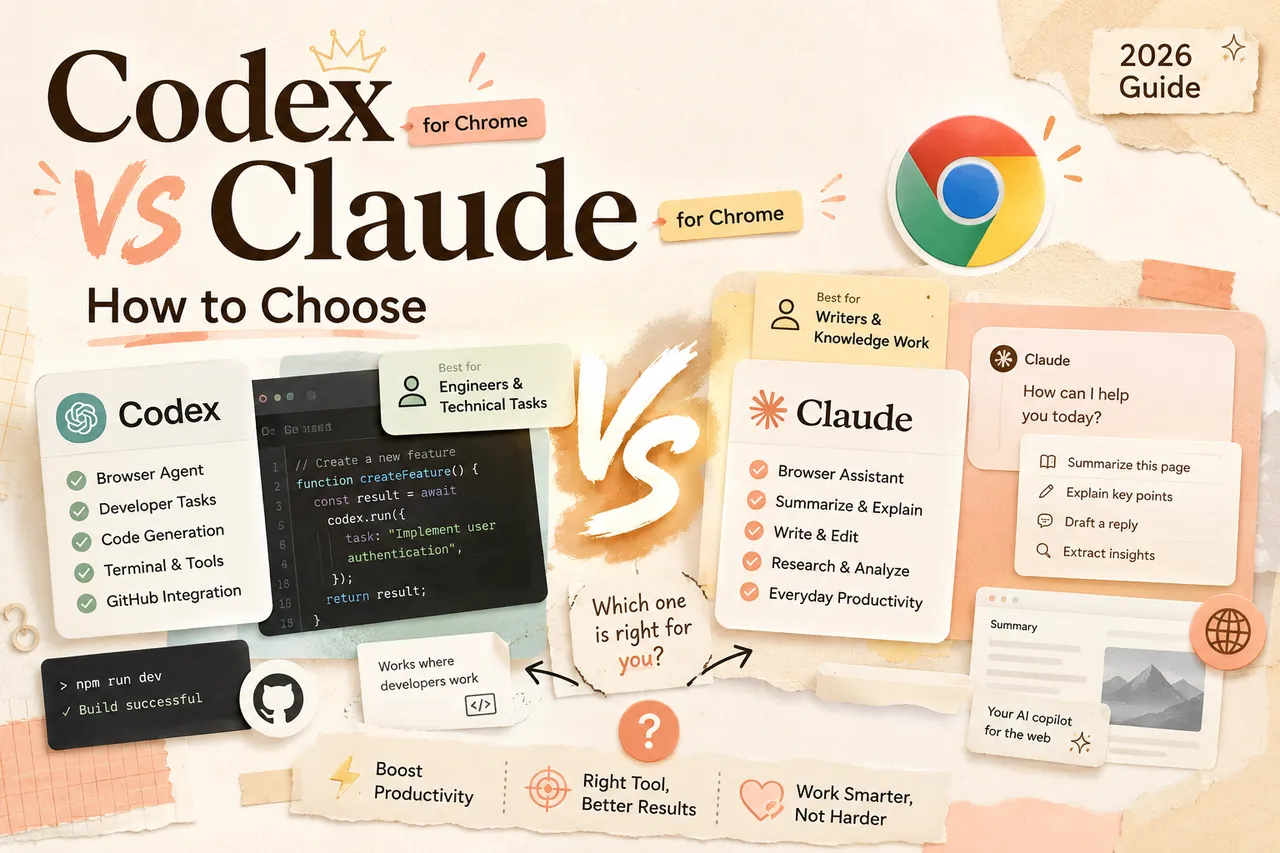
This comparison evaluates two browser-agent designs without claiming hands-on testing. Dynamic capabilities, plan access, and regional availability were checked against official documentation on October 13, 2026 and should be verified again before adoption.
A 30-Second Snapshot of Both Tools
Codex for Chrome is OpenAI's browser extension for the Codex desktop app. Current supported browser actions and setup requirements should be verified in that official documentation.
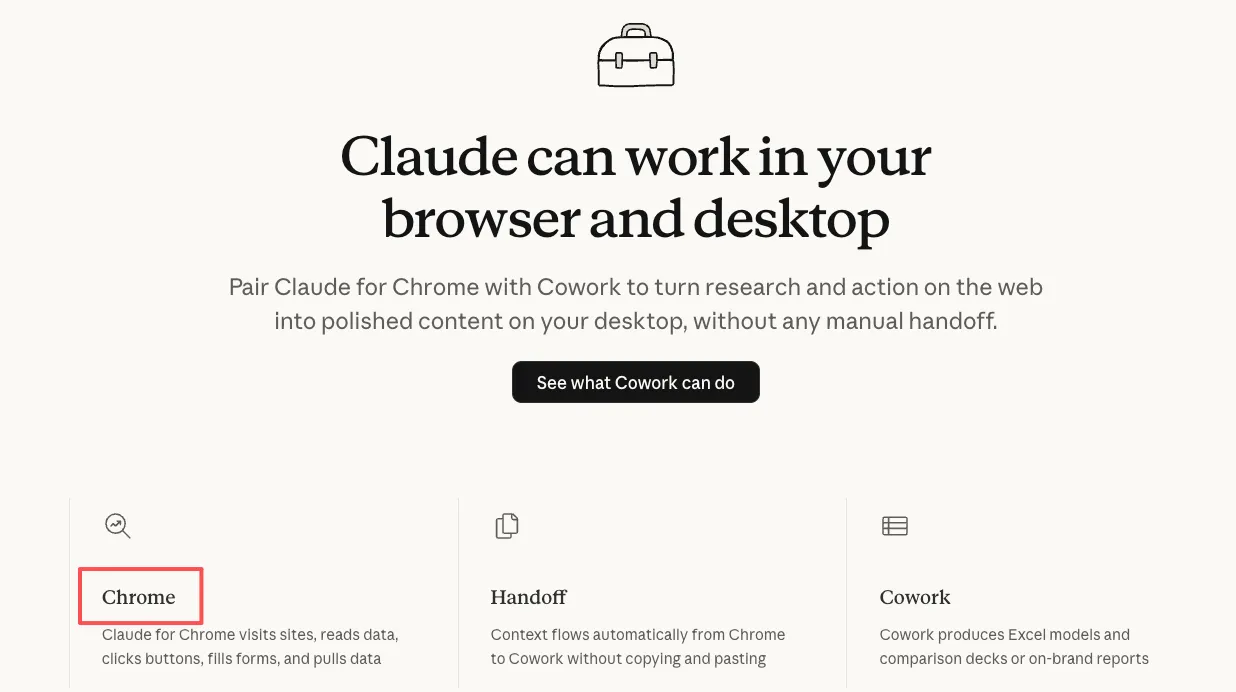
Claude for Chrome is Anthropic's browser-agent surface. Availability, plan access, and supported actions are dynamic; verify the current status in Anthropic's official Chrome documentation, checked October 13, 2026. Anthropic's original announcement provides historical safety context but is not the source of truth for current access.
Same category. Very different design philosophy.
How They Actually Work in a Signed-In Browser
Codex: Plugin + Tab-Group Model
Codex for Chrome isn't a standalone extension — it's a plugin for the Codex desktop app. Install the extension, connect it through Plugins in Codex, and you're set.
The key design choice: Codex works in the background across multiple tabs simultaneously , organized into tab groups per thread. You invoke it with @Chrome in a prompt — something like "open Salesforce and update the account from these call notes" — or let Codex decide when it needs your browser versus its built-in tools. You keep browsing normally while it runs tasks in parallel behind you.
It's built for task delegation . Hand off something, let it run, come back to the output.
Claude: Sidebar Agent Model
Claude takes a fundamentally different approach. It opens as a sidebar on whatever tab you're already viewing . The page you're looking at is the context — Claude reads the live DOM, not a screenshot.
Available models and plan gates can change. What matters for this comparison is the sidebar's access to the current page; long-document behavior should be tested with representative pages and a fixed acceptance rubric.
Claude's model is more conversational . You're working with it about what's on screen, not delegating to a background process. The sidebar supports continuing questions about the current page, but long-document performance should be tested with your own material and acceptance criteria.
Where Each One Wins
Codex Strengths
-
Background parallel execution. Need to hit five web apps, pull data, compile results? Codex runs those tasks across tabs simultaneously while you keep working. For consultants juggling multiple client dashboards, this is the draw.
-
DevTools integration. Codex can interact with Chrome DevTools directly — useful for testing web apps, debugging frontend issues, verifying browser behavior. Claude's sidebar isn't built for that.
-
Codex ecosystem integration. If you're already using Codex CLI or the IDE extension, the Chrome plugin adds browser context to existing workflows. It's not a standalone tool — it's one piece of a larger system, and the more surfaces you bolt on, the sooner the oh-my-codex versus Superpowers question — parallel orchestration or process discipline — stops being theoretical.
Claude Strengths
-
Live page reading. Claude works with the content of the current tab. Long-document behavior should be tested with representative pages and explicit acceptance criteria rather than assumed from a context-window claim.
-
Scheduled tasks and workflow recording. Claude supports scheduled automations — daily, weekly, monthly. You can also record a workflow once and replay it later. Codex's Chrome extension doesn't have built-in scheduling.
-
Claude Code integration. If you use Claude Code in the terminal, the Chrome extension connects directly — build in the terminal, test in the browser, same session. That loop is already shipping.
-
Conversational feel. The sidebar model means you're having a dialogue about what's on screen. For document-heavy work, this feels more natural than delegating to a background agent. Whether research work fits this interface better should be decided with a matched-task pilot.
Permissions, Memory, and Prompt Injection
Per-Site Approval Models
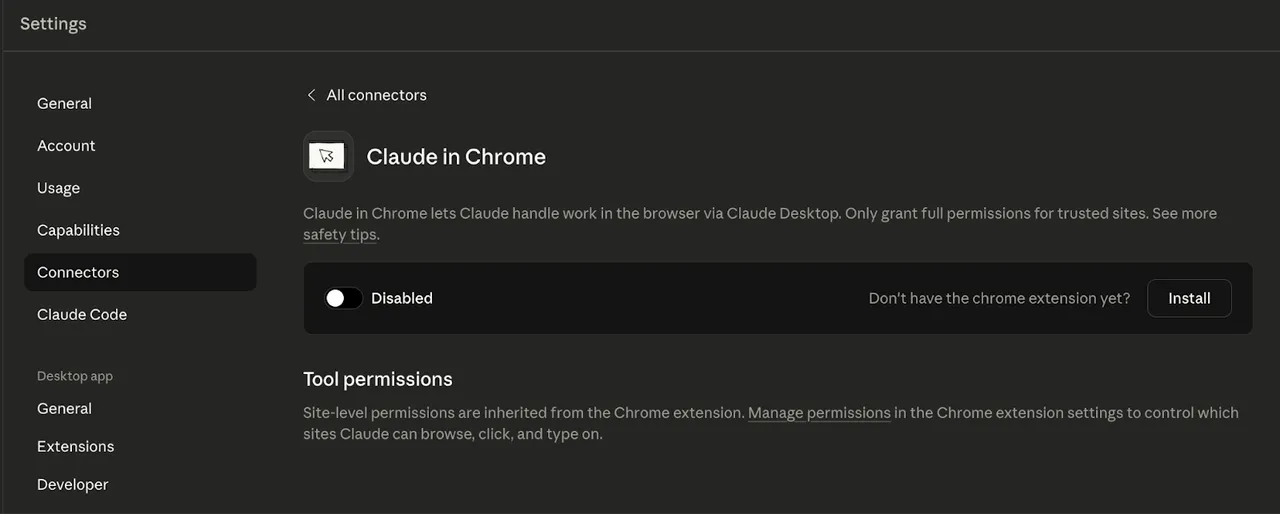
Both tools default to asking before touching a new domain . The mechanisms are similar: allow per-session, always-allow, or decline. Both let you manage allowlists and blocklists.
Codex scopes history access to individual requests — no "always allow" option for browser history. Claude offers permission modes ranging from "ask before every action" to "follow Claude's plan" (approve once, then Claude executes independently). For Teams and Enterprise, admins can push site policies org-wide.
Memory Toggles Compared
Codex ties browser behavior to your existing Memories setting — on means Codex uses saved context during browser tasks, off means sessions stay isolated. Claude's memory model is separate from the extension; you control it through account settings.
Prompt Injection — Plain Talk
Both companies acknowledge this: any AI agent that reads web pages can encounter prompt injection — hidden instructions on a site that try to hijack the agent's actions.
Anthropic published specific numbers: 23.6% attack success rate without mitigations, down to 11.2% with defenses. A recent security investigation showed a trust-boundary flaw in Claude's extension that was bypassed within hours of patching.
OpenAI's docs explicitly warn to "treat page content as untrusted context." Neither company claims the problem is solved.
Security baseline: start with trusted sites and low-risk tasks; do not expand access on financial, medical, or administrative pages until controls are proven.
Plan and Regional Availability
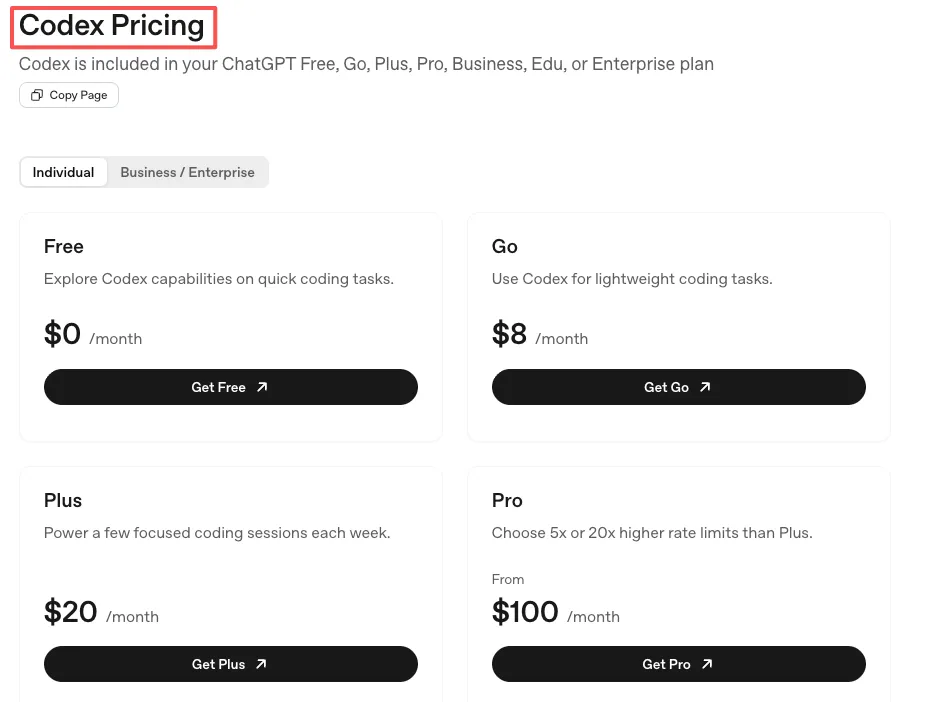
Plans, models, usage limits, and regional gates change quickly. For Codex, use OpenAI’s Codex pricing and Chrome extension documentation. For Claude, use Anthropic’s Chrome documentation and current pricing page. Do not buy based on an expired promotion, a secondary regional report, or a fixed model mapping.
Decision Framework
Pick Codex if…
-
You're already in the Codex ecosystem and want browser context added to existing workflows
-
Your work involves multi-tab background tasks — pulling data from multiple dashboards, updating records, testing web apps
-
You need DevTools access for frontend debugging
-
You're not based in the EU or UK
Pick Claude if…
-
Your work is document-heavy — research, contracts, long threads, content analysis
-
You want conversational, sidebar-based interaction about what's on screen
-
You need scheduled recurring tasks or workflow recording
-
You use Claude Code and want a tight terminal-to-browser loop
-
You're in the EU/UK and need a browser agent that works today
When Neither Is Right
If your browser work is mostly reading articles, checking email, and light research — you probably don't need either yet. The overhead of granting permissions, managing security, and learning the interaction model isn't worth it for tasks you can handle in 30 seconds. These tools earn their spot when your browser workflows involve genuine repetition or complexity . If the answer isn't obvious, that's usually a sign to stay with what you have.
Can You Run Them Side by Side?
Yes. They're separate extensions and don't conflict technically. Run both only in a controlled pilot, with separate site grants and a written acceptance rubric.
But the practical friction is real: context switching between two agent paradigms is mentally expensive. Codex thinks in background tasks and tab groups. Claude thinks in conversations about the current page. Trying to use both on the same workflow means spending more time choosing which one to ask than doing the actual work.
If you want to try both, give each one a specific domain. Codex for multi-tab operations. Claude for document analysis and page-level research. Don't make them share the same task.
Original visual references
These images are restored from the article's original publication to preserve interface, workflow, and comparison context. Any product UI, pricing, benchmark result, or model availability shown is a historical capture; verify current official information before making a decision.
Limitations Both Still Share
-
Neither handles CAPTCHAs or login prompts. Both stop and ask you to intervene manually.
-
Both burn through plan limits faster than regular chat. Browser automation is token-hungry. Lighter plans will feel it.
-
Prompt injection is unsolved for both. Defenses are improving; neither guarantees safety against malicious page content.
-
Neither works on mobile browsers. Desktop Chrome only (Claude also doesn't support other Chromium browsers like Brave or Arc for its extension).
-
Speed varies. Some tasks take longer than doing them manually, especially on unfamiliar page structures.
Related posts

Local-First vs Cloud Agent Workspaces: Which Fits?
Compare local-first and cloud agent workspaces across files, privacy, background execution, connectors, reliability, and control—then…
Best Markdown Editors in 2026 — Ranked by Workflow, Not Features
Obsidian, Typora, VS Code, Zettlr, iA Writer and more, ranked by workflow fit. What each editor trades away, and where browser tools beat…

Math in Markdown: LaTeX Syntax and Where It Renders
How math in markdown works: dollar-sign LaTeX syntax, where it renders (GitHub, Obsidian, Jekyll), the KaTeX vs MathJax split, and honest…
https://floatboat.ai/blog/codex-for-chrome-vs-claude-for-chrome